KSeF Token vs Certificate: A Practical Authorization Guide
We explain the differences between tokens and certificates, show you how to generate them, and when to use each.
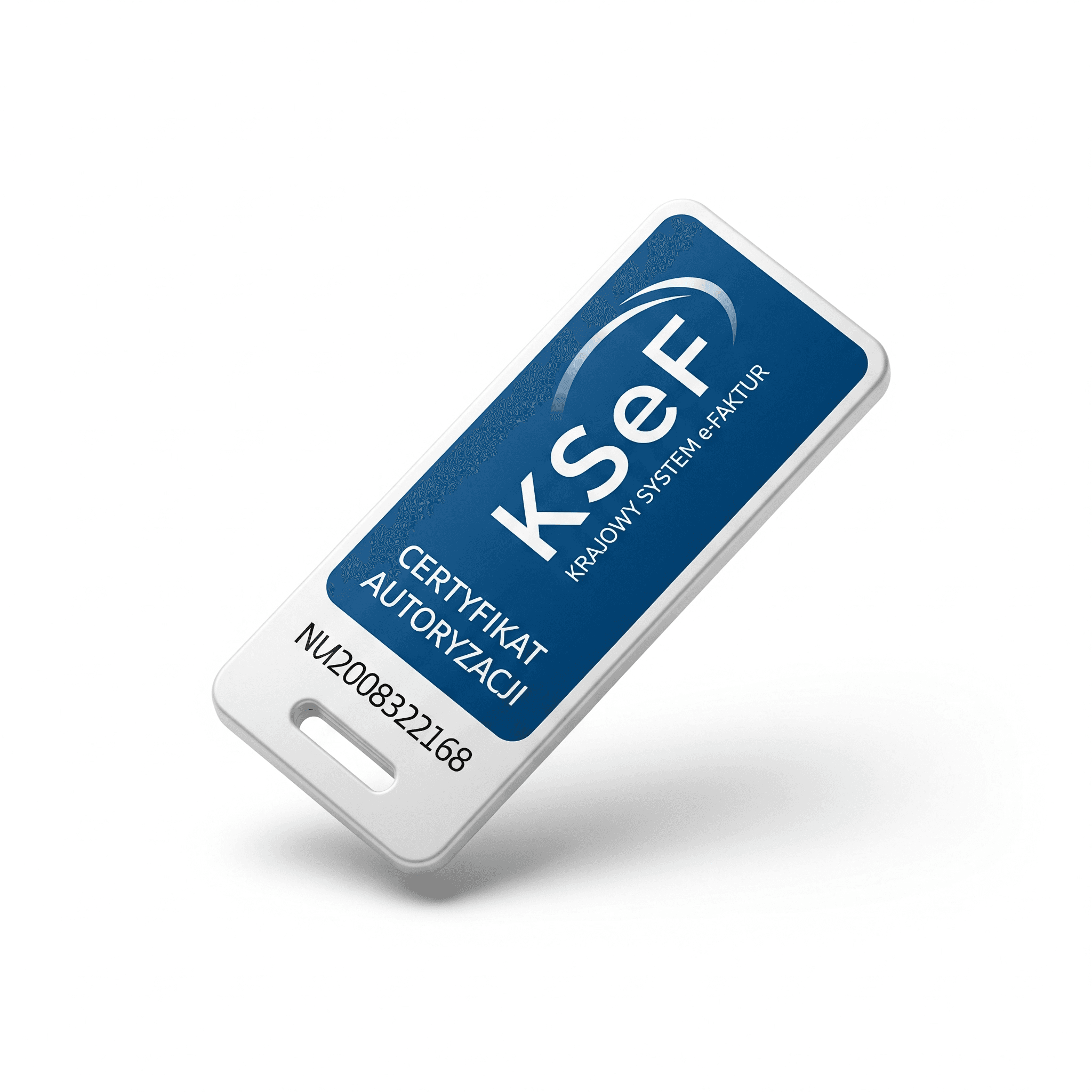
Why do you need a token or certificate?
The Polish National e-Invoice System (KSeF) requires authentication for every entity that wants to issue or retrieve invoices. The Ministry of Finance provides two authorization methods: an authorization token and a KSeF certificate with a private key.
Both methods allow IT systems to communicate with the KSeF API, but they differ in how they work and their complexity level. A token is simpler and most commonly used by accounting software and SaaS integrations. A certificate is a more advanced solution, mainly used in large systems or emergency scenarios.
What is an authorization token?
A token is a unique 40-character alphanumeric string that you generate after logging into KSeF via Trusted Profile, qualified signature, or e-ID. The token works like an API key – the application passes it in requests to KSeF to confirm its identity.
Each token can have specific permissions assigned: invoice issuing only, read-only, or full access. Key feature: the token is displayed only once during generation. If you don't save it, you must delete the token and generate a new one.
That's why you should immediately copy it to a secure location – a password manager, secure vault, or encrypted integration system. Treat the token like online banking credentials.
How to generate a token step by step
Go to ksef.mf.gov.pl and click 'Authenticate'. Enter your company's NIP (tax ID) and log in via Trusted Profile or qualified signature. After logging in, select 'Generate token' from the menu.
In the form, enter a token name (e.g., 'Accounting software 2025') and choose permissions. You can create separate tokens for different systems – one for invoicing, another for CRM integration. After clicking 'Generate token', copy the displayed string and save it securely.
The Ministry of Finance recommends treating the token like online banking credentials. Don't share it with anyone, and if you suspect a leak – delete it immediately and generate a new one.
What is a KSeF certificate and private key?
A KSeF certificate is a cryptographic certificate that identifies a company or system communicating with KSeF. Along with the certificate, a private key is generated that remains exclusively with the user or integration system. The mechanism works similarly to TLS certificates, electronic signatures, or certificates used in banking.
In API communication, the application signs the request with the private key, and KSeF verifies the signature using the certificate. This allows the system to confirm identity without using a token.
The Ministry of Finance provides two types of certificates. Type 1 certificate is used for authentication in the KSeF API, interactive sessions, and batch processing – it can be used by ERP systems or other integration tools instead of a token. Type 2 certificate is used exclusively for marking invoices issued offline when KSeF is unavailable or in emergency mode.
Token vs certificate – when to use which?
A token is best when you use accounting software, integrate KSeF with SaaS, or need simple API access. It's easy to generate, quick to implement, and doesn't require cryptography. That's why most small and medium businesses use only tokens.
A certificate with a private key is better when you have your own ERP system, need a higher level of security, want to handle offline mode, or the integration runs in enterprise infrastructure. In this case, the application stores the certificate and private key, using them to sign communication with KSeF.
Most integration tools use tokens because they're simpler to handle. A certificate and private key are mainly required when the system implements full offline mode support, the company has its own signature infrastructure, or the integration runs without user involvement for extended periods.
How to securely transfer a token or certificate to a tool?
A token or private key is highly sensitive data. They should not be transferred via email, messengers, or text documents. The safest methods are a password manager with sharing features, a secure vault, or encrypted transfer within an application.
In KSeF GPT (ksefgpt.pl), we solved this problem through encrypted authorization data transfer. Tokens and certificates are stored in encrypted form and are never accessible in plain text.
Authorization in KSeF GPT – token or certificate?
In KSeF GPT (ksefgpt.pl), you can use both authorization methods provided by the Ministry of Finance: an authorization token and a KSeF certificate with a private key.
A token is the simplest configuration method. Just generate it in KSeF and paste it into the integration settings. This allows the application to communicate with the KSeF API on behalf of your company and automatically send or retrieve invoices. However, keep in mind that a token can be invalidated or deleted in the KSeF system at any time – in such a case, the integration will stop working and you'll need to generate a new token.
An alternative is authorization with a KSeF certificate and private key. In this model, the application signs communication cryptographically, and KSeF verifies identity based on the certificate. The certificate has a defined validity period – up to 2 years – allowing the integration to work stably for longer without reconfiguration.
In practice: a token means quick configuration and the simplest integration, while a certificate with a private key is a more durable and stable solution for long-term integrations. KSeF GPT supports both mechanisms, so you can choose the method best suited to how your company works.
Related articles
AI Streamlines Electronic Invoices in KSeF: 2026 Guide
How does artificial intelligence detect errors, fraud, and anomalies in KSeF invoices? A practical automation guide for entrepreneurs and accountants in Poland.
KSeFGPT: import, export, analytics and AI for KSeF - all in one application
How KSeFGPT connects directly to the KSeF API, what the AI Chat module, Counterparts module and Invoices module offer - and why the application is available in Polish, English, German and Ukrainian.