KSeFGPT: import, export, analytics and AI for KSeF - all in one application
How KSeFGPT connects directly to the KSeF API, what the AI Chat module, Counterparts module and Invoices module offer - and why the application is available in Polish, English, German and Ukrainian.
What is KSeFGPT? More than just a KSeF interface
Most companies after implementing KSeF do the same thing: open the ministry portal, download XML, open Excel, manually retype data. Then repeat for every invoice. KSeF was supposed to simplify things - instead it became yet another step in a manual process.
KSeFGPT was built to solve this problem. It connects directly to the KSeF API - importing received and issued invoices, exporting data in your preferred formats, generating reports and answering questions about your business in plain language. No copying, no Excel, no manual consolidation.
Importantly, KSeFGPT is fully multilingual. The interface is available in Polish, English, German and Ukrainian - making it useful for Polish companies with international counterparts, as well as for foreign entrepreneurs operating Polish entities.
Invoice import and export - direct KSeF API connection
At the core of KSeFGPT is a direct integration with the National e-Invoice System API. Authorization is handled via token or qualified certificate - exactly like direct KSeF access, but without navigating the ministry portal.
Invoice import means downloading all received invoices (issued by counterparts to your company) and issued invoices (from your company) for any date range. Invoices are automatically parsed from the FA(3) XML format, normalized and stored in a readable structure - with complete seller/buyer data, line items, VAT amounts and KSeF number.
Export works in the opposite direction: you can submit invoices to KSeF directly from KSeFGPT - individually or in bulk. The bulk import module handles hundreds of documents in a single session: pre-submission validation, queuing, status monitoring and a final report with the result for each document. For high-volume companies - retail chains, e-commerce platforms, construction firms with subcontractors - this is the difference between hours of manual work and a few minutes.
Invoices module - full document control
The Invoices module is the central hub for document management in KSeFGPT. It displays the complete list of invoices fetched from KSeF - both received and issued - with filtering by date, counterpart, amount, status and KSeF number.
Every invoice is available in three views: detailed data preview (seller, buyer, line items, VAT rates, net/gross amounts), raw FA(3) XML for inspection or download, and generated PDF for printing and archiving. No need to switch between tools - everything in one place. For issued invoices, the UPO (Urzędowe Poświadczenie Odbioru - Official Acknowledgement of Receipt) is also available: the legal proof that KSeF accepted the document, which is critical for tax and evidentiary purposes.
The module also handles bulk file import - you can upload batches of XML or PDF files. PDF-to-XML conversion is powered by OCR and an AI model that maps recognized fields to the FA(3) schema structure. This is the most technically demanding part of the entire process - conversion quality depends on the readability of the source document. After conversion, every XML goes through pre-submission validation before being sent to KSeF. Each import session generates a report: successfully submitted, rejected with error code, pending - with a specific reason for every error.
Counterparts module - company database with transaction history
The Counterparts module aggregates all companies that have exchanged invoices with your business through KSeF. Each counterpart has a profile: NIP (tax ID), company name, address and complete invoice history - both issued to them and received from them.
Counterpart data is synchronized automatically with every KSeF import. You don't need to manually maintain the database - every new company appears automatically. This is especially useful for accounting offices serving multiple clients and for businesses with high supplier turnover.
From a counterpart profile, you can jump directly to the Chat module with a single click - for example: 'How much did we spend with this supplier in Q1 2026?' or 'Show all invoices from this company with overdue payment'. The counterpart context is automatically carried into the conversation.
Chat module - AI that understands your invoices and your business
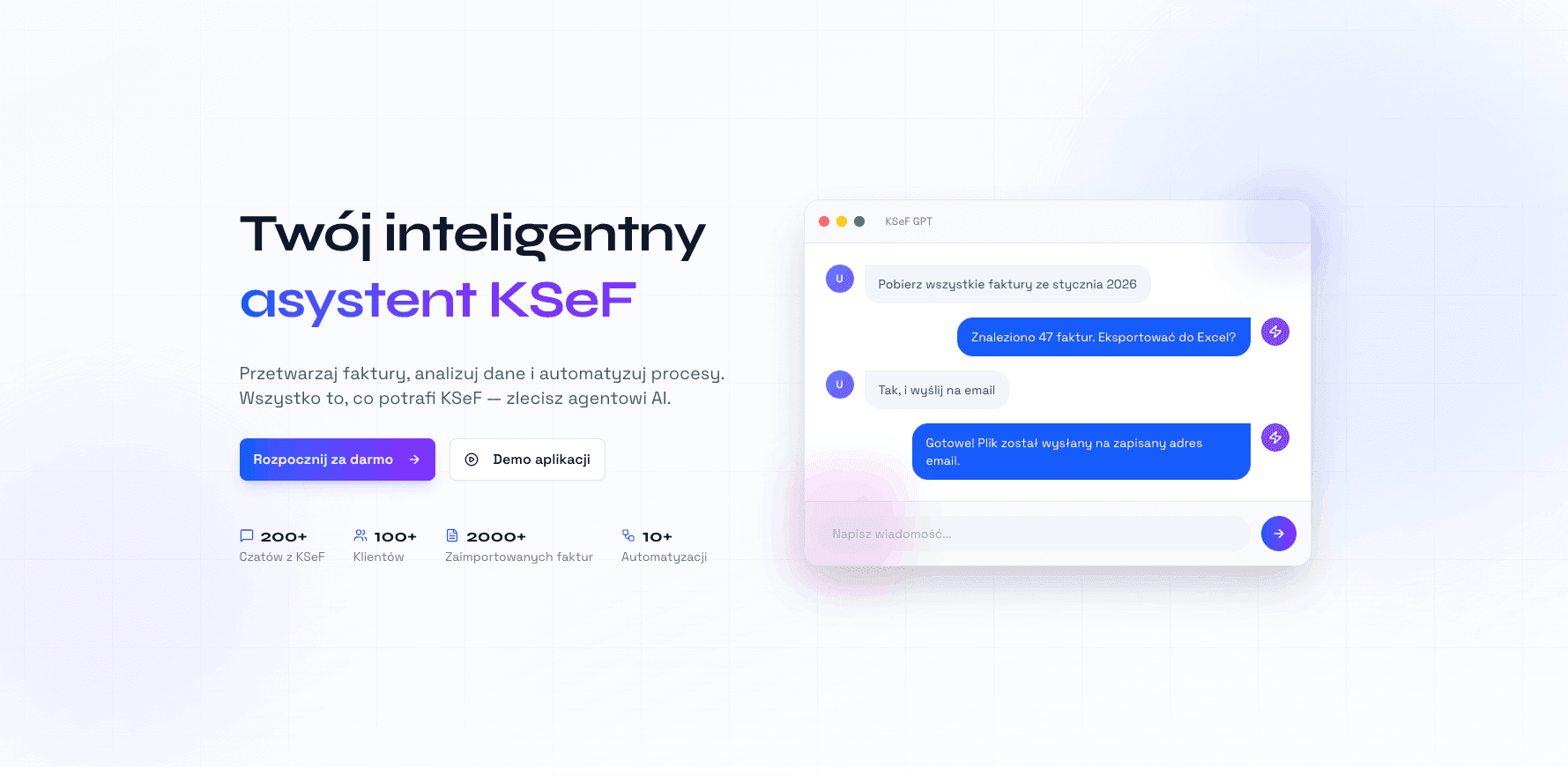
The Chat module is the most advanced part of KSeFGPT. This is not a general-purpose chatbot - it is an AI agent with access to all your invoices fetched from KSeF, answering questions in the context of your company's actual data.
You can ask about specific invoices: 'Find the invoice from ABC Ltd from March for IT services' - the agent searches the database and returns the exact document. But you can also ask analytical questions: 'What was our net revenue in Q1 2026?', 'Compare external service spending in 2025 vs 2026'. Note that in the FA(3) schema, the Platnosc node containing payment due date (TerminPlatnosci) is optional - payment-related questions work for invoices where the issuer included this data.
The most advanced feature is intelligent fact-linking. The AI analyzes patterns across your data and answers business questions that would normally take hours of analyst work: 'Which counterparts generate the most revenue?', 'What is the structure of our customer base - which industries do the companies we invoice operate in?', 'Which service categories are growing year over year?'. The system links data across hundreds of invoices, extracts patterns and presents conclusions in a clear, readable format.
Chat also supports multi-step contextual questions: you can start with a question about a specific company, then refine it: 'And how many of those invoices have already been paid?'. The agent maintains the full conversation context, keeping the thread between questions.
Analytics and integrations with external tools
Data in KSeF is raw gold - but only if you can process it. KSeFGPT offers a built-in analytics module with visualizations: revenue over time, counterpart breakdown, VAT structure, period comparisons. Charts are generated automatically from imported invoices.
Integrations allow you to export data to external tools: Google Sheets, Excel, CSV formats compatible with popular accounting systems. Automations (available in the Pro plan) allow you to set up recurring KSeF imports - the system automatically fetches new invoices hourly or daily and notifies you about new documents.
For companies using ERP systems or custom tools, the KSeFGPT API is available - enabling integration with your own processes without manually using the interface. This is the direction for accounting firms and larger organizations managing dozens of entities.
Available in Polish, English, German and Ukrainian
KSeF is a mandatory system in Poland, but the invoices stored in it concern transactions with counterparts across Europe. Companies from Germany, Ukraine and other countries operating in Poland or partnering with Polish entities need to understand the e-invoice system - and that is exactly who KSeFGPT in their native language is built for.
The English interface serves companies from English-speaking markets and international corporations managing Polish subsidiaries. The German version meets the needs of the many DACH companies operating in Poland - from Germany, Austria and Switzerland - for whom KSeF is a new, unfamiliar system. The Ukrainian version responds to the growing presence of Ukrainian entrepreneurs in Poland who operate businesses and are required to use KSeF.
Switching the interface language requires no separate account - simply toggle the language in the menu and the entire application, including error messages, labels and help content, displays in your chosen language. Invoice data and the AI assistant work identically regardless of the selected interface language.
Who is KSeFGPT for?
For business owners and bookkeepers who want a clear financial picture without spending hours manually processing invoices. Instead of exporting XML from the ministry and importing into Excel - you ask a question and get an answer.
For accounting offices serving multiple clients simultaneously - the counterparts module and bulk import allow you to manage dozens of entities in a single tool, without switching between each client's KSeF panel.
For foreign companies with a Polish subsidiary - the English, German and Ukrainian versions mean a foreign CFO or owner can independently review their Polish entity's invoices without a language barrier.
The free KSeFGPT plan lets you start without a credit card. Importing your first invoices, viewing them in the Invoices module and basic Chat questions are available immediately after creating an account. Paid plans unlock automations, import history and advanced analytics.
Start using KSeFGPT for free
Connect to KSeF, import invoices and ask the AI assistant questions. No credit card required.
Create free accountRelated articles
AI Streamlines Electronic Invoices in KSeF: 2026 Guide
How does artificial intelligence detect errors, fraud, and anomalies in KSeF invoices? A practical automation guide for entrepreneurs and accountants in Poland.
Self-Billing in KSeF: What It Is and How to Streamline Mass Invoice Import
Self-billing reverses the roles — the buyer issues the invoice on behalf of the seller. In the era of mandatory KSeF, this requires proper permissions and a tool for mass document submission. Find out how it works and how ksefgpt solves it.