Most Common KSeF Implementation Challenges and How to Overcome Them
Discover the most common KSeF implementation challenges in 2026: XML validation errors, invoice visibility problems, contractor data quality, and emergency situations. Learn how to solve them effectively.

Summary
KSeF implementation requires technical and organisational adaptation, not just software installation.
The most common issues are XML validation errors, invoice visibility problems, and incorrect contractor data.
Automation, testing on the demo environment, and proper procedures minimise rejections and the risk of errors.
Implementing KSeF is a process that requires far more than simply installing new software. Even experienced accountants and business owners with large IT departments encounter serious obstacles: XML validation errors, invoice visibility issues on the contractor side, inconsistent NIP data, and emergency situations for which procedures do not yet exist. Since 2026, KSeF has been mandatory for all active VAT taxpayers in Poland, meaning the scale of challenges affects hundreds of thousands of companies. This article systematically covers the most common difficulties and concrete ways to eliminate them, both at the technical and organisational level.
Key takeaways
The table below summarises the most important areas to focus on during the planning phase of implementation.
| Point | Details |
|---|---|
| XML validation is a priority | Most technical problems during implementation stem from errors in the XML structure of invoice files. |
| Contractor data under control | The accuracy of NIP and address information determines implementation success and minimises disputes. |
| Prepare for edge cases | Outages, non-standard processes, and KSeF exceptions require organisational preparation and solid contingency procedures. |
| Automation is the key | ERP integrations with automatic validation are a proven way to permanently reduce the number of errors. |
Most common XML validation and invoice structure errors
After the general introduction, let us focus on the technical errors that most frequently cause problems at the invoice submission stage. XML validation and invoice data structure errors (FA(3) schema) are the most common technical challenge, causing invoice rejections by the KSeF system. This means the invoice does not reach the contractor, and the issuer must correct it and resubmit, generating delays and the risk of missing payment deadlines.
The FA(3) schema is the mandatory XML structure for a structured invoice, defined by the Ministry of Finance. Every field - from the seller's NIP to the VAT amount - must conform to a precisely defined data type, element order, and required node presence. Even a minor discrepancy, such as an extra space in a text field or a missing optional node required in a specific context, results in the entire document being rejected.
The most common causes of validation errors are: incorrect date format (ISO 8601 required, e.g. 2026-01-15); invalid NIP checksum for the contractor or seller; missing or extra XML nodes not conforming to the FA(3) schema; incorrect currency codes or units of measure not matching KSeF dictionaries; exceeding the maximum length of text fields, e.g. in item descriptions; incorrect VAT amount rounding inconsistent with the KSeF algorithm.
To effectively eliminate these errors, it is essential to perform XML validation and processing before sending to the system. Local validation detects inconsistencies at the invoice generation stage in the ERP or accounting system, before the document reaches KSeF. Tools such as the XML file validator enable quick structural verification without needing to log in to the production system.
Warning: Invoices rejected by KSeF are not recognised as issued under tax law, which can lead to VAT settlement problems and missed payment deadlines.
Pro tip: If you use an ERP system, make sure the KSeF integration includes a built-in FA(3) schema validation module before submission. API-based automation solutions enable real-time automatic XML structure checking, eliminating manual checks and reducing rejections to a minimum.
It is also worth implementing a test procedure on the KSeF demo environment before going live. The Ministry of Finance provides a test environment for verifying invoices without risk to actual settlements.
Invoice visibility and access issues for contractors
With technical pitfalls in mind, it is also worth paying attention to invoice accessibility on the contractor side. Visibility and receipt issues for contractors despite an 'accepted' status, as well as invoice duplication, are phenomena that appeared in the very first weeks of the system's operation.
The 'accepted' status in KSeF means the system has technically accepted the document and assigned it a KSeF number. However, this does not guarantee that the recipient can actually see the invoice in their panel. The cause may be synchronisation delays, incorrect recipient NIP assignment, or access permission issues in the contractor's system.
The most common visibility problem scenarios: invoice accepted but invisible in the contractor's inbox for several hours or days; invoice duplication when resubmitting documents incorrectly considered undelivered; no notifications on the recipient side about new invoices in KSeF; incorrect contractor account permissions to receive invoices in the system; discrepancies between the KSeF number and the invoice's own number in accounting systems.
The key preventive action is regular use of the KSeF invoice import feature, which enables real-time verification of receipt statuses. Instead of waiting for contractor confirmation, you can actively monitor whether the document is accessible on their side. It is also worth establishing a procedure with contractors for confirming receipt of important invoices outside the KSeF system, especially for large transactions.
| Problem | Cause | Recommended action |
|---|---|---|
| Invoice invisible despite 'accepted' status | Synchronisation delay or NIP error | Verify NIP, recheck after 24h |
| Invoice duplication | Resubmission without cancelling the original | Verify status before resubmitting |
| Contractor access denied | Incorrect KSeF permissions | Update authorisations in the system |
| Number discrepancy | Mapping error in ERP system | Synchronise numbering with KSeF |
Contractor data quality and file technical limitations
Moving on from visibility issues, let us look at the fundamental source of errors: data quality and file technical limitations. Poor contractor data quality (NIP, addresses, company names) and file size limits of 1 to 3 MB are practical barriers blocking smooth invoice issuance in KSeF.
An incorrect contractor NIP is one of the most common errors, causing invoice rejection or incorrect assignment. The NIP must pass checksum verification and be active in the VAT taxpayer register. Company addresses often contain abbreviations, typos, or outdated data that do not match CEIDG or KRS records. Company names are often entered in various abbreviated forms, making automatic matching difficult.
Practical steps for verifying contractor data before sending an invoice: check the NIP in the VAT Taxpayer White List database (MF API); verify the contractor's VAT activity status on the invoice issue date; compare the company name with CEIDG or KRS data; update the address from official registers, not from previous invoices; validate the NIP format (10 digits, correct checksum) before saving to the system.
File technical limitations are a separate category of challenges. A single invoice XML file cannot exceed a certain size, which becomes a problem for invoices with many line items or attachments. Invoice batches sent via API have their own limits on the number of documents and total size.
Pro tip: Use the XML invoice generator, which automatically monitors the generated file size and verifies contractor data before generating the document. Such a tool eliminates manual checks and significantly reduces invoice preparation time.

| Parameter | Limit |
|---|---|
| Single XML file size | Up to 3 MB |
| Invoice batch size (API) | Up to 100 MB |
| Number of invoices in one batch | Up to 100 documents |
| Item description field length | Up to 256 characters |
Outages, edge cases, and non-standard KSeF situations
At the end of the list of challenges, let us focus on non-standard cases and outages that can affect even the best-prepared team. Edge cases such as outages, offline mode (7-day synchronisation window), credit notes without cancellation capability, and B2C and export exceptions outside KSeF are areas that require separate procedures.
In the event of a KSeF system outage, the business owner may issue invoices in offline mode using a simplified schema. Invoices issued offline must be synchronised with the KSeF system within 7 days of availability being restored. Missing this deadline can result in tax consequences, so monitoring system status is an operational obligation, not just a technical one.
The most common non-standard situations requiring separate procedures: credit notes cannot be cancelled in KSeF - they require issuing a corrective note or credit invoice referencing the original KSeF number; B2C invoices (for private individuals not conducting business) are excluded from the KSeF obligation but may be voluntarily issued through the system; export of goods and services outside Poland is subject to separate regulations and does not always require submission through KSeF; invoices in foreign currencies require providing the exchange rate in accordance with tax regulations; self-billing (invoices issued by the buyer on behalf of the seller) requires separate permission configuration in KSeF.
The system has become increasingly stable after initial outages, but organisational and process challenges dominate over purely technical ones. 2026 is treated as a transitional period during which penalties are not imposed for errors resulting from good faith and adaptation difficulties.
Pro tip: Develop an internal contingency procedure that specifies who in the company is responsible for monitoring KSeF status, how to handle offline invoices, and who verifies synchronisation after system restoration. Use KSeF invoice management that offers automatic status notifications and facilitates control over the entire process.
Our perspective: what really hinders smooth KSeF implementation?
After covering the most typical difficulties and non-standard situations, it is time for some less obvious conclusions. Observing KSeF implementations across various companies, it is clear that the biggest problems lie not in technology, but in organisation and workflow design. Companies that focused exclusively on technical integration quickly discovered they lacked procedures for exceptional situations and clear accountability.
Automation is not just a convenience. In the context of KSeF, it is a prerequisite for minimising human errors, which account for the majority of invoice rejections. Manual verification of contractor data across a large number of documents is simply inefficient and error-prone. The practice of KSeF invoice automation shows that companies that implemented automatic pre-send validation report significantly lower rejection rates.
Excessive reliance on the literal wording of regulations, without empirical verification on the test environment, is another pitfall. The regulations describe the system logic but cannot replace testing with real data. An iterative approach - testing, error analysis, correction, and retesting - is far more effective than a one-time implementation based solely on documentation. KSeF is an opportunity to standardise invoicing processes across the entire company, but only if the implementation is treated as more than an IT task.
Automation and support for KSeF implementation
The challenges described in this article - from XML validation errors to contractor data problems and emergency situations - have concrete technological solutions. KSeFGPT offers a set of tools designed specifically for entrepreneurs and accountants preparing to work with KSeF.
The platform enables KSeF invoice automation in terms of registration, receipt, and document status verification. The free XML validator allows you to check invoice structure before submission, eliminating the most common causes of rejections. The XML invoice generator, PDF-XML converter, and contractor data verification tools complete the support ecosystem. Check all KSeF GPT features and choose solutions tailored to the scale and specifics of your company.
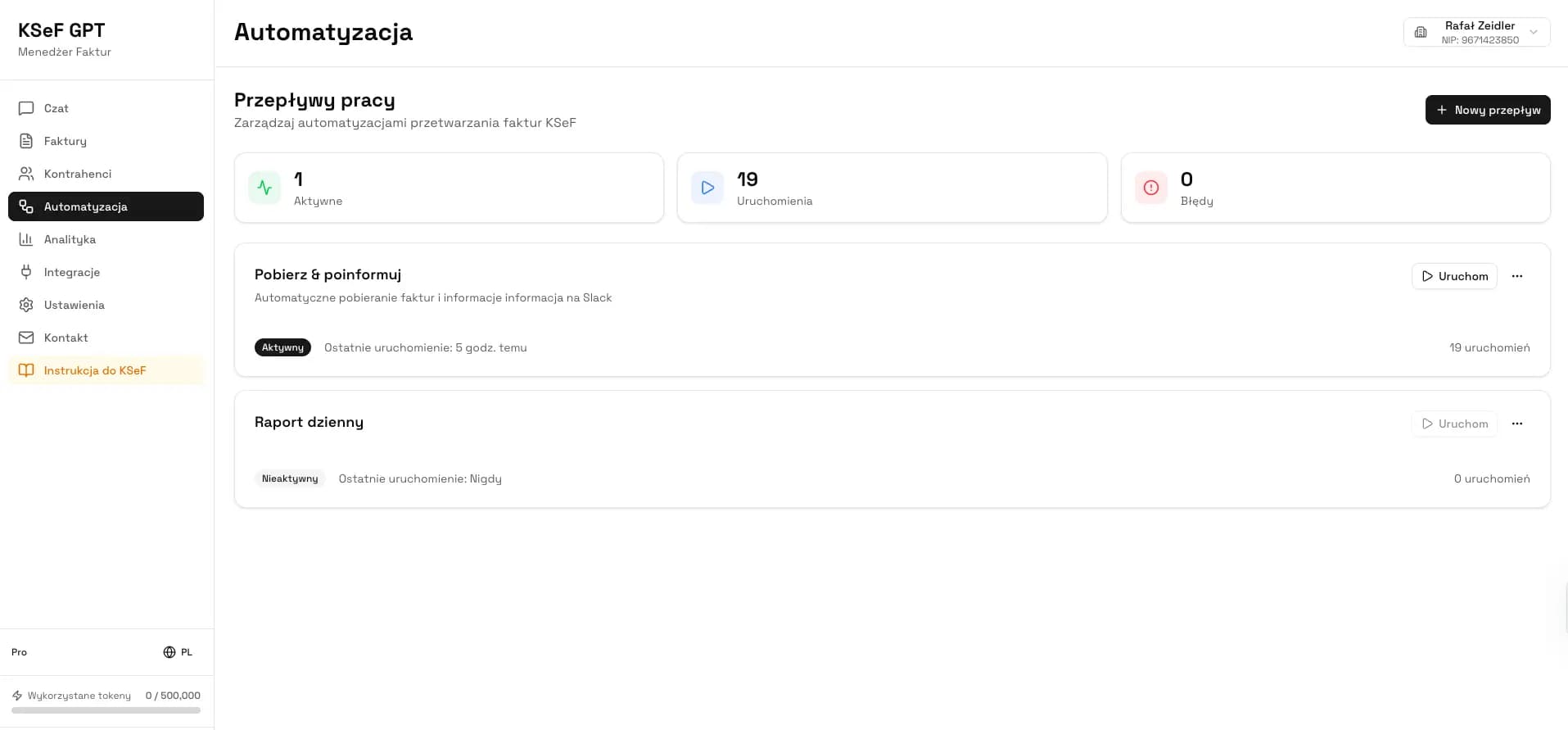
Automate your KSeF implementation with KSeFGPT
Try the XML validator, invoice generator, and AI assistant that helps manage structured invoices without writing a single line of code.
Frequently asked questions
What are the most common technical errors when sending invoices to KSeF? – The most frequent are XML file validation and FA(3) structure errors, causing invoices to be rejected before reaching the recipient. Typical causes include incorrect date format, invalid NIP, or incorrect XML node order.
How can I check whether a contractor has received an invoice in KSeF? – The recipient sees the invoice in their KSeF inbox after system acceptance, but visibility issues despite an 'accepted' status occur with synchronisation delays or incorrect permissions. Active status monitoring via API or a management panel is recommended.
What is the size limit for a single invoice file sent to KSeF? – The invoice file size limit is 1 to 3 MB depending on the document type and submission method. Exceeding the limit results in file rejection without partial processing.
Are there exceptions or special situations when KSeF does not apply? – Offline mode is provided for outages with a mandatory 7-day synchronisation window, and B2C and export invoices are excluded from the KSeF submission obligation. Self-billing and credit notes require separate configuration and procedures.
Recommended articles
Read also: PDF to KSeF XML Converter, XML Validation and Processing in KSeF, Smart Invoice Management – KSeF Automation, Can you opt out of KSeF in 2026?.
Manage KSeF without technical pitfalls
KSeFGPT automates XML validation, contractor data verification, and invoice status monitoring. Implement KSeF smoothly, without manual work with the Ministry of Finance API.
Try KSeFGPTZweryfikowano merytorycznie: Bogdan Mazurek
Tax Advisor · April 18, 2026
Article reviewed for compliance with KSeF 2.0 regulations effective from 1 February 2026.
Related articles
How to send invoices to KSeF - complete guide 2026
How to submit invoices to KSeF in 2026: modes (online, offline24, unavailability, failure), authentication, UPO, limits, common errors and free tools.
How AI Helps with KSeF Invoice Management - Practical Guide
6 applications of artificial intelligence in e-invoicing: from XML validation and PDF conversion to categorisation, anomaly detection, chatbots, and analytics. For business owners and accountants.
XML and the FA(3) schema in KSeF - a guide for businesses
What XML is, why KSeF requires it, and why FA(2) no longer works in 2026. A practical guide without technical jargon.
KSeF 2026: Who must use it and who is exempt?
Poland's mandatory e-invoicing system covers virtually all VAT taxpayers from April 2026. Find out who is exempt and what the penalties are.