PDF to KSeF XML Converter: How to Prepare for Mandatory E-Invoices in 2026
Retyping one invoice seems trivial — the problem starts when there are a hundred per month. From February 2026 KSeF becomes mandatory. A guide to PDF-to-XML conversion, validation pitfalls, and choosing the right tools.
Introduction
Retyping a single invoice into a system seems like a minor task — a few minutes of clicking, copying, and checking. The problem starts when you have a hundred invoices per month, and every typo in a NIP number or incorrect VAT rate can mean your document gets rejected by the government system. From February 2026, Poland’s National e-Invoice System (KSeF) is no longer optional — it becomes mandatory, making automatic PDF-to-XML conversion not a luxury but a daily necessity.
This guide walks you through the entire process — from what a structured invoice actually is, through the mechanics of conversion, to the specific pitfalls to watch out for before your first submission to the Ministry of Finance gateway.
Important notice: KSeF regulations and official interpretations are subject to ongoing changes. This article reflects the state of affairs at the time of publication — in a month or half a year, some information may no longer be accurate. Always verify key decisions with a tax advisor or on the official Ministry of Finance website.
What Is a PDF to KSeF XML Converter and Who Needs It?
Let’s start with the basics. The National e-Invoice System (KSeF) is the Ministry of Finance’s central platform through which entrepreneurs issue, receive, and store invoices in XML format. The system does not accept images, scans, or PDF files — it requires data arranged according to a strictly defined logical structure, known as a schema.
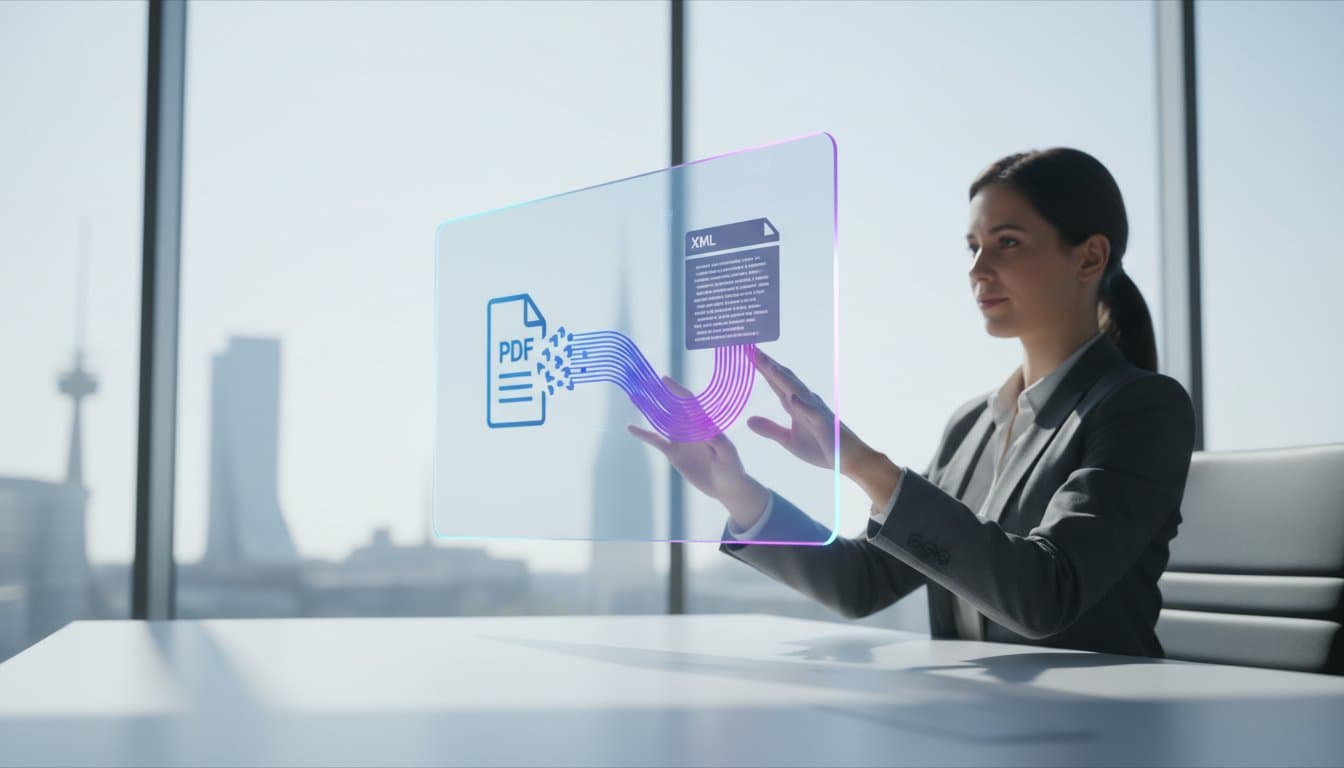
A PDF to KSeF XML converter is a tool that automatically reads the content of an invoice saved in PDF format (or even in a JPG or PNG image file) and transforms it into a structured XML file ready to be sent to KSeF. Think of it as a translator — it takes a human-readable document and converts it into a language understood by the Ministry’s servers.
A common mistake: many entrepreneurs believe that creating an invoice in Excel and emailing it as a PDF constitutes an ‘electronic invoice’ under the new regulations. It does not. A PDF is merely an image of a document. A structured invoice is an XML file containing dozens of technical fields — seller and buyer data, line items with appropriate codes, VAT rates matched to the ministerial dictionary, dates in a strictly defined format. Only such a file, sent via the KSeF API and assigned a unique identifying number, qualifies as an invoice under the new rules.
Not every company needs an external converter — modern ERP systems and accounting software increasingly have built-in KSeF integration. However, a converter becomes essential in several specific situations: cost invoices from many suppliers in various formats, legacy systems without a KSeF module, accounting firms serving hundreds of clients, and companies trading internationally where foreign-currency invoices require intelligent data recognition.
KSeF Implementation Timeline — Key Dates
Mandatory KSeF usage takes effect in stages. From February 1, 2026, the obligation applies to large companies (gross sales exceeding PLN 200 million in 2024) — from this date all entrepreneurs must also receive invoices through KSeF. From April 1, 2026, the obligation extends to remaining entrepreneurs — micro, small, and medium enterprises, including sole proprietorships. From January 1, 2027, the smallest businesses whose monthly gross sales do not exceed PLN 10,000 join.
The year 2026 is treated as a grace period. Penalties for KSeF implementation errors — including issuing invoices outside the system — will not be imposed until the end of 2026. This gives space for learning and testing, but does not mean preparations should be left to the last minute.
Regarding sanctions after the grace period: the penalty for issuing an invoice outside KSeF can reach up to 100% of the VAT amount shown on the document. For zero-VAT invoices — up to 18.7% of the total gross amount.
From Scan to XML File: How Intelligent Conversion Works
Transforming a PDF file into a valid XML file is more than simple text copying. The process consists of several layers, each solving a different problem.
Layer one: OCR — text recognition. OCR (Optical Character Recognition) scans the document and extracts raw text. If the invoice arrived as a scan or photo, OCR converts pixels into characters. However, raw text extraction is just the starting point — the raw text doesn’t know what is a NIP number and what is an invoice number.
Layer two: AI context analysis. This is where the system’s real intelligence begins. AI algorithms analyze the extracted text and recognize the meaning of individual data points. Distinguishing the sale date from the issue date, assigning net amounts to the correct VAT rates, identifying seller and buyer data — these are tasks that simple template-based scripts often fail at. Modern converters use large language models (LLMs) that have analyzed thousands of document templates.
Layer three: XSD schema validation. Before the file reaches the Ministry’s gateway, it must pass technical validation. An XSD schema specifies which fields are mandatory, which data formats are acceptable, and which dependencies must exist between elements. From February 1, 2026, the new FA(3) schema applies, replacing the previous FA(2). The new version introduces flexible payment term definitions, invoice attachments via API, and an extended bank account number format.
During validation, the system checks NIP number correctness (including checksums), country code compliance with the ISO standard, date formats (ISO 8601 YYYY-MM-DD required), and mathematical consistency — whether the sum of net items and tax matches the gross amount.
Sending invoices to an external tool raises justified questions about confidentiality. Reliable platforms use 256-bit SSL encryption and process documents on EU-based servers, ensuring GDPR compliance. Before choosing a tool, check how long uploaded files are stored and whether they are automatically deleted after conversion.
Step by Step: Converting a PDF Invoice to an XML File
Regardless of which specific tool you use, the conversion process looks similar. Here it is described in four steps.
Step 1: File preparation. The quality of the input file directly impacts recognition accuracy. Best results come from 300 DPI resolution — especially for scans and photos. Most converters accept not only PDF but also JPG, PNG, and TIFF. For multi-page invoices, combine pages into a single document before uploading. Heavy watermarks may overlap key data — use clean document versions when possible.
Step 2: Upload and analysis. You upload the file to your chosen tool. The AI algorithm identifies in real time all relevant elements: seller and buyer data, NIP numbers, invoice line items, VAT rates, payment terms, and bank account numbers.
Step 3: Result verification. This is the critical moment. A good converter not only displays recognized data but also flags fields it has doubts about — e.g., an ambiguous account number, an unusual foreign NIP format, or a VAT rate that doesn’t match the ministerial dictionary. Never skip this step — responsibility for invoice correctness always rests with the taxpayer.
Step 4: XML file export. After approving the data, you generate an XML file compliant with the FA(3) structure. The finished document can be downloaded to disk, imported into accounting software, or — if the tool supports it — sent directly to KSeF. Generating the file does not mean it is automatically sent to the Ministry — that is a separate operation you initiate consciously.
Tip for accounting firms: when dealing with large document volumes, look for tools with batch processing — the ability to upload many invoices at once and download them in a single ZIP package can save several hours of work per week.
Most Common Errors and How to Avoid Them
Data from early integration tests indicates that the vast majority of file rejections by the KSeF gateway result from incorrect document structure, not from technical problems on the system side.
Incorrect NIP number — the most common cause of rejections. It’s enough to skip one digit, swap two adjacent ones, or enter the ‘PL’ prefix in a field designated for digits only. A good converter automatically verifies NIP checksums and signals problems before generating the file.
VAT rate mismatch with the ministerial dictionary — KSeF does not accept arbitrary rate descriptions. The value must precisely match the FA(3) structure. The converter should automatically map rates to values accepted by the system.
Missing mandatory fields — omitting the sale date, lacking required procedure markings (e.g., TP, MPP), or leaving the currency code field empty results in document rejection.
Incorrect date formatting — the required format is YYYY-MM-DD (e.g., 2026-04-15). Entries like ‘15.04.2026’ or ‘15/04/2026’ will be rejected. This is a common problem with invoices from foreign counterparts.
Foreign currency discrepancies — for invoices in EUR, USD, GBP, or CHF, the system requires an ISO 4217-compliant currency code and a correct exchange rate — typically the NBP rate from the day preceding the invoice issue date.
Mathematical errors — a situation where the sum of net items and tax doesn’t match the gross amount — even by 1 grosz (0.01 PLN) — results in rejection. Rounding is a serious source of problems, especially for invoices with many line items.
When the Ministry’s system rejects a file, it returns a technical message that isn’t always intuitive. The most common ‘Error 400’ means the document structure doesn’t match the XSD schema. Professional converters translate these codes into understandable language, pointing to the specific line in the file that needs correction.
Tools on the Market — What to Consider
The KSeF tools market is developing dynamically. When choosing a PDF to XML converter, pay attention to: schema currency (FA(3), not the older FA(2)), support for various input formats (PDF, JPG, PNG, TIFF), pre-submission validation (NIP, VAT rates, dates, checksums), batch processing, data security (encryption, EU-based servers, automatic file deletion), and API integration capability.
Both free tools (including the government’s Taxpayer Application KSeF and e-mikrofirma prepared by the Ministry of Finance) and commercial platforms with advanced features are available. It’s worth testing several options on the KSeF test environment before making a decision.
Free KSeF Tools in One Place
PDF converter, XML validator, invoice generator — explore the full set of free KSeF tools, no registration required.
Frequently Asked Questions
Can I still issue paper or PDF invoices? — During the transitional period, partially yes. Until the end of 2026, taxpayers obliged to issue structured invoices may use electronic or paper invoices if the total monthly gross sales value does not exceed PLN 10,000. After this period, B2B invoices must go through KSeF.
What file formats do converters support? — Most tools accept PDF, JPG, PNG, and TIFF. Some even handle phone photos, provided the text is legible. The key is at least 300 DPI resolution.
What if the converter misreads an amount? — A good converter flags doubtful fields and allows manual correction before generating the XML file. Always verify conversion results before submission.
Is the generated XML sent directly to the Ministry? — No. Generating the XML file and sending it to KSeF are two separate steps.
Does the converter support foreign-currency invoices? — Most professional tools support invoices in EUR, USD, GBP, CHF, and other currencies with automatic NBP exchange rate calculation.
Do I need to install additional software? — It depends on the tool. Many converters work entirely in the browser. The government’s Taxpayer Application KSeF is available online.
What is offline24 mode? — A KSeF 2.0 novelty. Offline24 mode allows issuing an invoice even without internet — provided the document is sent to KSeF by the next business day.
What does KSeF give me besides an obligation? — The VAT refund period shortens from 60 to 40 days. Invoices are stored for 10 years, eliminating paper archiving. The JPK_FA file obligation also goes away.
Summary
Automatic PDF-to-XML conversion is a practical solution for anyone receiving invoices in various formats who needs to enter them into KSeF. The key is choosing a tool updated to the FA(3) schema, with NIP validation, VAT rate and checksum verification, and secure data processing.
Article updated based on the legal status as of March 2026, including the VAT Act amendment introducing mandatory KSeF and the FA(3) logical structure effective from February 1, 2026.
How Does PDF to XML Conversion Work in KSeF? Step-by-Step Guide
Try the Free PDF to KSeF XML Converter
Upload an invoice in PDF format and our AI converter will automatically recognize the data and generate an XML file compliant with the FA(3) schema. No registration, no fees.
Convert an InvoiceRelated articles
AI Streamlines Electronic Invoices in KSeF: 2026 Guide
How does artificial intelligence detect errors, fraud, and anomalies in KSeF invoices? A practical automation guide for entrepreneurs and accountants in Poland.
KSeFGPT: import, export, analytics and AI for KSeF - all in one application
How KSeFGPT connects directly to the KSeF API, what the AI Chat module, Counterparts module and Invoices module offer - and why the application is available in Polish, English, German and Ukrainian.