Corrective Invoice in KSeF - How to Issue and Submit a Correction
Correction to zero, manual line-item editing, correction from XML and correction from the KSeF invoice list. See how to prepare a corrective invoice in KSeFGPT.
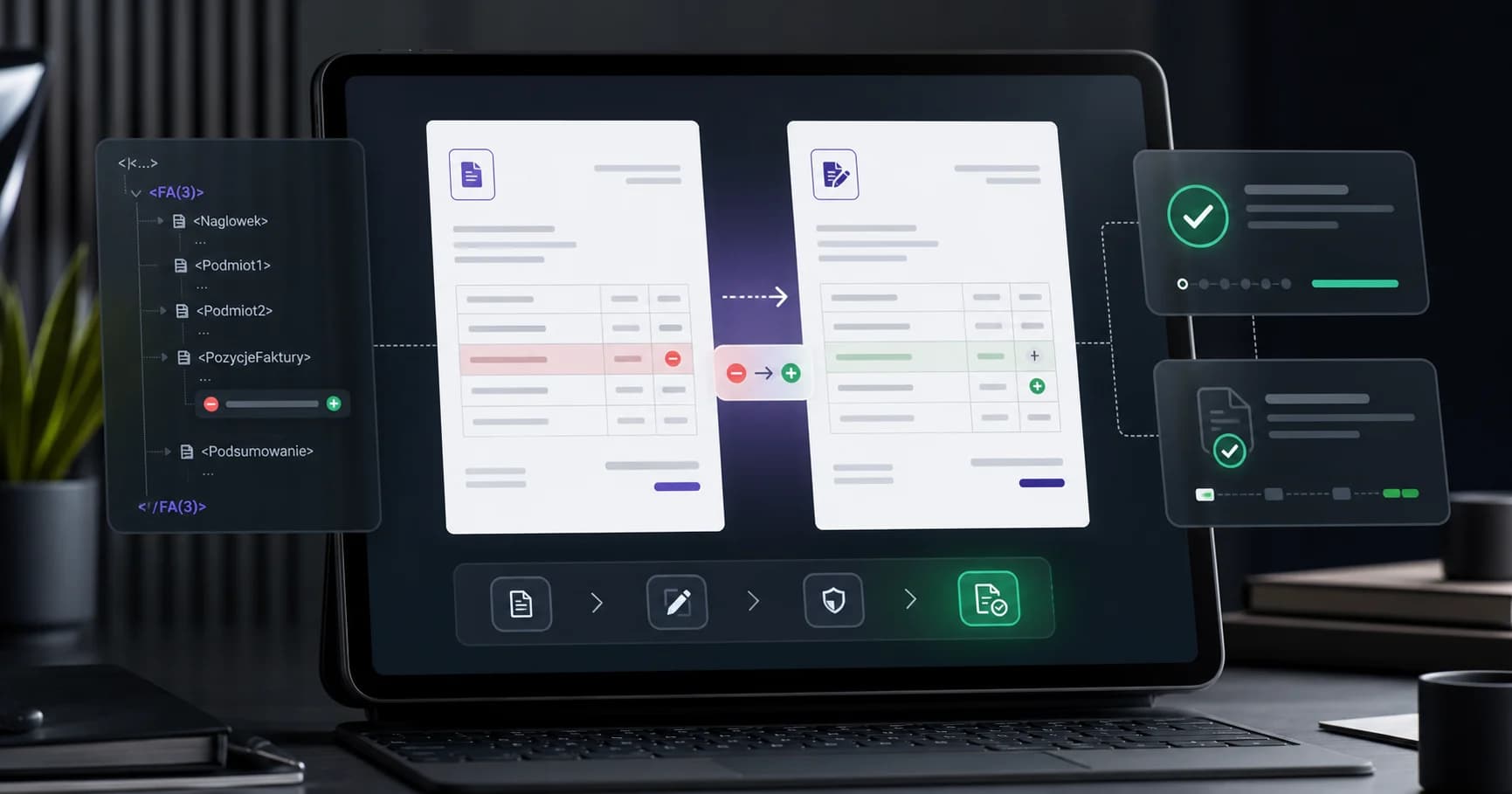
Article Summary
An invoice accepted by KSeF is not corrected by editing it or sending the same document again. Once a KSeF number has been assigned, the correct path is a corrective invoice in the FA(3) structure, linked to the original invoice by invoice number, issue date and, if the original invoice was in KSeF, the KSeF number of the corrected document.
In KSeFGPT you can prepare a correction manually, by selecting a counterparty, from an invoice XML file, or directly from the list of invoices fetched from KSeF. You can issue a correction to zero when the transaction should be neutralized, or edit line items and amounts manually when only part of the document changes.
From 1 February 2026, correction notes are not used in KSeF as a way to fix invoices. For errors in an issued e-invoice, prepare a corrective invoice, validate the FA(3) XML, submit it to KSeF and download the UPO. Do not try to delete or overwrite the original invoice.
Corrective Invoice in KSeF: What It Is and How It Works
A corrective invoice in KSeF is a new structured XML FA(3) invoice that refers to the original invoice and changes its data. You issue it when, after sending an invoice to KSeF, you need to correct an amount, VAT rate, counterparty data, item description, discount, return, cancellation of sale or another document element.
The key distinction is simple: you do not edit the original invoice in KSeF. If it has a KSeF number and UPO, it remains in the system. The correction is a separate document with its own number, date, UPO and KSeF number after acceptance.
| Question | Answer |
|---|---|
| Can I correct an invoice after sending it to KSeF? | Yes, by issuing a corrective invoice, not by editing the accepted invoice. |
| Does the correction get its own KSeF number? | Yes. After acceptance, it receives a separate KSeF number and UPO. |
| Can I correct an invoice to zero? | Yes, this is typical when the transaction should be neutralized, for example after a return or cancellation. |
| Can I issue a correction from XML? | Yes. In KSeFGPT you can load the original invoice XML and prepare the correction from it. |
When to Issue a Corrective Invoice in KSeF
You issue a correction whenever, after issuing an invoice, data with tax or business significance must be changed. Common cases include returned goods, post-sale discount, price error, quantity change, wrong VAT rate, buyer data error, cancellation of the whole transaction or adding missing information required by the invoice structure.
In KSeF the original invoice is permanently recorded. The KSeF number and UPO confirm that the document has been accepted, so the correction does not delete history. It creates another document that describes the change against the original invoice.
If you detect the error before submission, correct the draft and only then send the XML to KSeF. If you detect it after acceptance, prepare a corrective invoice. For the submission process, see Sending invoices to KSeF - complete 2026 guide.
Do You Correct Rejected XML?
No. If the XML was rejected by KSeF, the document was not accepted and did not receive a KSeF number. In that scenario there is nothing to correct in the KSeF workflow. Fix the file, pass validation and submit the invoice again as an original document.
A correction is needed only after the original invoice has been accepted by KSeF. Rejection at validation means the system did not create an effective structured invoice.
In KSeFGPT, watch the document status: draft, validation error, sent, accepted, UPO. Only acceptance and a KSeF number close the issuance process.
Wrong NIP or Wrong Counterparty
A wrong buyer NIP is one of the most sensitive cases because it identifies a party to the transaction. If an invoice was accepted by KSeF with the wrong counterparty data, the practical path often means neutralizing the document for the wrong buyer and issuing a new original invoice for the correct counterparty.
KSeFGPT helps handle this without retyping the whole invoice. First you create a correction to zero from the original invoice, then issue a new invoice by selecting the correct counterparty from the database. This reduces the risk of changing the NIP while accidentally leaving an old address, name or payment data.
Before taking this step, confirm the specific case with accounting or a tax advisor, especially if one of the parties has already settled the invoice.
What Data a Correction Must Contain in FA(3)
A corrective invoice in FA(3) must contain the correction data and a reference to the corrected invoice. In practice this means the original invoice number, its issue date, the reason for correction and, when the original invoice was issued in KSeF, the KSeF number of the corrected invoice.
These fields should not be retyped manually if the system already knows the original invoice. The most convenient path is to start the correction from the KSeF invoice list or from an imported XML file. KSeFGPT carries over the base data and the user focuses on what actually changes.
| Element | Meaning in the correction |
|---|---|
| Corrected invoice number | Links the correction to the original document in accounting circulation. |
| Issue date of the corrected invoice | Helps identify the source document unambiguously. |
| KSeF number of the corrected invoice | Operationally important when the original invoice was accepted in KSeF. |
| Reason for correction | Explains why the document is being corrected. |
| Items after correction | Show the changed values and impact on net, VAT and gross amounts. |
How to Issue a Correction in KSeFGPT from the KSeF Invoice List
The shortest path starts from an invoice already visible in KSeFGPT. The application fetches invoices from KSeF, so you can begin with a concrete document without manually searching for the KSeF number or retyping buyer data.
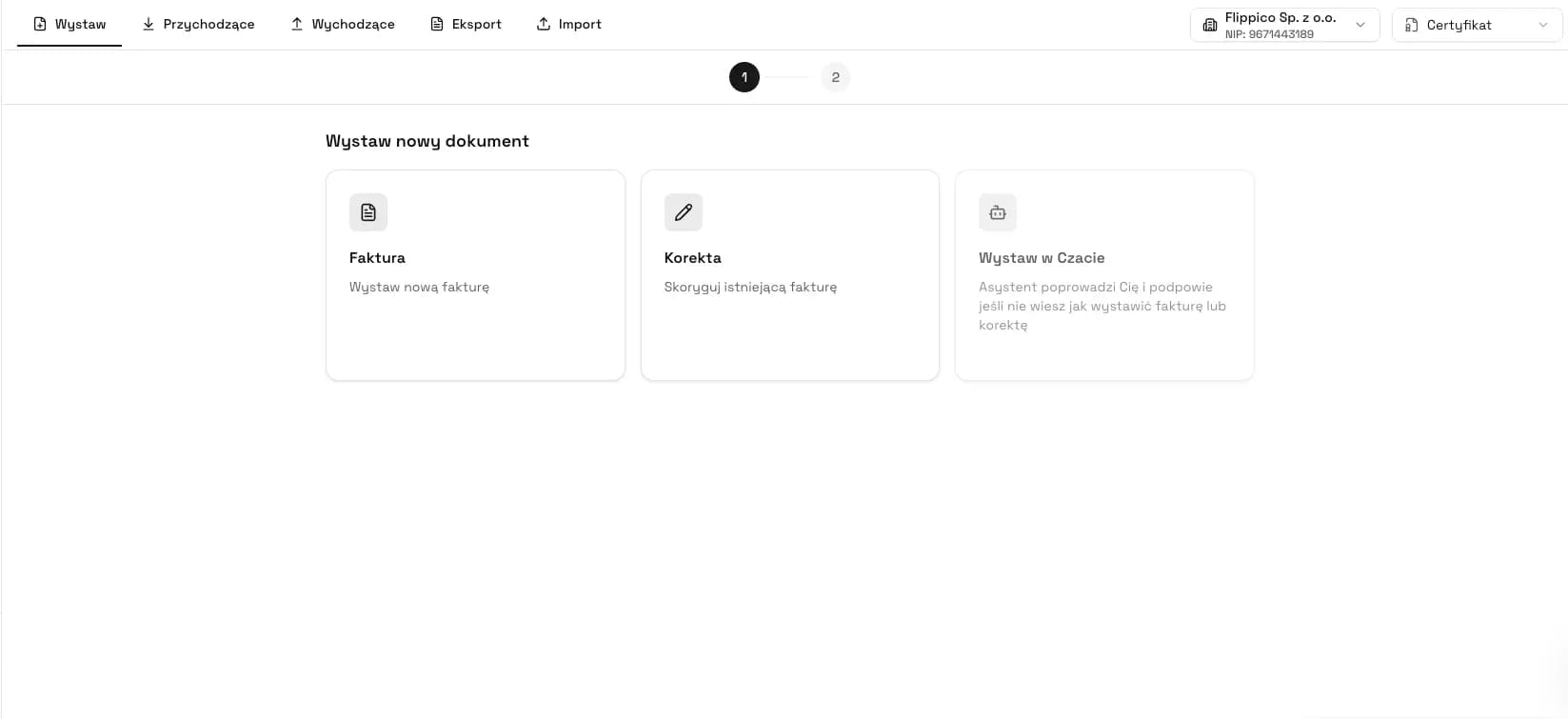
Step 1 - go to the invoice list and find the document you want to correct. Step 2 - choose the create correction action. KSeFGPT creates a corrective invoice draft from the original invoice: counterparty, dates, original number, KSeF number, line items and amounts.
Step 3 - choose the type of change: correction to zero or manual line-item editing. Step 4 - enter the reason, check the net/VAT/gross summary, validate the document and only then submit it to KSeF. After acceptance, download the UPO and save the correction KSeF number.
How to Issue a Correction from an Invoice XML File
A correction from XML is useful when you have the original invoice as an FA(3) file and do not want to retype it into a form. This is common during migration from another system, work with archives, accounting-office support or correcting a document created outside the main company workflow.
In KSeFGPT you upload the invoice XML and the application reads the seller, buyer, invoice number, issue date, KSeF number, line items, amounts, currency, payment and additional markings. You then create the corrective invoice from that data.
After import, check that the XML is FA(3)-compliant, that the KSeF number of the original invoice was carried over correctly and that the line items are complete. You can also use the KSeF XML validator.
Manual Correction and Counterparty Selection
Not every correction must start from the KSeF list or an XML file. In KSeFGPT you can issue a correction manually by selecting a counterparty from the database. This is useful when the original invoice data is outside the system or the correction must be prepared field by field.
Selecting the counterparty reduces errors: the app fills in the name, NIP, address and other saved data. You enter the corrected invoice reference, the reason and edit the line items. This means you do not start from an empty form.
Issue corrections in KSeFGPT without retyping data
Choose an invoice from KSeF, upload XML or select a counterparty and prepare a correction to zero or a manual line-item correction.
Go to KSeFGPTCorrection to Zero: When It Makes Sense
A correction to zero means the corrective invoice neutralizes the values of the original invoice. It is used when the transaction was cancelled, there was a full return, the document was issued for an event that should not remain in settlements, or the parties agreed to fully withdraw the economic effect.
This is not the same as deleting an invoice. The original invoice still exists in KSeF, and the correction to zero creates a second document showing that its effects were corrected.
In KSeFGPT this is convenient because the application knows the original line items and can prepare correcting values without retyping each row. The user should still check the reason, amounts and VAT summary before submission.
Manual Line-Item Editing: When It Is Better Than Zeroing
Manual line-item editing is best when the original invoice is basically correct but one part changed: quantity, price, discount, VAT rate, goods or service description, payment term or additional data. A correction to zero would be too strong and would obscure the document history.
In KSeFGPT you can open invoice items and edit them manually. After the change, the app recalculates the net, VAT and gross summary, and you run validation before submission.
Good practice: do not correct more than needed. If the error concerns one item, correct one item. The more precise the correction, the easier it is to explain later in settlements.
Collective Correction in KSeF
A collective correction is useful when one change applies to many original invoices, for example a period discount for a counterparty. In such cases, references must be disciplined: the correction should identify the affected documents with invoice numbers, issue dates and KSeF numbers when the originals were in KSeF.
This is not a good mode for unclear or mixed corrections. If each invoice needs a different reason, rate or line-item change, separate corrections may be clearer.
For higher volumes, combine corrections with good import and data control. See also Bulk invoice submission to KSeF.
Validation and Submission of a Correction to KSeF
Before submission, a correction should follow the same quality discipline as a standard invoice: FA(3) structure compliance, complete data, correct NIPs, date formats, amount consistency, correct VAT rates and a proper reference to the corrected invoice.
Common mistakes are practical: missing KSeF number of the corrected invoice, wrong original invoice date, unclear reason, correcting amounts inconsistent with line items or re-sending the original instead of the correction.
After submission, monitor the status. The correction is operationally effective only when KSeF accepts it, assigns a KSeF number and makes the UPO available.
Corrections in KSeFGPT and Accounting Office Work
For an accounting office, corrections are sensitive because they often concern client documents, counterparties and already closed settlement periods. Retyping data from the original invoice increases the risk of errors, so the best process starts from source data: invoices fetched from KSeF or an XML file.
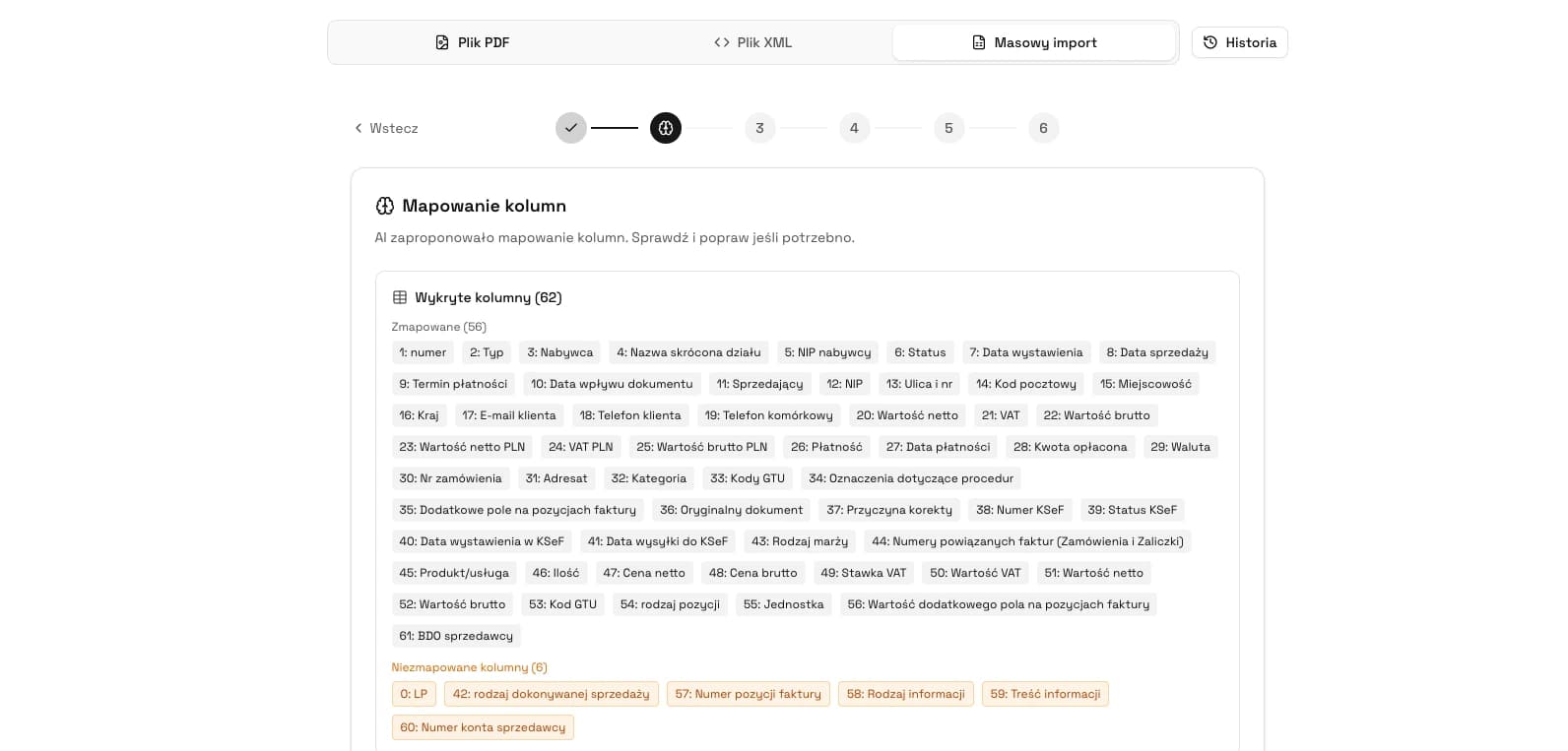
KSeFGPT keeps the workflow in one place: fetch the invoice from KSeF, prepare the correction, verify line items, validate, submit, download UPO and archive. At higher volume, this can be combined with CSV/PDF bulk import and AI mapping.
When designing a team procedure, define who may issue corrections, who approves corrections to zero and where UPOs and correction reasons are stored.
Most Common Mistakes with Corrections in KSeF
The most expensive correction mistakes usually come from rushing, not from XML itself. A user sees an error and tries to send the original invoice again or creates a correction without a complete reference to the corrected invoice.
Another mistake is lack of accounting consistency. Correction to zero is convenient, but it should not be used automatically for every error. If only one line changed, a precise line-item correction is clearer.
A third problem is missing status control after submission. Clicking send is not enough. Only the UPO and the correction KSeF number close the process operationally.
What Else KSeFGPT Provides Besides Corrections
Corrections are part of the broader invoice workflow in KSeFGPT. The application lets you issue invoices manually, select counterparties, import documents from CSV/PDF/XML, send invoices to KSeF, download UPOs, browse incoming and outgoing invoices and use AI to analyze documents.
For single tasks, free tools are also available without full registration, including the PDF to KSeF XML converter and KSeF XML validator.
To see the full feature set, read KSeFGPT - application for invoice import, export and AI analytics.
Prepare a corrective invoice in KSeFGPT
Issue a correction manually, from a counterparty, from XML or from invoices fetched from KSeF. Zero the invoice or manually edit line items before submission.
Start in KSeFGPTExpert Perspective: A Correction Is a Process, Not One Button
KSeF changes the psychology of invoice work. In the old workflow, many companies treated an invoice as a file that could be fixed and resent. In KSeF, an invoice accepted by the system becomes an event with a number, history and UPO confirmation.
A good application should therefore do more than generate XML. It should guide the user through identifying the original invoice, choosing the correction type, justifying it, changing line items, validating, submitting and archiving the UPO.
In practice, the safest path is a correction created from a source document: the KSeF list or XML. The manual form remains for exceptional cases.
Recommendation
If you want to organize the correction process, start with three rules: do not resend the original invoice, always link the correction to the correct KSeF number and do not use correction to zero where one line-item change is enough.
Then test the process in a test environment or safe internal workflow: select an invoice, prepare a correction to zero, prepare a manual correction of one item, check validation and make sure the team knows where to download UPOs.
Further reading: Sending invoices to KSeF - complete 2026 guide, XML validation and processing in KSeF, Bulk invoice submission to KSeF and KSeFGPT - invoice import, export and AI analytics.
Issue a correction in KSeFGPT
Choose an invoice from KSeF, upload XML or select a counterparty. Prepare a correction to zero or manually change line items, validate the document and submit it to KSeF.
Go to the appZweryfikowano merytorycznie: Bogdan Mazurek
Tax Advisor · 16 May 2026
Content verified against KSeF 2.0 principles, the FA(3) structure, the lack of editing for invoices accepted by KSeF and the practical corrective-invoice workflow.
Related articles
Free PDF to XML KSeF Converter - FA(3) Online in 2026
Free PDF to XML KSeF converter - just an email address. Step by step: how to turn a PDF invoice into FA(3) and submit it to KSeF in 2026.
Zondacrypto scandal and KSeF - tax transparency 2026
What links the Zondacrypto collapse to KSeF? Analysis: DAC8, MiCA, PIT-38, and missing documentation. Lessons for crypto firms and accountants in 2026.
KSeF AI - What is Artificial Intelligence in KSeF 2026?
What is KSeF AI, when does it make sense and when does it not? Definitions, market landscape 2026, ViDA, GDPR and a map of AI applications in invoicing in Poland.
How Long to Send an Invoice to KSeF? Deadlines 2026
How long do you have to send an invoice to KSeF? Deadlines in online, offline24, unavailability and failure modes. Specific days and legal basis 2026.