How to add a task with a due date in CRM
Plan a task, choose its due date and assignee.
- Module
- CRM / Tasks
- Reading time
- 3 min
- Difficulty
- Easy
You could do this with your eyes closed :)
- Published
- September 7, 2026
- Author
- Rafał Zeidler
- Format
- Written guide and video
Written procedure
What you will do
Save a new task, due date and assignee. Reload the list to check its name, date and To do status.
Requirements
Before you start
| Item | Requirement |
|---|---|
| Access | Owner of the selected company with CRM access. Verified as the owner. Your plan must include opportunities and tasks, with room left in the relevant limit. |
| Required details | A short task name, due date and available assignee. Linking an opportunity is optional. |
| Starting point | After signing in, select the correct company and open CRM > Tasks. |
| Time | 2 min |
| Effect | Creates a standalone task on the CRM list. The example does not link it to an opportunity. |
Process recording
0:22Plan a task, choose its due date and assignee.
Open a new task
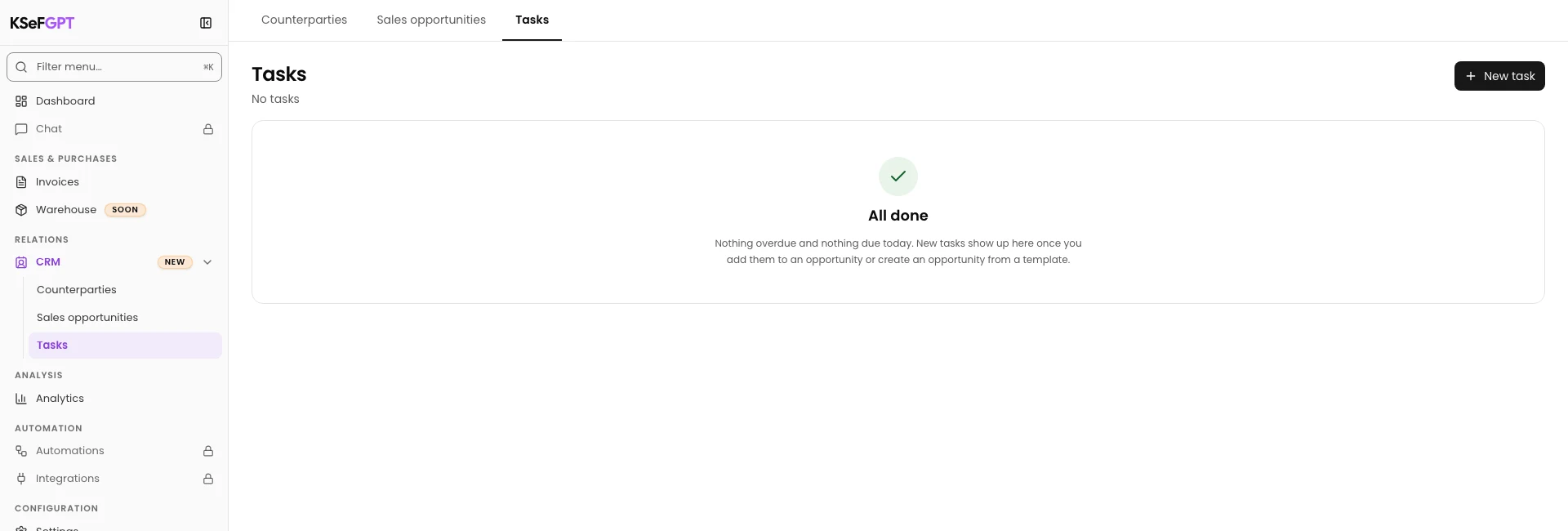
Select CRM > Tasks. Check the active company and select New task.
The New task form opens.
Enter a name and due date
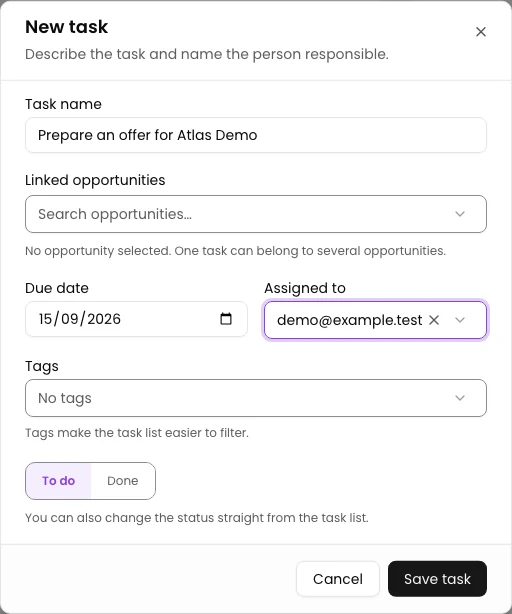
Enter Prepare an offer for Atlas Demo in Task name. Set Due date to September 15, 2026.
Choose the responsible person in Assigned to. The recording selects the demonstration user demo@example.test. Keep Status: To do.
Leave Linked opportunities empty to create a standalone task as in this example.
Save and check the task list
Select Save task. The form closes.
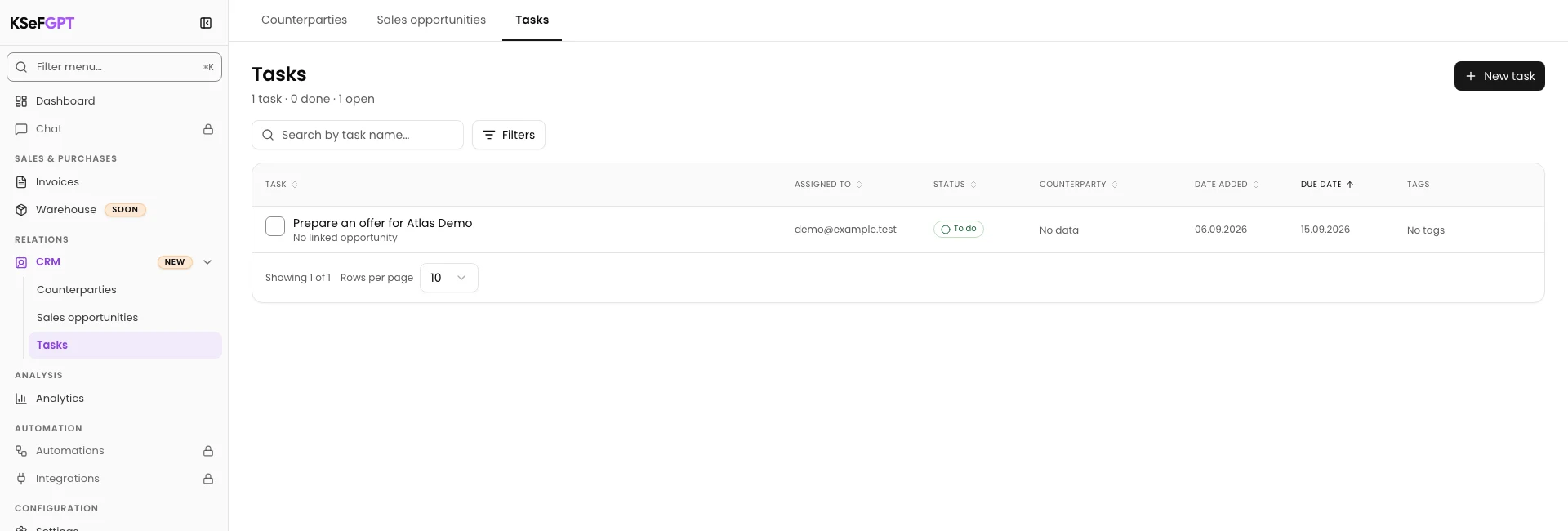
Reload the list and find the task name. Check the assignee, September 15, 2026 and To do in its row.
Final state
Check the result
The Tasks list shows the new entry, selected assignee, September 15, 2026 and To do. A standalone task does not need to show a counterparty in its linked details.
Diagnostics
If something does not work
| Symptom | Cause | What to do |
|---|---|---|
| Enter a task name. | The task name is empty. | Enter a specific name and select Save task again. |
What next
Continue with the related instruction: How to change a task status in CRM.
Browse the remaining CRM instructions.
The task is on the CRM list
The Tasks list shows the new entry, selected assignee, September 15, 2026 and To do. A standalone task does not need to show a counterparty in its linked details.
Open CRM