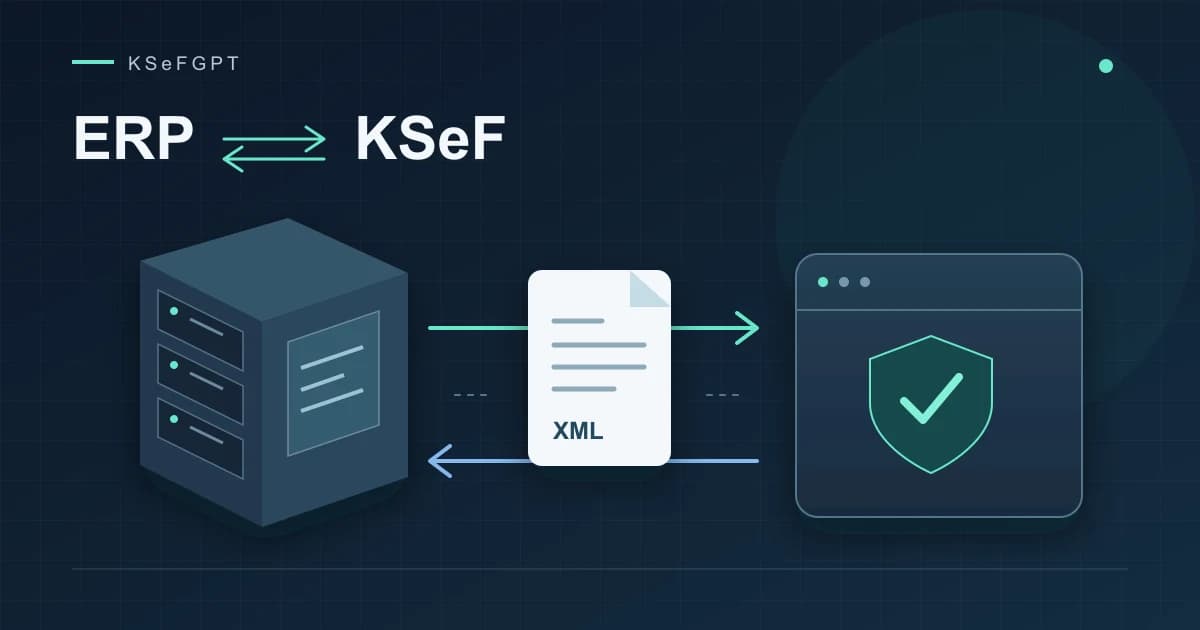
Integrating an ERP system with KSeF step by step
Plan invoice submission and retrieval, divide responsibilities between accounting and IT, and verify the implementation after errors and restarts as well.
TechnologyOctober 15, 2026
Practical knowledge on KSeF - from integration basics to AI-driven invoice automation. Written from real deployments, not theory.
Plan invoice submission and retrieval, divide responsibilities between accounting and IT, and verify the implementation after errors and restarts as well.
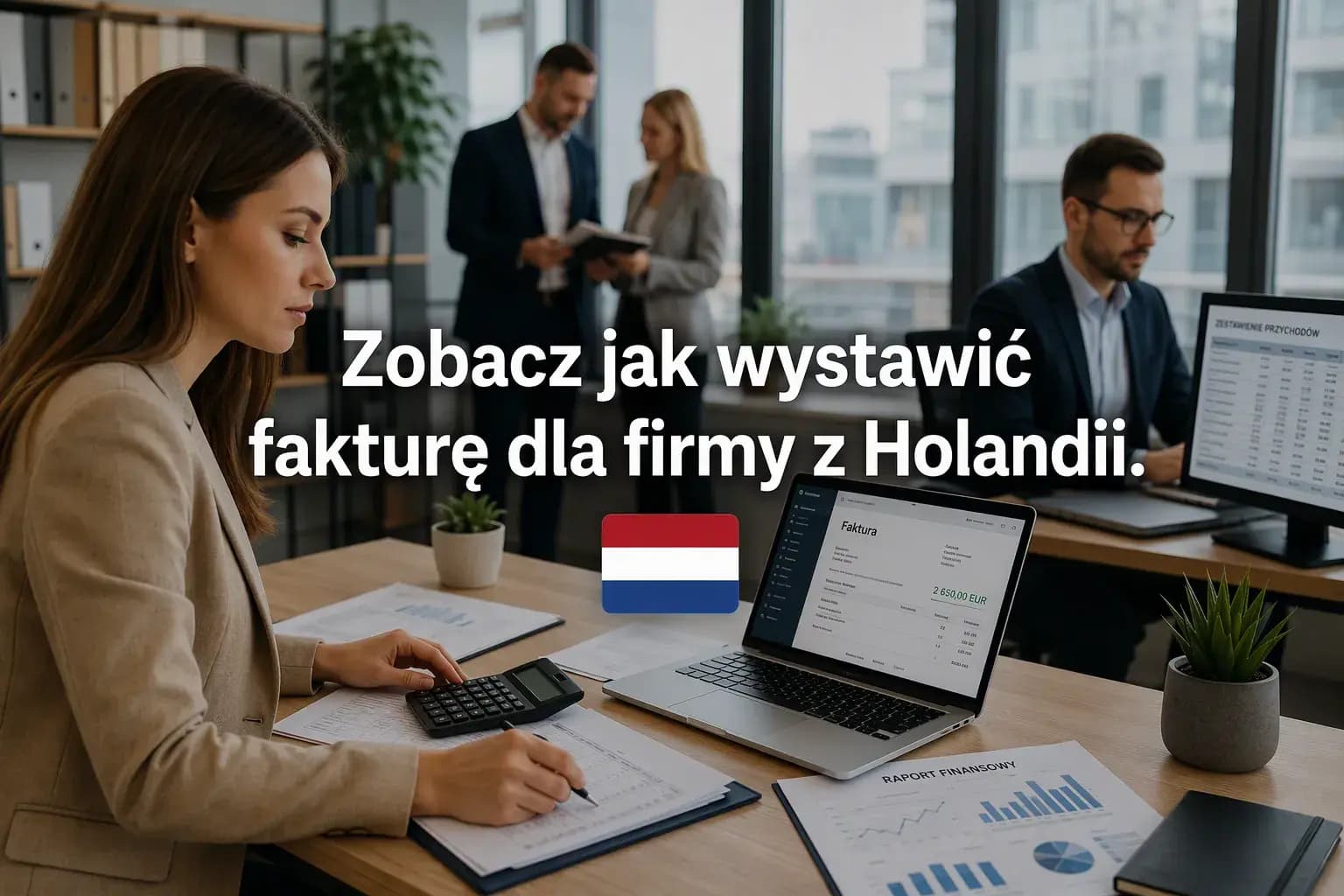
Does your Polish business supply services or ship goods to a Dutch customer? Learn when the buyer accounts for VAT, what a 0% intra-Community supply requires and how to deliver an invoice issued in KSeF.
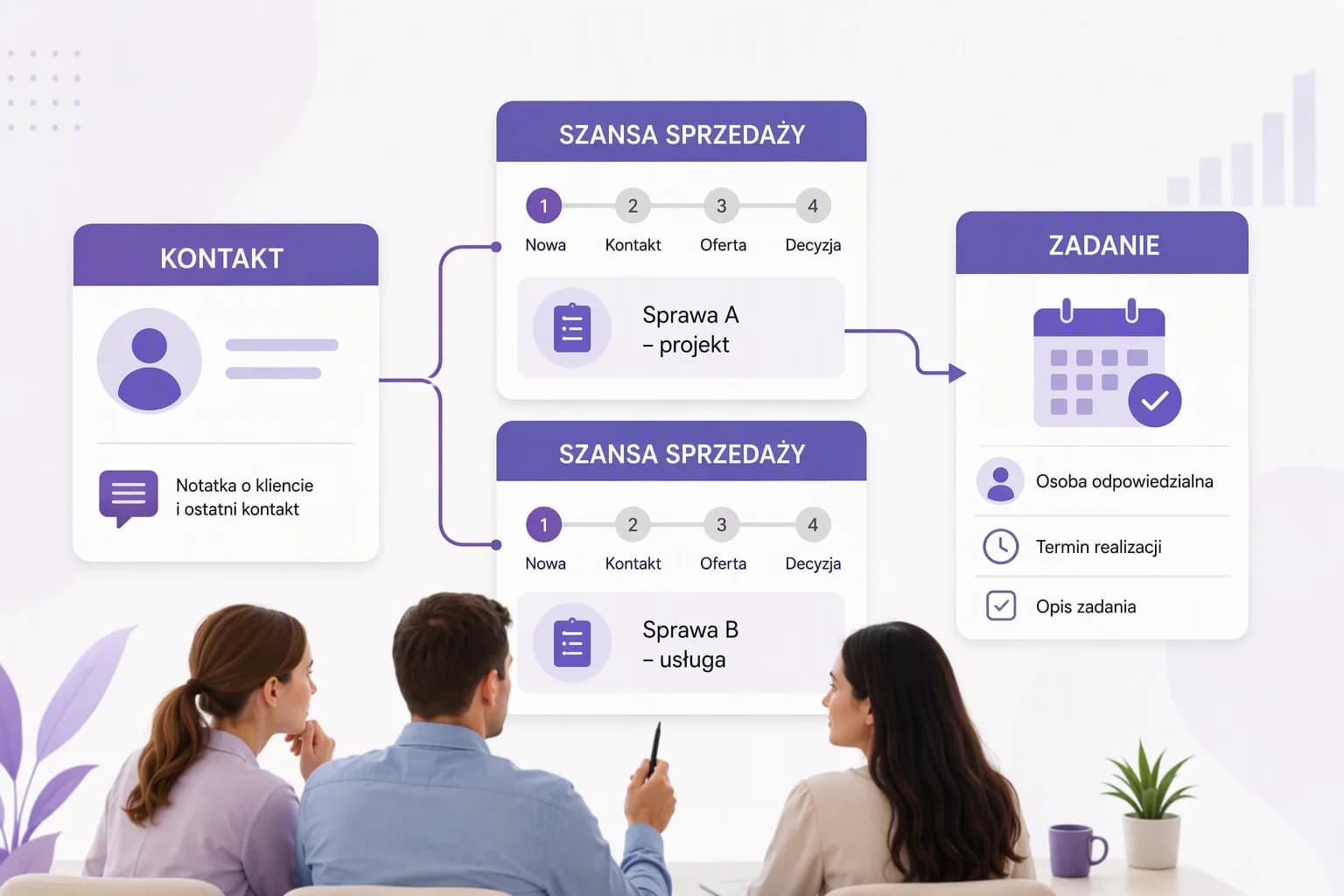
Keep customer information and next steps organized. Find out what your team should test before buying and how to prepare for the move from Excel.

For a business purchase, the checkout confirmation helps you find the invoice in KSeF. We explain ORLEN S.A.'s procedure, the role of the QR code and how fleet billing differs.
Enel-med, PUZ in Suwałki, Zdrowit and Inowrocław alongside Fakturownia. What is known about the incidents, and what do they mean for customers and businesses?
What to check after the Fakturownia incident: passwords, API tokens, account access, and bank details on invoices. Findings and actions as of September 29, 2026.
Poland plans to defer KSeF error penalties through 2027. We explain the proposal's legal status, current deadlines and impact on businesses.
Compare KSeFGPT, A-Cube and PDFdoKSEF connections and the formats used by Optima, Symfonia and InsERT. Choose a route your accountant can use.
Understand the upfront price, renewals and the cost of keeping your invoicing software running for three years.
Compare 12-month costs, upfront payments, PDF limits and CRM value. See when a free tool is enough and which features justify paying more.
Find out when a free application is enough and when accounting, CRM or PDF imports can help. Compare features and costs.
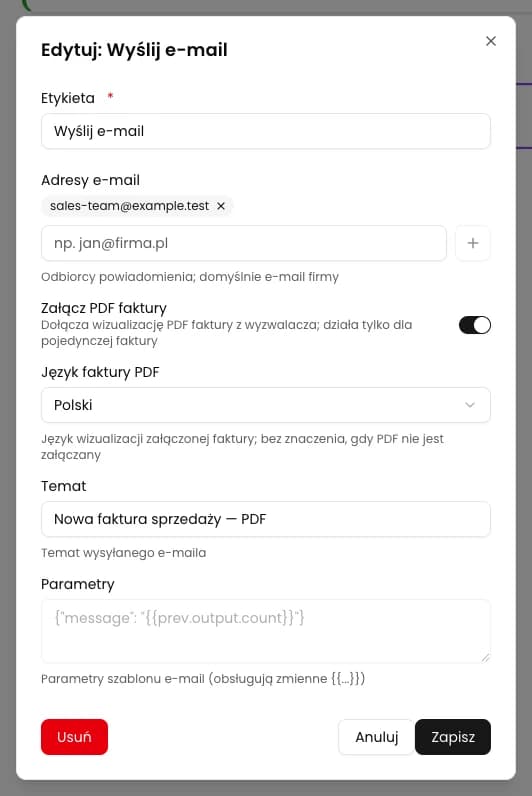
Configure an email with a PDF of each new outgoing KSeF invoice. Set a fixed team inbox, choose the language and verify the saved workflow.
Short answers about the KSeFGPT app and about the National e-Invoice System itself, with links to the full articles.
Leave us a message if you'd like to discuss a specific topic or receive a newsletter about KSeF automation.
Ask about a topicWe've prepared texts in languages: English, Polski, Deutsch, Українська. Your chosen language is saved in the blog tab.