XML Validation and Processing in KSeF – How the Platform Interprets an Invoice
In the KSeF system, an invoice is not a visual document but a structured XML file. Learn about the multi-step validation and parsing process that determines whether an invoice is accepted.
Introduction
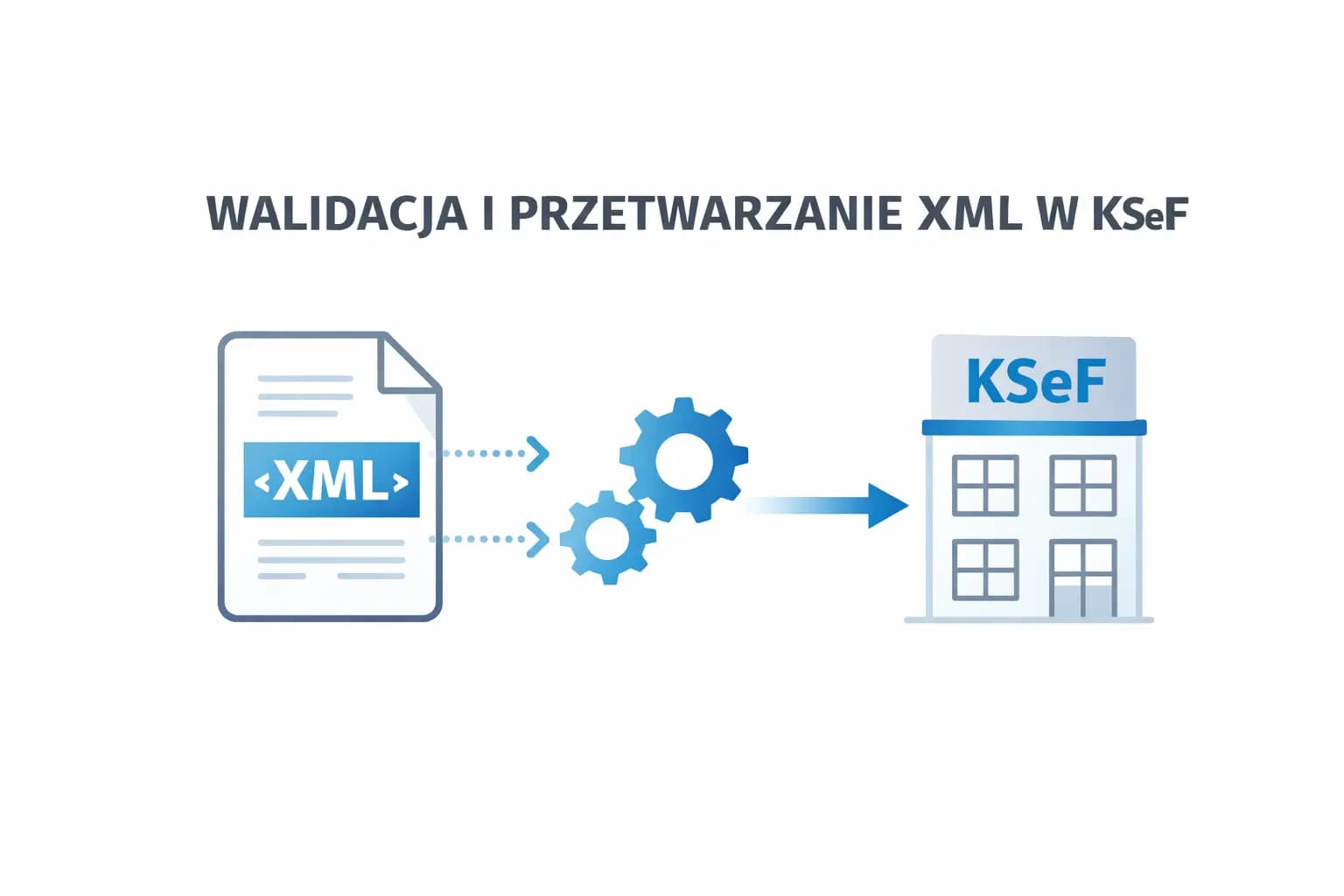
In the National e-Invoice System (KSeF), an invoice is not a visual document (e.g., PDF) but a structured XML document that must comply with the official schema published by the Ministry of Finance.
The CIRFMF/ksef-docs repository contains technical API documentation and integration processes for KSeF 2.0 and serves as the main knowledge source for ERP system integrators and invoicing applications.
When an XML document is submitted to KSeF, a multi-step validation and parsing process begins that determines whether the invoice will be accepted into the system.
Architecture of XML Invoice Processing in KSeF
The invoice processing workflow can be divided into several main stages: document submission to the KSeF API, technical XML document validation, business data validation, duplicate identification, invoice storage and KSeF number assignment.
Each of these stages is responsible for checking a different type of requirement.
1. Technical XML Validation (XSD)
The first stage is XML structure validation against the XSD schema. The invoice must be in XML format, encoded in UTF-8, and compliant with the current invoice schema FA(3).
The XSD schema defines: document structure, allowed elements and attributes, data types (e.g., date, amount, identifier), required and optional fields, and value constraints.
Example errors detected at this stage: missing required fields (e.g., invoice number P_2), invalid date format, XML namespace mismatch, invalid data type.
If the XML does not meet the XSD schema, the document is rejected before any business analysis.
2. XML Document Parsing
After passing structural validation, the KSeF system begins parsing the document. Parsing involves reading the XML structure, converting XML elements to the system's internal data models, and verifying relationships between elements.
In this process, XML elements such as Podmiot1 (seller), Podmiot2 (buyer), Fa (invoice header data), and FaWiersz (invoice line item) are mapped to objects in the KSeF system.
At this stage, the system builds the invoice model in the KSeF database.
3. Business Document Validation
After building the data model, business validation takes place. Checks include: date correctness, field relationships, net and VAT sum consistency, and tax identifier compliance.
Example rule: the invoice issue date cannot be later than the moment the document is accepted into KSeF.
At this stage, issues such as inconsistent values in the invoice summary, missing required tax data, and incorrect entity identifiers are also detected.
4. Duplicate Verification
KSeF also performs invoice uniqueness checks. The system verifies the combination of: seller NIP, invoice type, and invoice number.
If an invoice with such a data set already exists in the system, the document is rejected as a duplicate. The duplicate check period covers up to 10 years back.
5. Technical Controls and System Limits
Before saving the invoice, technical limits are also checked. Example constraints: maximum XML size is approximately 1 MB, up to 3 MB for documents with attachments, batch submission in ZIP packages up to 100 MB.
This control aims to ensure the stability of the system infrastructure.
6. Encryption and Security
After document submission, its content is cryptographically protected. Methods used include AES-256-CBC encryption for invoice data and RSAES-OAEP for the encryption key.
Additionally, the document's electronic signature is validated. It is worth noting that XML structure validation (XSD) and cryptographic signature validation are two independent processes.
7. KSeF Number Assignment
If the document passes all verification stages: the invoice is saved in the system, the system assigns it a unique KSeF identifier, and the document becomes an officially issued invoice.
Only from this moment is the document considered issued in a legal sense.
Check Your XML Before Sending - Free Validator
Before sending an invoice to KSeF, it's worth making sure your XML file is correct. We provide a free KSeF XML validator that checks document compliance with the XSD schema, structure correctness, NIPs, dates, and amounts - no registration required and no data sent to external servers.
Try our free XML validator and eliminate errors before they reach the KSeF system.
Summary
XML invoice validation in KSeF is a multi-step process that includes both technical and business controls.
Key elements of the process: XML structure validation against XSD schema, document parsing and data mapping, business rule validation, duplicate checking, technical limit verification, security and signature verification, and invoice storage with KSeF number assignment.
This approach ensures that every invoice stored in the KSeF system is consistent, structurally correct, and compliant with tax regulations.
XML Validation and Processing in KSeF – How the Platform Interprets an Invoice
Check your XML file before sending to KSeF
Use our free XML validator - check structure, NIP, amounts and FA(3) schema compliance. No registration required.
Open free XML validatorExpert reviewed: Bogdan Mazurek
Tax Advisor · April 18, 2026
Article reviewed for compliance with KSeF 2.0 regulations effective from 1 February 2026.