New Invoice Notifications in KSeF
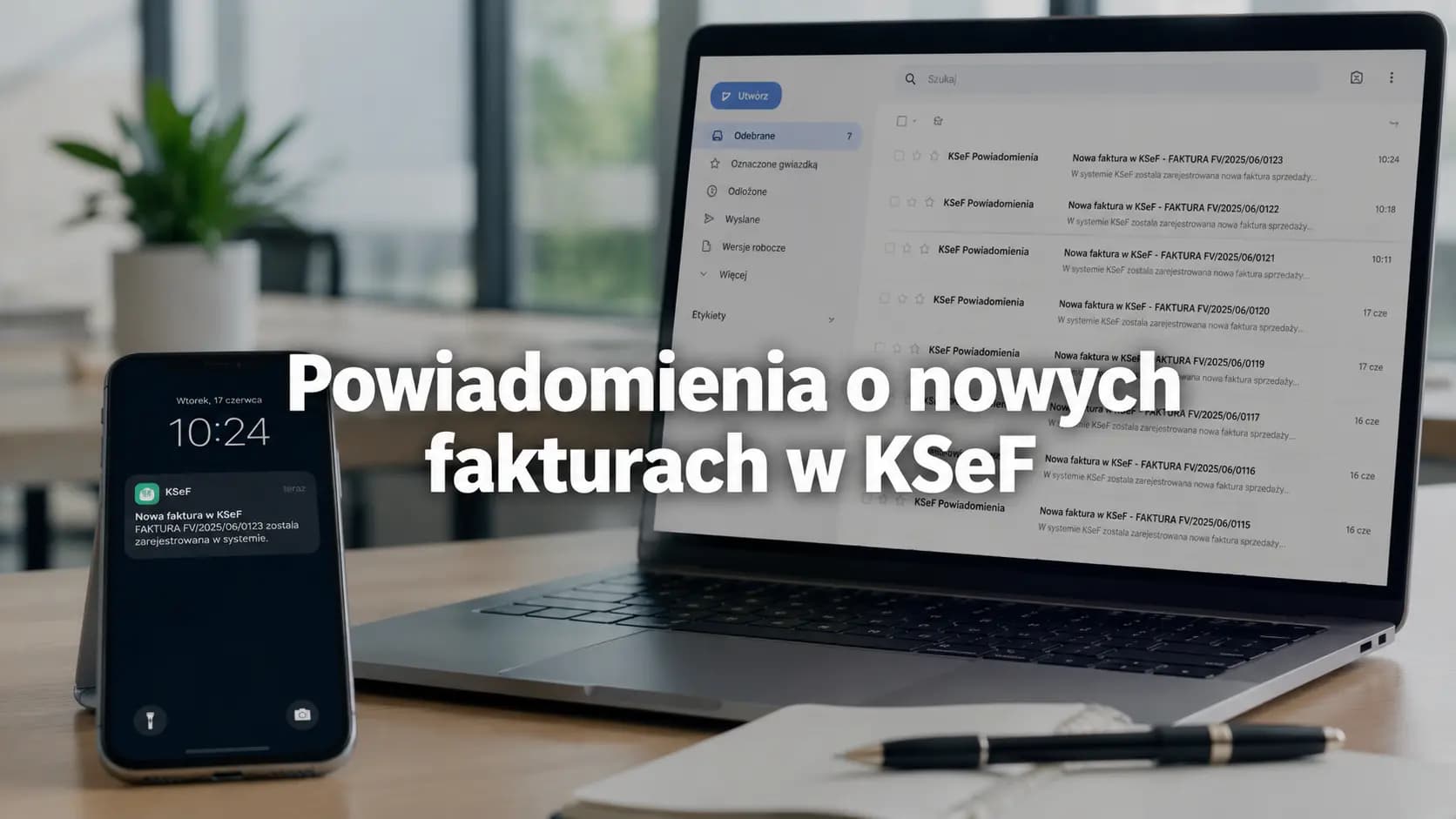
KSeF does not send an alert about a new invoice. See how KSeFGPT detects a new document and helps route it to the right person.
Summary
KSeF does not automatically send system notifications when a new invoice is received. A document may already be available to the buyer in the system even though nobody at the company has received an email, SMS or other alert.
KSeFGPT can provide this additional layer: it periodically checks invoice metadata in KSeF, identifies a new document and starts an automation. The default workflow sends an individual or batch email, while a custom notification action can use email, Slack, Telegram or a webhook.
An alert helps start processing the document, but it does not mean that the invoice has been read, approved or posted. It must also be distinguished from a message sent after an outgoing invoice is submitted and from its status, KSeF number and UPO.
The invoice is in KSeF, but nobody received a message
A supplier issued an invoice, KSeF accepted it and the document is available to the company. Even so, the accounting team, the person who placed the order and the business owner received no message. This does not necessarily indicate an outage or an error by the seller, because KSeF itself does not act as an inbox that sends an alert about every new document.
The Polish Ministry of Finance explains that the taxpayer's software should query KSeF and that a notification function can be implemented locally in the accounting software being used. In practice, there are therefore three separate moments: the invoice becoming available in KSeF, the application detecting it and the alert being delivered to a person. A company should understand this distinction before establishing its document workflow.
Table of contents
1. Does KSeF send notifications about new invoices?
2. How does software detect a new invoice in KSeF?
3. Three events that should not be confused
4. What should a good alert contain?
5. How should notifications be routed to the right people?
6. A notification does not mean approval or posting
Key takeaways
A well-designed notification connects an event in KSeF with clear responsibility within the company, but it does not replace checking the document.
| Point | Details |
|---|---|
| No native alert | KSeF makes an invoice available to the buyer, but does not automatically send a system notification when it is received. |
| Role of the software | An authorised application checks metadata, identifies new documents and can only then trigger a message. |
| Three different events | An incoming-invoice alert, a message after an outgoing invoice is submitted, and the status, KSeF number and UPO each have a different meaning. |
| The right recipient | A rule should define who receives the information and what they should do with the invoice next. |
| Human oversight | A notification starts the work, but does not confirm expense approval, posting or that the document has been read. |
Does KSeF send notifications about new invoices?
No. Part II, Chapter 6.4, page 98 of the KSeF 2.0 Manual states explicitly (translated from Polish): ‘KSeF does not automatically send system notifications when a new invoice is received in the system.’ The Polish Ministry of Finance's material adds that the taxpayer's software must query KSeF and that a notification function can be introduced in the accounting software being used. The sources were checked on July 23, 2026.
The absence of an alert does not mean that the invoice has not been received in the system. In standard online mode, an invoice accepted by KSeF is available to the buyer whose NIP is indicated, while the manual links receipt of the invoice to the assignment of a KSeF number. However, the document becoming available and a message being sent to a person are two different events.
Availability in KSeF: the document may already be available to the buyer.
Notification: additional information may be sent by software that uses KSeF data.
Company action: the designated person must still check the document and route it for further processing.
The official Ministry guide recommends checking regularly whether the company has received an invoice, because this information is needed to process the document and payment. We describe the process in more detail in How to receive invoices through KSeF. Since KSeF does not send an alert, the next question is how software detects new invoices.
| Moment | What happens | What this does not mean |
|---|---|---|
| Acceptance by KSeF | The system assigns a KSeF number to the document. | That the buyer received an email or SMS. |
| Made available to the buyer | The invoice is available to the relevant entity in KSeF. | That an employee opened and checked the document. |
| Software alert | External software passes information to the selected recipient. | That the invoice has been approved or posted. |
How does software detect a new invoice in KSeF?
Authorised software queries KSeF for invoice metadata and compares the result with its saved state. KSeFGPT uses a starting point and previously identified KSeF numbers to find new items. Only after detecting a document can it start a business rule, such as sending a message or forwarding data to another system.
Data source: KSeF makes invoice information available through its API.
Synchronisation: the application retrieves data available to the entity and identifies new documents.
Action: the software starts the selected communication channel or subsequent process.
As verified on July 23, 2026, the production KSeF API 2.0 includes an operation for retrieving invoice metadata according to filters. The incremental retrieval documentation also specifies the required permission and the way results should be ordered. This information describes the technical KSeF mechanism, not a guaranteed alert time in an external application.
The delivery time is affected by at least the moment when the invoice becomes available, the synchronisation method used by the software and the operation of the selected channel. There is therefore no basis for promising one fixed delivery time for every alert. Once the source of the message is understood, it becomes possible to separate the events that are often collectively called a KSeF notification in everyday conversation.
| API documentation element | Technical meaning | Meaning for the user |
|---|---|---|
| Retrieving invoice metadata | The operation searches for invoices using specified filters. | Software can check which invoices are available to the entity. |
| Permission to read invoices | Access is required to retrieve information about documents. | The application must operate in the correct context and have the appropriate access. |
| Permanent storage date | The documentation recommends this reference point for incremental retrieval. | Software can order successive batches of data without treating them as alerts sent by KSeF. |
| Ascending order | The recommended order of incremental retrieval results. | It helps the application process new documents in the correct sequence. |
Three events that should not be confused
The phrase invoice notification can describe three different situations. Keeping them separate prevents the mistaken assumption that a message for a counterparty, an internal purchasing alert and a UPO are interchangeable.
Incoming invoice: the message should route the document to the person who will start processing it on the buyer's side.
Outgoing invoice: a separate message may inform a counterparty or team that submission to KSeF was successful.
System confirmations: the status, KSeF number and UPO document successive parts of the process, but do not prove that the buyer has read the invoice.
The correct sequence for a purchasing alert is: KSeF makes the invoice available, the application detects it, a rule selects the recipient, a channel delivers the alert and a person performs the next task. None of these stages should automatically be treated as approval of the document. Separate guides explain how to check an invoice status after submission and what a UPO in KSeF confirms. Once the events have been separated, the content of a useful message can be defined.
| Event | Recipient | Trigger | Meaning | What it does not prove |
|---|---|---|---|---|
| Incoming-invoice alert | The buyer or its team | Detection or synchronisation of a new invoice | Start of document processing | Expense approval or posting |
| Notification after an outgoing invoice is submitted | Counterparty or internal team | Confirmed result of submission to KSeF | Information about the issued document is passed on | That the message replaces the invoice stored in KSeF |
| Status, KSeF number and UPO | Issuer and people handling the submission | Processing of the document by KSeF | Identification and confirmation of the process result | That the buyer has read the invoice |
What should a good alert contain?
A good alert should not be a copy of the entire invoice sent to every channel. It should quickly answer two questions: who should respond and what should they do next? The scope of the message should be tailored to the company's process, the recipient and its data-protection rules.
Document context: information that identifies the matter, such as the counterparty, amount or due date, if included in the message configuration.
Recipient: the person or group responsible for the relevant type of invoice.
Expected action: clear information on whether the document needs to be checked, approved, clarified or forwarded.
Secure access: a link to the appropriate view instead of automatically distributing the full XML or excessive data.
The elements below are design recommendations, not a promise about the fixed content of every KSeFGPT message. Their availability and scope depend on the selected process and configuration. Once the alert content has been defined, the company must still decide who should receive it.
| Element | Why it is needed | Design principle |
|---|---|---|
| Document context | Identifies the invoice without guesswork. | Show only the data the recipient needs to start work. |
| Recipient | Assigns responsibility for the next step. | Route the alert to a person's address, a shared team channel or the appropriate system. |
| Expected action | Avoids messages after which nobody knows what to do. | Name the specific next stage of processing. |
| Channel | Delivers the information to the place where the team works. | Choose email, messaging software or a webhook to suit the nature of the event. |
| Data minimisation | Limits unnecessary distribution of invoice content. | Do not send the full XML and sensitive data to every channel. |
How should notifications be routed to the right people?
A single shared inbox for all invoices quickly turns alerts into noise. A rule should connect the event with a condition, delivery location and next action. In KSeFGPT, the notification action specifies an email address or a configured Slack, Telegram or webhook integration.
The condition editor suggests the number of documents, invoice number and KSeF number, and also allows a custom field from the trigger data to be specified. Because the new-invoice event contains invoice metadata, an advanced rule can refer, for example, to the gross amount or seller details. However, it does not directly select a user or organisational group as the automation recipient.
Amount: a custom condition can compare the gross amount with the company's internal threshold. Such a threshold is an organisational rule, not a statutory limit.
Seller: a custom condition can identify supplier details available in the metadata and trigger a notification in the selected channel.
Multiple documents: the default workflow distinguishes one new invoice from several detected during the same check and can send a batch email.
Responsibility: a shared Slack or Telegram channel can make the alert available to the team even when one person is unavailable.
The scenarios below illustrate a process-design model, not instructions for configuring the feature. Once the recipient and next task have been defined, the boundary between a notification and an accounting decision must still be maintained.
| Event | Example condition | Recipient | Channel | Next action |
|---|---|---|---|---|
| New incoming invoice | Custom condition based on gross amount | Approver's email address | Check whether the expense is justified and approve it or refer it for clarification | |
| New incoming invoice | Custom condition based on seller details | Team channel | Telegram or Slack | Compare the document with the order or contract |
| Several new documents | More than one invoice detected during a check | Configured address | Batch email | Review the invoices and allocate them for further processing |
| New invoice requiring integration | Internal process condition | Custom system | Webhook | Create a task or pass the data on for further processing |
A notification does not mean approval or posting
An alert signals a technical or operational event. It does not determine whether the invoice relates to an actual company purchase, whether the data is correct, whether the expense has been approved or how the document should be recorded in the accounts. These decisions require a separate stage and a responsible person.
This distinction is particularly important when a document from an unknown seller or an invoice that does not match an order appears in KSeF. The mere fact that the system has made the document available does not confirm the commercial validity of the purchase. The guide What should you do when an invoice for a purchase you did not make appears in KSeF? explains what to do next.
A mature workflow separates document detection, owner assignment, substantive verification and the accounting decision. Automation can shorten the route that information takes to reach the right person, but it should not remove oversight where an assessment of the contract, delivery or validity of the expense is required.
There is also no basis for drawing universal conclusions from the absence of an alert about the loss of the right to deduct VAT, a missed payment deadline or a penalty. The consequences depend on the specific situation and the applicable rules. A notification should be treated as the start of document processing, not its outcome.
How does KSeFGPT turn a new invoice into action?
KSeFGPT does not wait for a push notification from KSeF, because KSeF sends no such alert. The product periodically retrieves invoice metadata, remembers KSeF numbers it has already identified and starts an automation workflow only for new documents.
After KSeF access credentials are saved, the product creates an active default notification workflow addressed to the user's email. When monitoring starts, KSeFGPT establishes a starting point so that it does not recreate alerts for older invoices. The default workflow sends an individual email for one new invoice or a batch message when more than one is detected during a single check.
Detection: KSeFGPT checks the metadata available in KSeF and compares it with its saved state.
Condition: the default rule distinguishes one invoice from several, while custom conditions can use fields from the trigger data.
Recipient: the information is sent to the configured email address, a Slack or Telegram channel, or a connected system through a webhook.
Action: the team proceeds to verification, approval, clarification or another task defined by the company.
This workflow concerns a new incoming invoice. It should not be confused with a message to a counterparty after an outgoing invoice is issued, or with a status or UPO. These are separate events and processes.
The KSeFGPT workflow view lets users monitor activity, runs and process errors without turning this article into a configuration guide. A complete overview of the available features can be found on the KSeFGPT Automation page.
| Stage | Role of KSeFGPT | Automation boundary |
|---|---|---|
| Periodic check | Identifies a new invoice from KSeF metadata. | This does not yet mean that the document has been approved. |
| Condition check | Applies process rules, delivery location and subsequent actions. | It does not replace substantive assessment of the purchase. |
| Sending information | Starts an email, Slack, Telegram or webhook action. | It does not guarantee that the recipient has read the message. |
| Workflow history | Helps check workflow runs and errors. | It is not a UPO or evidence that KSeF accepted the invoice. |
Turn a new invoice into a specific action
After detecting a new invoice, KSeFGPT can start a rule and route the information to the appropriate address, team channel or connected system.
Enable automation in KSeFGPTFrequently asked questions
Does KSeF send an email, SMS or push notification about a new invoice?
No. According to the Polish Ministry of Finance's KSeF 2.0 Manual, KSeF does not automatically send a system notification when a new invoice is received. This function can be provided by software that checks KSeF and triggers an alert after detecting a document.
How quickly can a software alert arrive?
An alert can be sent after the software detects and synchronises the invoice. The actual time depends on the application's synchronisation mechanism and the operation of the selected delivery channel, so you should not assume that the invoice will become available in KSeF and the alert will arrive at the same time.
Can a notification be sent to several people?
Yes, if the alert is delivered to a shared team channel, such as Slack or Telegram. The default KSeFGPT automation sends a message to the configured email address, while a custom notification action can use email, Slack, Telegram or a webhook. The verified implementation specifies an address or integration, rather than a KSeFGPT organisational group as a separate type of automation recipient.
Does a UPO confirm that the buyer has read the invoice?
No. A UPO concerns the result of processing a document in KSeF and should not be treated as confirmation that the buyer has read the invoice, approved the expense or started processing the document.
Does an alert replace invoice checks?
No. An alert is a signal to take action. It does not replace checking the counterparty and the purchase, deciding whether to approve the expense or completing the subsequent accounting process.
Recommendations
How to receive invoices through KSeF - learn the difference between a document being available in the system and its subsequent processing within the company.
What should you do when an invoice for a purchase you did not make appears in KSeF? - see why a new document requires substantive verification.
How to check an invoice status in KSeF after submission - learn how to read the process result for an outgoing invoice.
UPO in KSeF - find out what a UPO confirms and how it differs from an operational alert.
Do not wait for someone to find the invoice by chance
In KSeFGPT, you can connect the detection of a new invoice with a rule and the selected address, notification channel or webhook.
Go to KSeFGPTSources
This article was prepared using official Polish Ministry of Finance materials, the production KSeF API 2.0 documentation, the public feature description and verification of the current KSeFGPT implementation. The public materials were checked on July 23, 2026, and the product code on July 24, 2026.
- KSeF 2.0 Manual, Part II - Issuing and Receiving Invoices in KSeF
Polish Ministry of Finance · accessed: July 23, 2026
The official manual describing the availability of an invoice to the buyer, the absence of automatic system notifications and the role of software that queries KSeF.
- KSeF Step by Step - How to Receive an Invoice in KSeF
Polish Ministry of Finance · accessed: July 23, 2026
The official invoice-receipt guide, which states that new documents need to be checked regularly.
- KSeF API 2.0 - Production Environment OpenAPI Specification
Polish Ministry of Finance · accessed: July 23, 2026
Version 2.6.1 of the API specification, including the invoice metadata retrieval operation and permission requirements.
- KSeFGPT Automation
KSeFGPT · accessed: July 23, 2026
The public description of the module and notification channels. The detailed new-document detection mechanism, default email and recipient scope were additionally confirmed in the current KSeFGPT implementation.