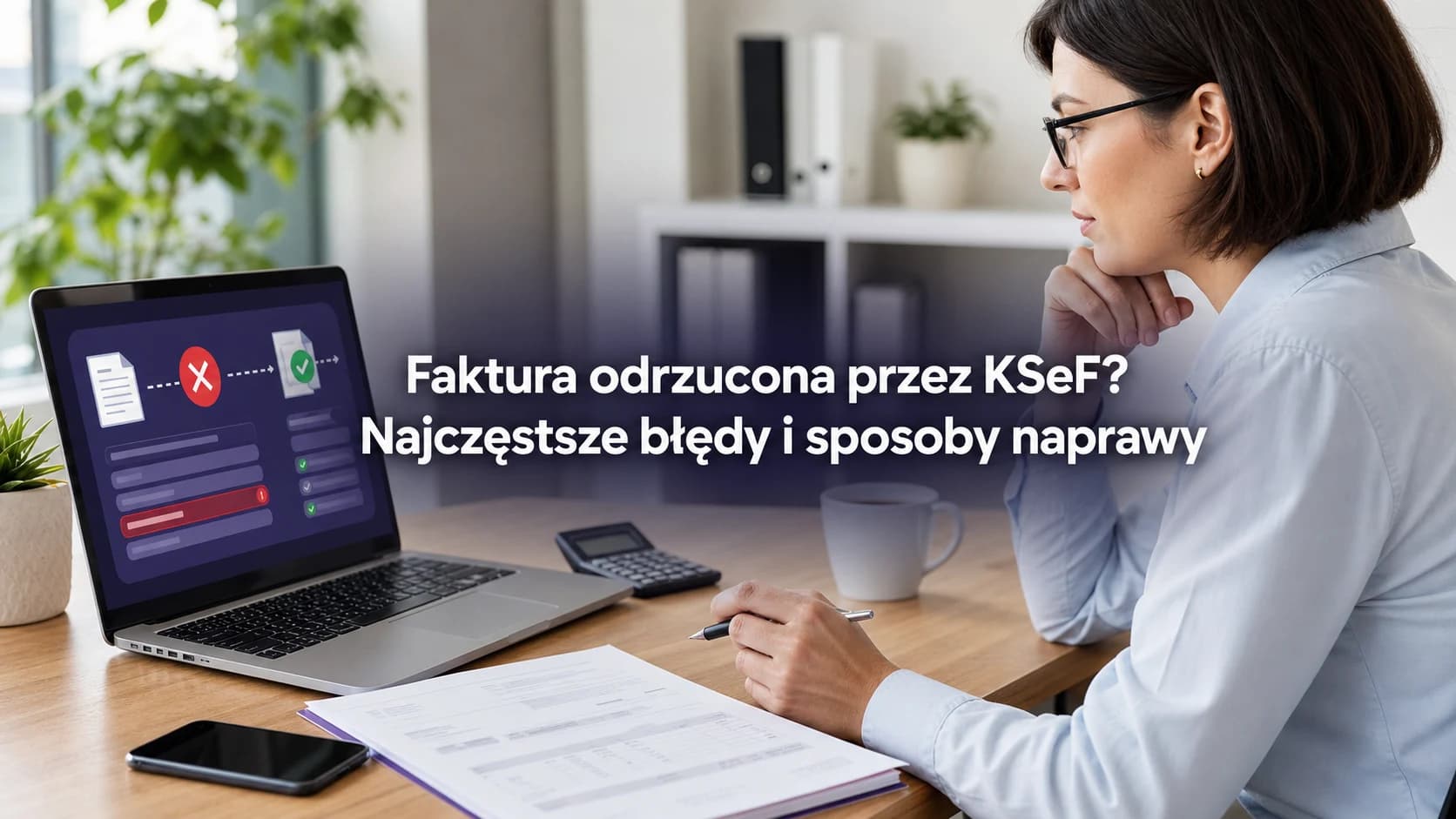
Invoice rejected by KSeF? Common errors and how to fix them
Find out why KSeF rejected an invoice, how to read its status, correct P_1, FA(3) XML, permissions or a duplicate, and safely submit it again.
Summary
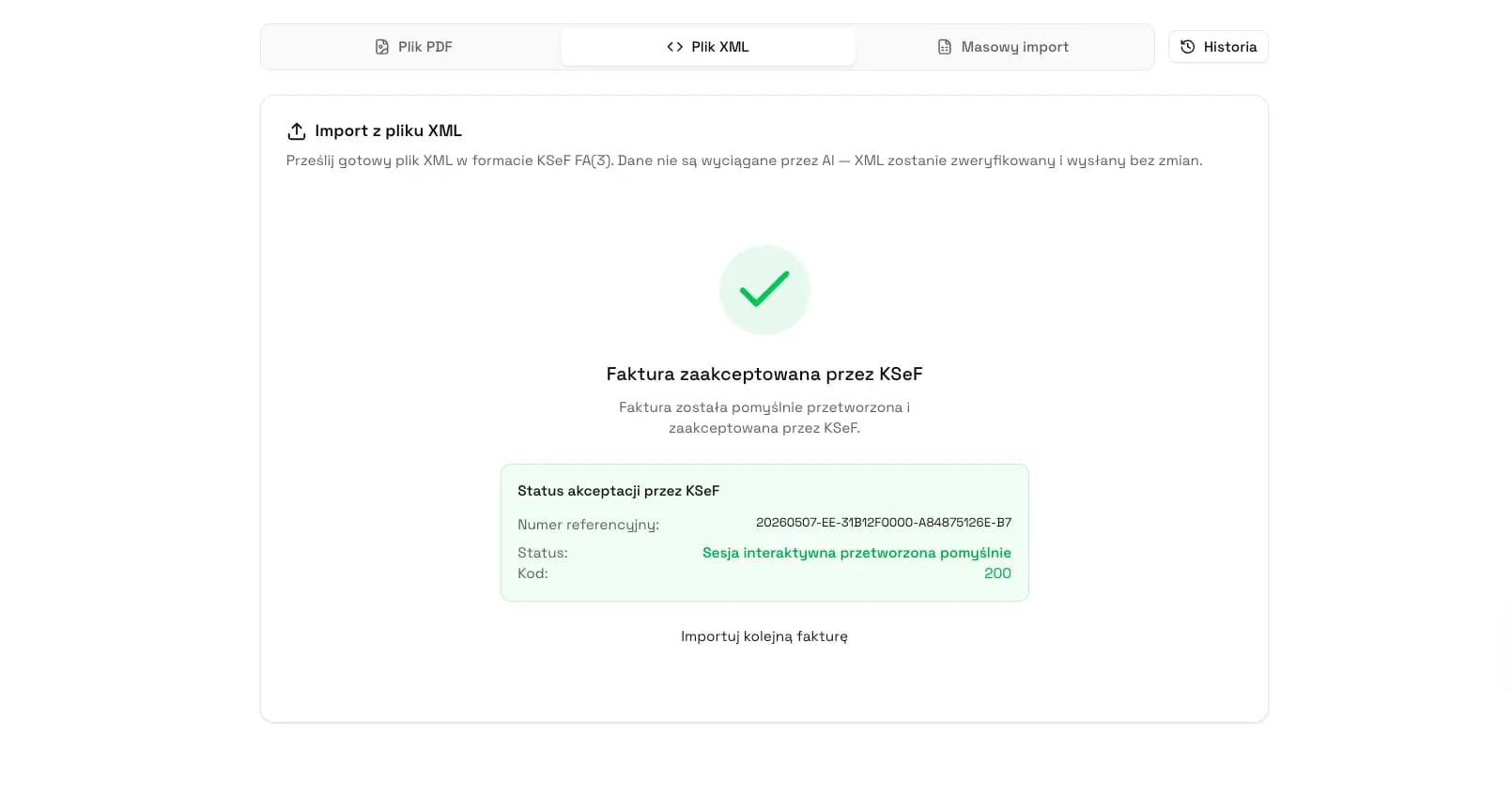
A technically successful response to a submission request does not yet mean that KSeF has accepted the invoice. Status 100 means accepted for further processing, status 150 means processing is underway, and only status 200 confirms invoice success.
A rejected document receives neither a KSeF number nor a UPO and is not issued in KSeF. Read the error code, description and details first. Only then correct P_1, the FA(3) XML, permissions, encryption or another indicated cause.
The shortest safe procedure is to check the status, preserve the response and submitted XML, rule out an earlier success, correct the source of the error, validate the new file, submit it again and monitor it until the KSeF number and UPO are available.
Was the invoice rejected or is it still being processed?
You see a message after submission but have no KSeF number or UPO. Do not immediately submit the invoice again. The endpoint may accept the request, encrypted file and metadata before invoice processing has finished.
Statuses 100 and 150 are neither rejection nor final success. Continue checking the same invoice instead of creating another submission.
Interpret error codes together with the description, details and extensions fields. The code identifies the problem category, while the response details point to the specific cause.
Do not resubmit a document merely because UPO is not visible yet. Check the status and KSeF number first.
| Code | Operational meaning | Action |
|---|---|---|
| 100 | Accepted for further processing | Wait and check the same invoice again. |
| 150 | Processing in progress | Do not submit a duplicate. Continue monitoring. |
| 200 | Success | Save the KSeF number and retrieve UPO. |
| 405 | Cancellation or error reported by the API | Read description, details and extensions, then remove the indicated cause. |
| 410 | Invalid invoice permission scope | Check the taxpayer context, session and right to issue invoices. |
| 415 | Cancellation or error reported by the API | Review the technical response details before retrying. |
| 430 | Invoice file verification error | Check XML, XSD, encryption and required data. |
| 435 | Cancellation or error reported by the API | Follow the details returned by the API. |
| 440 | Duplicate invoice | Find the original session, KSeF number and UPO. |
| 450 | Invoice semantic verification error | Correct the meaning or data relationships identified in the details. |
| 500 | Processing-side error | Preserve identifiers and details. Retry only after establishing the current state. |
| 550 | Cancellation or error reported by the API | Read the full response and determine whether the document, access or technical submission must be corrected. |
The KSeF number and UPO appear only after success
A session or invoice reference number tracks a technical operation. It is not a KSeF number. The KSeF number identifies an invoice accepted by the system, while UPO is the official receipt available after positive processing.
The invoice status may include the KSeF number, its assignment date and a UPO download address. These values result from invoice success, not from merely starting a submission.
If verification is negative, KSeF assigns no number. The document was not issued in KSeF, so its data may be corrected and submitted again as an original invoice rather than a correction.
| Identifier or document | When it appears | What it confirms |
|---|---|---|
| Reference number | When an operation or submission begins | Tracks the session and processing. |
| KSeF number | After positive invoice processing | Identifies the accepted invoice in KSeF. |
| UPO | After the document is accepted | Confirms acceptance by KSeF. |
P_1 date errors
P_1 contains the issue date declared by the issuer. Compare it with the actual date on which the document was submitted to KSeF. Three relationships lead to three different outcomes.
Rejection example: the file is submitted on June 2, 2026, but P_1 contains June 3, 2026. A future date causes the XML to be rejected at the gateway.
Offline24 example: P_1 contains June 2, 2026, and the invoice is submitted on June 3, 2026. An earlier P_1 does not automatically cause rejection. The document is treated as issued in offline24 mode.
| P_1 compared with submission date | Mode or result | Example |
|---|---|---|
| P_1 equals the submission date | Online mode | P_1: June 2, submission: June 2. |
| P_1 is earlier than the submission date | Offline24, no automatic rejection for this reason | P_1: June 2, submission: June 3. |
| P_1 is later than the submission date | Rejection due to a future date | P_1: June 3, submission: June 2. |
XML does not comply with FA(3)
FA(3) has been the applicable structured invoice format since February 1, 2026. KSeF compares the submitted XML with the declared XSD structure. A missing required field, invalid value format, wrong data type, incorrect element order or incompatible schema may cause rejection.
Code 430 indicates an invoice file verification error. Code 450 indicates a semantic verification error. Read the response details, correct the source data and generate the XML again.
KSeF validation has limits. The Polish Ministry of Finance states that the system does not verify invoice calculations and does not reject an invoice solely because VAT was calculated incorrectly from the net amount. Acceptance therefore does not confirm full accounting, tax or business correctness.
Authentication and permission scope
Being able to authenticate in KSeF does not automatically grant the right to issue invoices in every context. Protected API resources require an access token, and submitting a standard invoice requires the permission identified as InvoiceWrite.
Code 410 indicates an invalid invoice permission scope. Check whether the session was opened for the correct taxpayer, whether the token or session is valid, who is submitting the document and whether that person or entity may issue invoices in the selected context.
Editing the XML will not solve an access problem. Correct the authentication or permission configuration first, then submit the substantively unchanged document again.
Duplicate invoice
Code 440 means that KSeF identified a duplicate invoice. The response may contain originalSessionReferenceNumber and originalKsefNumber, which lead to the original session and previously assigned KSeF number.
Find the referenced invoice, check its status and retrieve UPO. Do not generate a new document or change the invoice number merely to bypass duplicate detection.
Official sources confirm code 440 and the API response data, but they do not provide a sufficient basis for publishing the detailed duplicate-detection algorithm. Base the decision on the API result and evidence of the earlier success.
How to identify the cause of rejection
1. Keep the session reference, invoice reference, exact operation time and submitted XML.
2. Retrieve the status of the specific invoice. Do not rely only on confirmation that the endpoint accepted the request.
3. Read code, description, details and extensions. Save the complete response because a shortened UI message may omit diagnostic information.
4. Assign the error to a category: P_1 date, FA(3) or XSD, semantics, permissions, encryption, attachment, duplicate or technical problem.
5. Check whether the document already has a KSeF number before every resubmission.
6. Correct the source data rather than only editing the final XML text, so the system does not generate the same error again.
| Cause | Check | Action |
|---|---|---|
| P_1 date | P_1 compared with the submission date | Remove a future date. Do not force a valid offline24 invoice into online mode. |
| FA(3) or XSD | Schema version, required fields, formats and element structure | Correct source data and generate a new FA(3) XML. |
| Semantics | Description, details and relationships between values | Remove the indicated semantic inconsistency. |
| Permissions | Taxpayer context, session validity and InvoiceWrite | Grant or select the correct access. |
| Encryption or attachment | Metadata, hashes, sizes and preparation method | Prepare the submitted data again according to the API. |
| Duplicate | originalSessionReferenceNumber, originalKsefNumber and UPO | Recognize the earlier success or investigate the referenced submission. |
| Technical error | Code, time, identifiers and service status | Retry only after confirming that the earlier operation did not succeed. |
How to correct and resubmit the invoice
If the invoice did not receive a KSeF number, correct the source data or access. Generate a new FA(3) XML, verify its structure, open a valid session and submit the document again.
Monitor the invoice until it reaches a final status. Statuses 100 and 150 require further waiting. An error requires another diagnosis. Treat the process as complete only after status 200, assignment of the KSeF number and availability of UPO.
If the document already has a KSeF number, do not edit it or submit a corrected version as the same invoice. The accepted document remains in the system and errors are corrected under the rules for corrective invoices.
What to check before resubmission
Before creating another submission, complete the entire control list. Most importantly, rule out the possibility that the earlier operation succeeded even though your application has not displayed UPO yet.
A local validator can identify technical XML problems before submission, but it does not replace KSeF business validation, confirm system acceptance or guarantee full tax correctness.
| Control | Question before retrying |
|---|---|
| Status and details | Do you have the final code and complete description, details and extensions? |
| P_1 | Is the date no later than the submission date? |
| FA(3) version | Does the file use the applicable structure? |
| XSD validation | Does the XML comply with the declared schema? |
| Required data | Do all mandatory fields have the correct format and type? |
| Taxpayer context | Does the session concern the correct NIP and entity? |
| Right to issue | Does the sender have InvoiceWrite permission? |
| Evidence of earlier success | Did the API return a KSeF number or original-session data? |
| KSeF number and UPO | Are you certain the document was not already accepted? |
Check the XML before resubmitting
Use the KSeF XML validator to check the technical file structure. Enter an email address without creating a full account. Each validation counts toward the shared limit of 2 free-tool uses within 24 hours. The validator does not confirm KSeF acceptance or full tax correctness.
Open the KSeF XML validatorWhere to find broader explanations
This guide diagnoses a specific rejection. The full process is explained in Sending invoices to KSeF, while UPO in KSeF explains the confirmation available after success.
The document structure is covered in XML and the FA(3) format in KSeF. If the invoice already has a KSeF number, follow Corrective invoices in KSeF.
Frequently asked questions
Does an earlier P_1 date cause an invoice to be rejected?
No. If P_1 is earlier than the submission date, the invoice is treated as issued in offline24 mode. Rejection occurs when P_1 is later than the submission date, which means it contains a future date.
Does status 100 mean success?
No. Status 100 means that the invoice has been accepted for further processing. You must continue checking the result. Final invoice success is represented by status 200.
Does a rejected invoice have a KSeF number?
No. A negatively verified document does not receive a KSeF number and is not issued in KSeF. After removing the error, you can generate a corrected XML file and submit it again.
Does a missing UPO always mean rejection?
No. The document may still have status 100 or 150, or the application may not have retrieved the receipt yet. Check the invoice status, KSeF number and response details first.
What should I do with status code 440?
Code 440 indicates a duplicate invoice. Read the original submission data, including originalSessionReferenceNumber and originalKsefNumber when returned. Check the referenced invoice and its UPO instead of changing the invoice number merely to submit it again.
Can a corrected XML be submitted again after rejection?
Yes. If the document did not receive a KSeF number, correct the source data or access configuration, generate a new FA(3) XML file, validate it and submit it in a valid session.
What if the error is found after a KSeF number has been assigned?
Do not edit the accepted invoice or submit a corrected version as the same document. An invoice with a KSeF number has entered legal circulation, so the error must be corrected under the rules for corrective invoices.
Recommendation
After an error, do not start by editing random fields. Establish the final status, preserve the full API response, rule out an earlier success and correct the source system.
Check the new XML structure, permissions and P_1, then submit it in a valid session and monitor it until status 200, the KSeF number and UPO. If a KSeF number already exists, issue a correction instead of resubmitting.
Recommended guides: Sending invoices to KSeF, UPO in KSeF, XML and FA(3) and Corrective invoices in KSeF.
Check XML before submitting it to KSeF
The KSeF XML validator helps identify technical file-structure problems. Enter an email address without creating a full account and use 5 free validations per day.
Check XMLSources
This article is based on official Polish Ministry of Finance materials and KSeF API 2.0 documentation verified on June 7, 2026.
- Faktura ustrukturyzowana i struktura logiczna FA
Polish Ministry of Finance · accessed: June 7, 2026
Official information about FA(3), the issue date, P_1, the KSeF number and invoice receipt.
- KSeF 2.0 handbook, part II
Polish Ministry of Finance · accessed: June 7, 2026
Rules for P_1, file rejection, XSD validation, permissions and correcting an accepted document.
- Offline24 mode
Polish Ministry of Finance · accessed: June 7, 2026
Official description of offline24 and the deadline for submitting the invoice to KSeF.
- KSeF API 2.0
Polish Ministry of Finance · accessed: June 7, 2026
Invoice submission and status endpoints, status codes, duplicate data, access tokens and InvoiceWrite.
Expert reviewed: Bogdan Mazurek
Tax advisor · June 7, 2026
Reviewed for the distinction between file rejection, offline24 and correction of an invoice already accepted by KSeF.