
Simplified invoice in KSeF. When can you issue one?
Learn when invoice details can be simplified, how the PLN 10,000 limit works and how to prepare a small business for KSeF from January 2027.
GuideSeptember 16, 2026
KSeFGPT guide: practical articles on KSeF, FA(3), XML, deadlines, invoice errors and automation for companies and accounting teams.
Learn when invoice details can be simplified, how the PLN 10,000 limit works and how to prepare a small business for KSeF from January 2027.

There is no password-based KSeF account. Learn how authentication works, who gets automatic permissions, and when you need the ZAW-FA form.
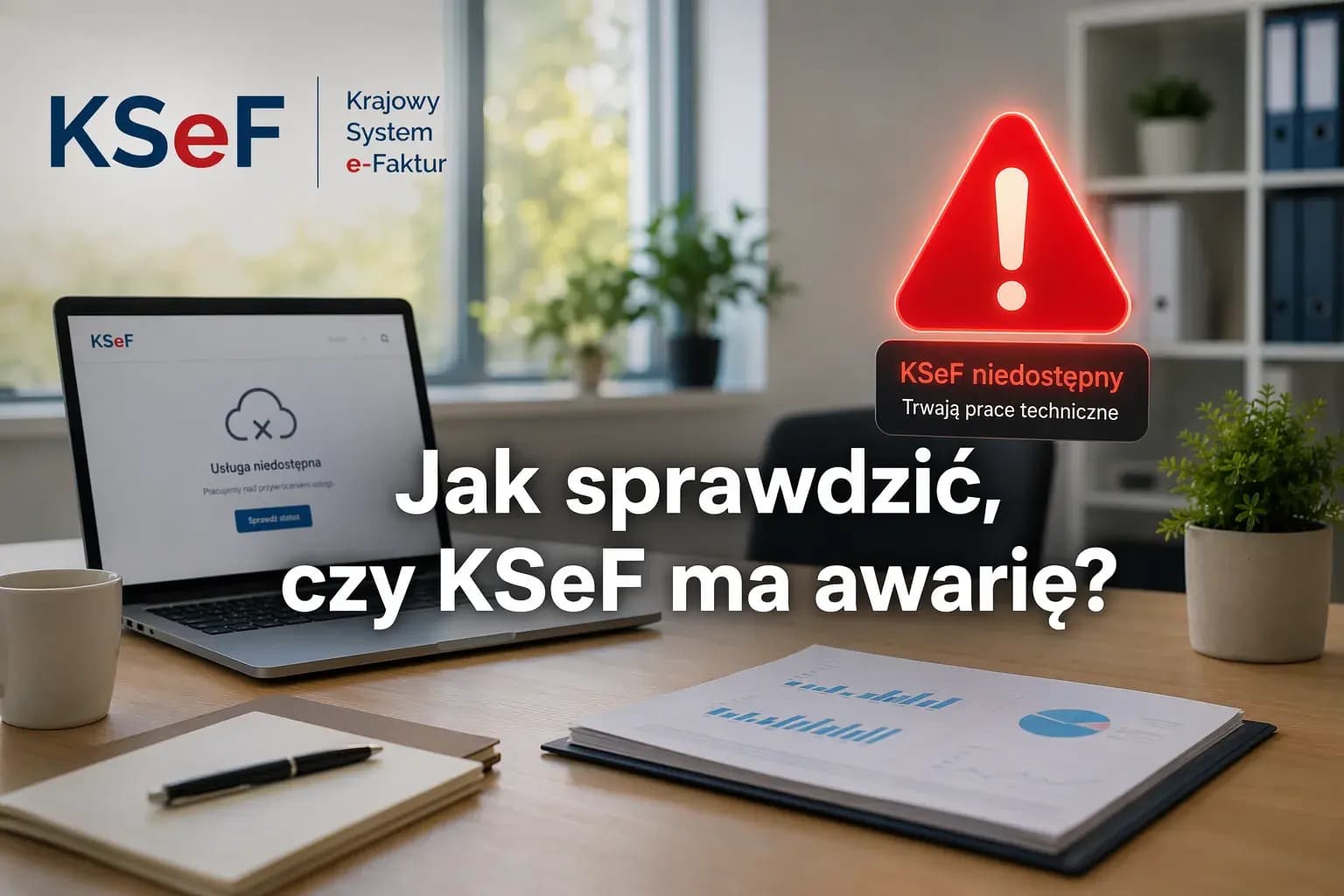
KSeF is not responding, but is the system down or is the problem on your side? Check the live status, official Ministry announcements and invoice submission deadlines for each system state.
Learn how to create a readable PDF from invoice XML, check the data and distinguish a preview from a KSeF-accepted invoice visualisation.

Learn when a final invoice is needed after an advance, how to deduct earlier payments and avoid settling the same sale twice.

You sent an invoice to KSeF, but you do not know whether it has been accepted, is still being processed, or was rejected? Check the status, reference number, KSeF number and UPO step by step.

Follow the regular sales invoice process in KSeF: document type, invoice data, XML FA(3), validation, submission, KSeF number, and UPO.

Learn how FA(3) identifies standard, corrective, advance, settlement and simplified invoices, and how to choose the right type before submitting it to KSeF.

How to record a VAT margin invoice in FA(3): Articles 119 and 120, P_PMarzy, P_13_11, MR_T, MR_UZ and pre-submission checks.
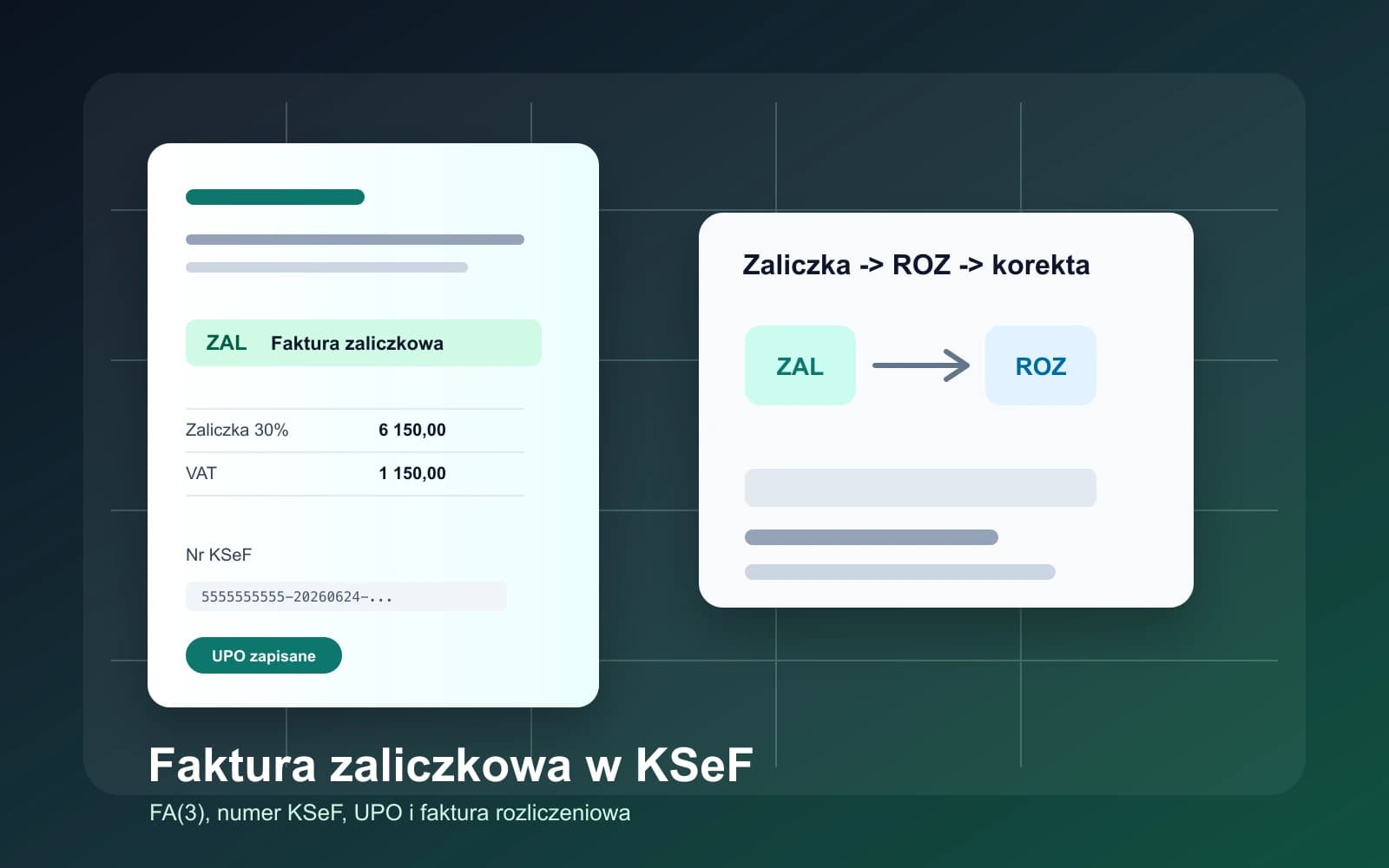
How to handle an advance payment in FA(3), when a settlement invoice is needed, and how to keep the KSeF number, UPO and corrections connected.
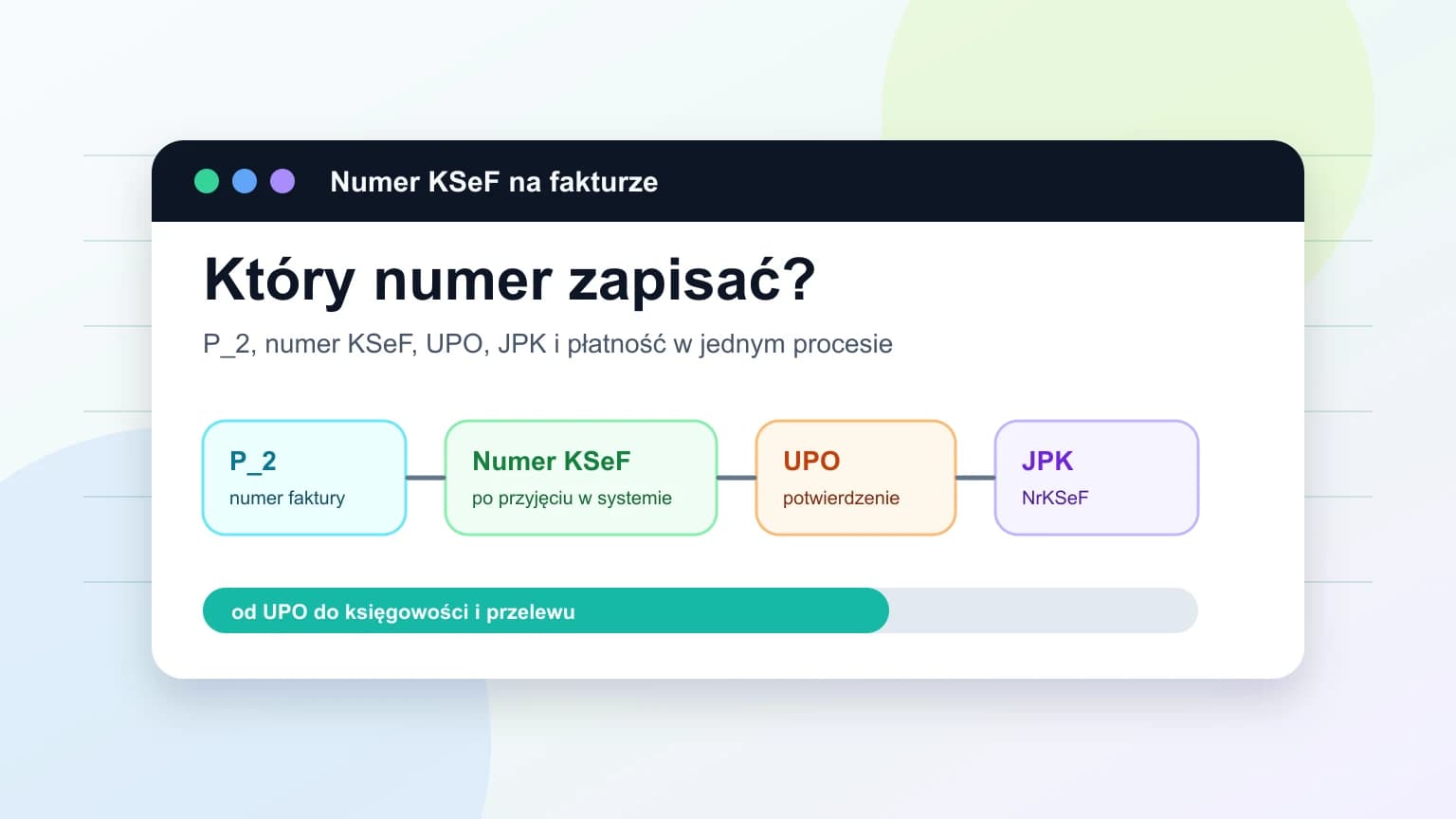
Learn what the KSeF number is, how it differs from the P_2 invoice number, where to find it and how to use it in UPO, JPK and payments.
When to issue B2B invoices, how to receive costs, track UPO, KSeF number and accountant collaboration.