Advance Invoices in KSeF for Small Businesses
How to handle an advance payment in FA(3), when a settlement invoice is needed, and how to keep the KSeF number, UPO and corrections connected.
Article Summary
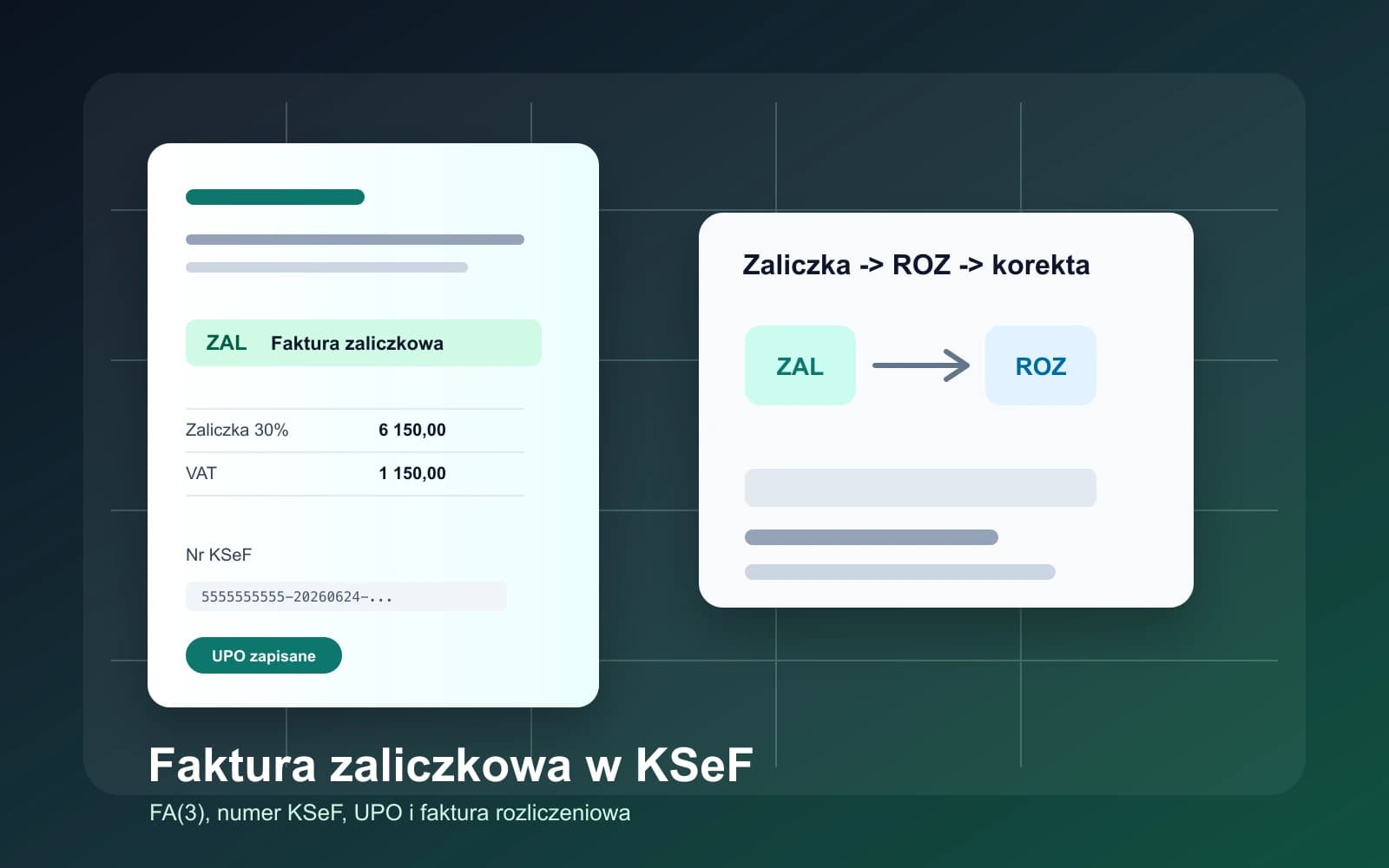
An advance invoice in KSeF is a structured FA(3) invoice that documents receiving all or part of the payment before the supply or service is performed, if the specific transaction requires such a document. In the FA(3) structure, it corresponds to the ZAL type.
For a small business, the biggest risk is not issuing the advance invoice itself. The real risk appears later, when the order, advance invoice, KSeF number, UPO, payment, settlement invoice and possible correction all have to be connected.
If earlier advance invoices do not cover the full payment, after the transaction is completed you need a settlement or final invoice, usually type ROZ, reduced by the advances already settled. If the advance covers 100% of the value, do not automatically assume that an additional final invoice is needed - check the specific case with accounting.
When an advance payment becomes a KSeF topic
A small service business often takes an advance before doing the work: for a website project, training, catering, renovation, booking a date or custom production. After mandatory KSeF comes into force, it is not enough to record the payment in a spreadsheet and return to it at final settlement.
If the advance requires an invoice, the document is a structured invoice. That means FA(3) XML, the correct document type, buyer data, the amount received, VAT, timing, the seller's own invoice number and later the KSeF number after the system accepts it.
This article reflects the state as of June 24, 2026 and is a practical guide for businesses that have already organized the basics in KSeF for small businesses and now need to handle advances, final invoices and corrections.
Table of contents
1. When an advance invoice is issued
2. Deadline for issuing an advance invoice
3. Document types ZAL, ROZ, KOR_ZAL and KOR_ROZ
4. Final invoice after an advance
5. How to store the KSeF number and UPO for an advance
6. Process for a small business
7. How to issue an advance invoice in KSeFGPT
When an advance invoice is issued
An advance invoice appears when a business receives payment before performing the transaction and the regulations require that payment to be documented with an invoice. For a small business, typical cases include booking a date, a project stage, prepayment for goods, an advance for a service or the first installment of a larger order.
Not every payment commonly called an advance has the same tax treatment. A deposit, earnest money, payment for a continuous service or payment covered by special rules may be treated differently. This article shows the operating process, but the tax decision for unusual cases should be confirmed with accounting.
In KSeF, the key point is that an advance invoice is not a loose payment note. After submission and acceptance, it receives a KSeF number and UPO and becomes part of a document chain that later has to be linked to a settlement invoice or correction.
| Situation | Typical document | What to store |
|---|---|---|
| The customer pays part of the amount before the service is performed | Advance invoice ZAL | Advance amount, VAT, payment date, P_2, KSeF number and UPO. |
| The customer pays several installments before the service is performed | Several ZAL invoices | Each payment, its invoice number, KSeF number and the total of settled advances. |
| The service is performed after earlier advances | Settlement invoice ROZ | The final value reduced by the earlier advance invoices. |
| The customer cancels after an advance invoice | Correction KOR_ZAL | Correction reason, refund amount or settlement change, and the KSeF number of the correction. |
Deadline for issuing an advance invoice
The VAT Act sets the general rule that an invoice documenting receipt of all or part of the payment before the transaction should be issued no later than the 15th day of the month following the month in which the payment was received. This is the final deadline, not an invitation to postpone the document.
In practice, KSeF rewards quick organization. If the payment arrived on June 10, the business should issue the ZAL as soon as reasonably possible, submit the FA(3) XML, download the UPO and store the KSeF number. Waiting until the middle of the next month increases the risk of mixing up orders and amounts.
An invoice issued before payment requires caution, because the rules limit invoicing too early. A safe procedure for a small business is simple: first confirm the receipt of funds or the payment terms with accounting, then issue the invoice with the correct type, and only then close the stage in the system.
| Moment | What the business does | Risk |
|---|---|---|
| Before payment | Checks the contract, order and payment terms. | Invoicing too early or using the wrong document type. |
| Day the advance is received | Records the date, amount, contractor and order. | No link between the payment and the invoice. |
| After the payment is posted | Issues ZAL and submits it to KSeF. | Mistake in gross amount, VAT or buyer data. |
| After acceptance by KSeF | Stores the KSeF number and UPO. | Treating a draft invoice as an accepted document. |
| After the service or delivery is completed | Issues ROZ if earlier advances did not settle the whole amount. | Double VAT calculation or failure to deduct advances. |
Document types ZAL, ROZ, KOR_ZAL and KOR_ROZ
In FA(3), the document type matters. An ordinary sales invoice, corrective invoice, advance invoice and settlement invoice are not the same operational case. The local KSeFGPT validator recognizes, among others, VAT, KOR, ZAL, ROZ, KOR_ZAL and KOR_ROZ.
For advances, the two most important steps are these: ZAL documents the payment received before the transaction is performed, and ROZ organizes the final settlement after earlier advances. If the advance or settlement invoice has to be corrected, KOR_ZAL or KOR_ROZ comes into play.
This distinction helps avoid confusion. If a business issues an ordinary VAT document instead of ZAL, accounting may lose the information that the document related to a payment before the service was performed. If the business fails to link ROZ to earlier advances at final settlement, the amounts may look like duplicated sales.
| FA(3) type | Meaning | Example |
|---|---|---|
| ZAL | Advance invoice | 30% paid before training or catering. |
| ROZ | Settlement invoice | Final settlement after one or more advances. |
| KOR_ZAL | Correction of an advance invoice | Partial refund of an advance or order change. |
| KOR_ROZ | Correction of a settlement invoice | Correction of the final invoice after the service is performed. |
| VAT | Ordinary invoice | Sale without an earlier advance or without the need for the ZAL type. |
Final invoice after an advance
A final invoice after an advance is needed when earlier advance invoices do not cover the full payment for the supply or service. In that case, the final document should settle the full transaction value but reduce it by the amounts and VAT already shown on the advance invoices.
In KSeF, this practically means a ROZ settlement invoice with references to earlier ZAL invoices. It is worth storing the seller's own advance invoice numbers, dates, amounts, KSeF numbers and UPOs. Without this, the final document may be mathematically correct but hard to defend from a process perspective.
If the advance covered the whole payment, do not automatically create an additional final invoice only because the project has ended. This case should be checked with accounting, because an extra document may duplicate the settlement instead of organizing it.
| Scenario | What the business usually does | Check before submission |
|---|---|---|
| 30% advance, remainder after the service | ZAL after payment and ROZ after completion. | Whether ROZ reduces the amounts by the advance. |
| Two advances of 20% and 30% | Two ZAL documents and ROZ for the remaining amount. | Whether ROZ refers to both advance invoices. |
| 100% advance | Usually, do not automatically assume an additional ROZ. | Whether accounting confirms that no final invoice is needed. |
| Partial refund of an advance | KOR_ZAL or another settlement appropriate to the case. | Whether the correction has the correct reason and amounts. |
How to store the KSeF number and UPO for an advance
After submitting an advance invoice, the two most important confirmations are the KSeF number and UPO. The KSeF number identifies the document in the system, and UPO confirms acceptance. The invoice number from field P_2 alone is not enough, because it is assigned by the business, not by KSeF.
For advances, you need to store more data than for a simple invoice. You need the order or contract number, the date the money was received, the advance amount, information on whether it is a partial or full payment, the advance invoice number, KSeF number, UPO and settlement status.
If you later issue ROZ, this data must come back. A good practice is to treat advance invoices as a set of linked documents, not as separate individual files. The identifier itself is explained in more detail in KSeF number on an invoice.
| Data | Why it is needed |
|---|---|
| Advance invoice number P_2 | Links the document to the company's numbering. |
| KSeF number of the ZAL invoice | Makes it possible to find the document in KSeF and link it to ROZ. |
| UPO | Confirms that the system accepted the document. |
| Gross, net and VAT amounts | Prevents double settlement on the final invoice. |
| Order or contract | Explains what the advance relates to. |
| Settlement status | Shows whether the advance is waiting for ROZ, has been settled or has been corrected. |
Process for a small business
The simplest process starts before the payment. Agree with the customer whether the payment is an advance, which order it relates to, the gross amount, the applicable VAT rate and when the service or delivery will be performed. This data should enter the system before the money arrives in the account.
After the funds arrive, issue ZAL, validate the FA(3) XML, submit the invoice to KSeF and download the UPO. Then mark the advance as waiting for settlement. After the service is performed, check whether ROZ is needed or whether the earlier advances covered the whole payment.
If the order scope, number of participants, date, price or the customer's decision changes along the way, do not manually rewrite the history in a spreadsheet. Check whether you need a ZAL correction, ROZ correction or a new settlement. If in doubt, return to the guide Corrective invoice in KSeF.
| Step | What to do | What to store |
|---|---|---|
| 1 | Agree the advance terms before payment. | Order, contract, amount, VAT and performance date. |
| 2 | After receiving funds, prepare the ZAL invoice. | Payment date, amount and buyer data. |
| 3 | Verify the FA(3) XML. | ZAL type, P_2, amounts, VAT rate and party data. |
| 4 | Submit to KSeF and download the UPO. | KSeF number, UPO and acceptance status. |
| 5 | After the transaction is completed, prepare ROZ if needed. | Links to advance invoices. |
| 6 | Close the settlement or issue a correction. | Settlement status and linked documents. |
How to issue an advance invoice in KSeFGPT
In KSeFGPT, you issue an advance invoice from the same module as an ordinary sales invoice. Go to `Invoices > Issue > Invoice`, then find the `Invoice type` section in the document editor. Instead of the default `Basic (VAT)` option, select `Advance (ZAL)`.
After selecting ZAL, complete the seller, buyer, invoice number, dates, line items, received advance amount and VAT rate. Before submission, check the preview and XML, because the document type and amounts decide whether the later settlement invoice ROZ can correctly deduct the earlier advance.
If the advance does not cover the full transaction value, store the order context immediately: contract number, service description, total value and the information that the document will later be settled. After KSeF accepts the invoice, return to the document and store the KSeF number and UPO, because they will be needed for the final invoice.
| Step in KSeFGPT | What to check | Why it matters |
|---|---|---|
| `Invoices > Issue > Invoice` | Whether you are working on the right company and contractor. | A wrong company or buyer goes into the FA(3) XML. |
| `Invoice type` -> `Advance (ZAL)` | Whether the document was not left as `Basic (VAT)`. | ZAL separates a payment before performance from ordinary sales. |
| Line items and advance amount | Whether the amount and VAT refer to the received payment, not the whole transaction when the payment was partial. | This reduces the risk of double settlement on ROZ. |
| Preview and XML | Whether party data, P_2 number, VAT rate and ZAL type are consistent. | Validation before submission is cheaper than a later correction. |
| Submission to KSeF | Whether the sender confirms responsibility for the data and stores UPO. | The KSeF number and UPO will be needed when the advance is settled. |
Common mistakes with advances
Mistakes with advances usually do not look serious on the day the document is issued. The problem appears later, when the business has to issue a settlement invoice, prepare JPK, explain a payment or correct an order.
The most common mistake is no link to the order. The second is missing KSeF number and UPO in the internal register. The third is issuing an ordinary VAT invoice instead of ZAL, or issuing the final document without deducting earlier advances.
In KSeF, every stage leaves a trace, so confusion cannot be fixed by renaming a PDF file. You need correct XML, the right document type, KSeF numbers and consistent amounts. If the document is rejected, start with the diagnostics described in Invoice rejected by KSeF.
| Mistake | Effect | How to prevent it |
|---|---|---|
| No order number | It is hard to establish what the payment relates to. | Link ZAL to a contract, order or project. |
| No UPO | You do not know whether the document was accepted. | Store UPO and status after submission. |
| Wrong document type | The advance looks like an ordinary sale. | Check `RodzajFaktury` before submission. |
| Advance not deducted on ROZ | Risk of double settlement. | Compare ROZ with all ZAL invoices. |
| Correction without a reference | Accounting cannot see what was corrected. | Store the invoice number and KSeF number of the corrected document. |
How KSeFGPT helps with advances
KSeFGPT does not replace accounting and does not make the tax decision for the business. It helps organize the data that is easiest to lose with advances: contractor, order, document type, line items, amounts, KSeF number, UPO and later settlement.
For a small business, continuity is the key. In one process, you can prepare the invoice, check the XML, submit the document, monitor statuses and return to the invoice for settlement or correction. As a result, the advance invoice does not remain an isolated PDF in an email.
If you work with many customers, advances and corrections, use KSeFGPT as an application for KSeF invoices, import, export, validation and data organization for accounting. It is a natural extension of the process described in KSeF for small businesses.
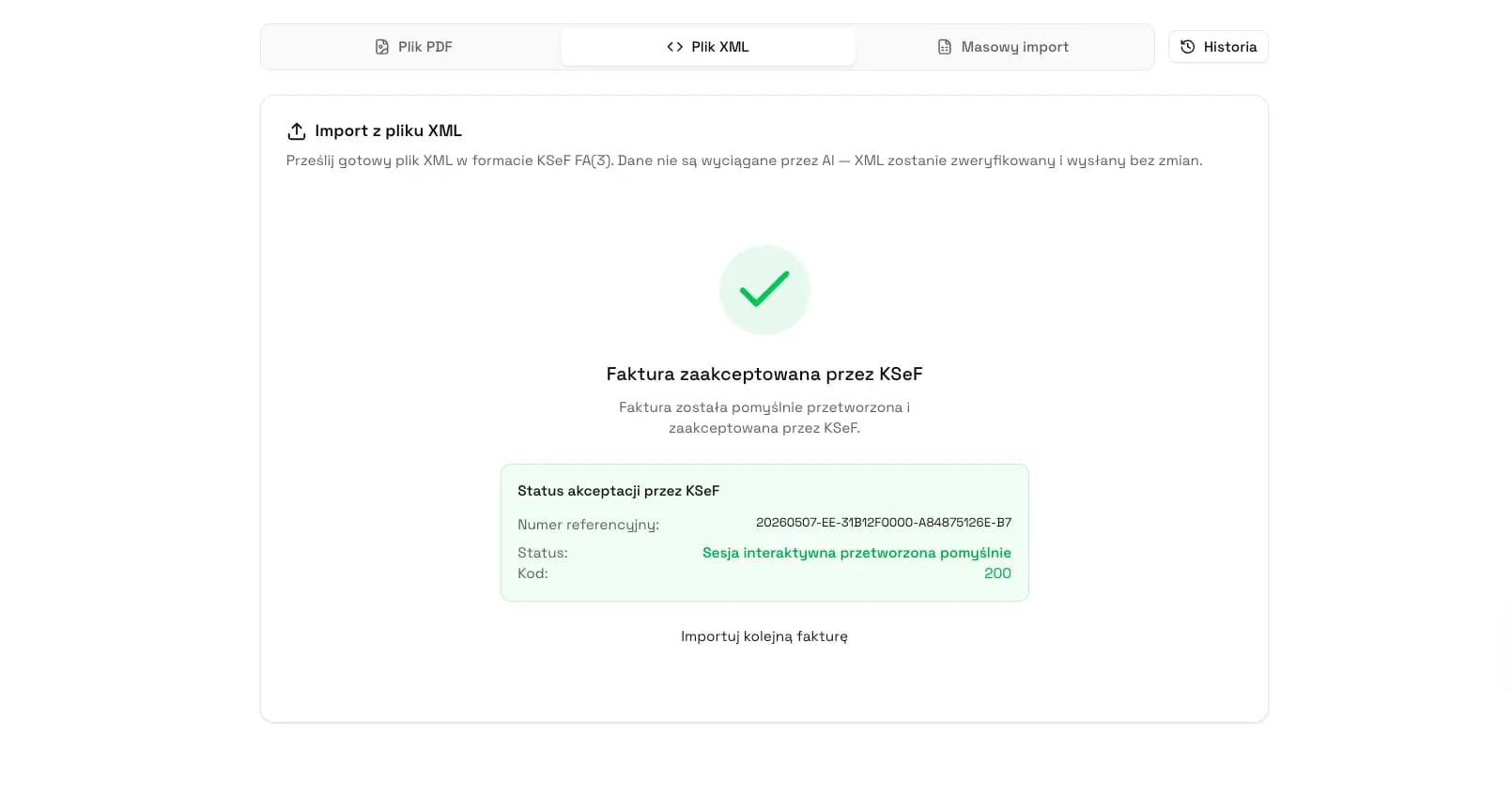
Organize advances, final invoices and UPO
Work with KSeF invoices in one process: preparation, XML validation, submission, status, UPO and later settlement.
Open KSeFGPTFrequently Asked Questions
Does an advance payment in KSeF require an advance invoice?
If receiving all or part of the payment before the transaction creates an invoicing obligation, the KSeF document is a structured FA(3) invoice, usually with the ZAL type. Always check the specific transaction and the exceptions under the VAT Act.
When should an advance invoice be issued?
As a general rule, an invoice documenting payment received before the supply or service should be issued no later than the 15th day of the month following the month in which all or part of the payment was received. In practice, it is worth issuing it as soon as the advance payment is posted.
Is a final invoice always issued after an advance invoice?
Do not assume this automatically. If advance invoices do not cover the full payment, after the transaction is completed you need a settlement or final invoice reduced by the earlier advances. If the advance covers 100% of the payment, confirm the decision with accounting for the specific case.
Which FA(3) invoice type is used for an advance invoice?
In the FA(3) structure, the invoice type for an advance invoice is ZAL, and the settlement invoice after advances is ROZ. Correction types KOR_ZAL and KOR_ROZ are also used.
How should a final invoice be linked to advance invoices?
Store the advance invoice numbers, dates, amounts, VAT and KSeF numbers after the system accepts them. The settlement invoice should refer to the earlier advances so accounting can see the full document chain.
What if the customer cancels after paying an advance?
First establish whether the advance is refunded in full, refunded in part or applied to another supply or service. If the advance invoice has been accepted in KSeF, a correction of the advance invoice is usually needed, not deletion of the document.
Handle advance invoices and settlements in KSeFGPT
Prepare, validate, submit and track KSeF invoices with UPO and settlement context.
Open KSeFGPTSources and reference materials
This article is based on official materials checked on June 24, 2026 and on KSeFGPT local validation and invoice data types.
- Faktura ustrukturyzowana i struktura logiczna FA
KSeF · accessed: June 24, 2026
Opis faktury ustrukturyzowanej i struktury logicznej FA(3).
- Broszura informacyjna dotyczaca struktury logicznej FA(3)
Ministerstwo Finansów · accessed: June 24, 2026
Oficjalna dokumentacja pól i zasad struktury FA(3).
- Ustawa o podatku od towarów i usług, tekst jednolity Dz.U. 2025 poz. 775
Dziennik Ustaw · accessed: June 24, 2026
Podstawa prawna faktur dokumentujących otrzymanie zapłaty przed czynnością, terminów i elementów faktur zaliczkowych.
- Wystawianie i otrzymywanie faktur w KSeF
KSeF · accessed: June 24, 2026
Oficjalne wyjaśnienia dotyczące wystawiania i otrzymywania faktur w KSeF.
Expert reviewed: KSeFGPT Team
Invoice Automation and KSeF Experts · June 24, 2026
The article focuses on the operating process for advance invoices in KSeF and separates FA(3) handling from transaction-specific tax advice.