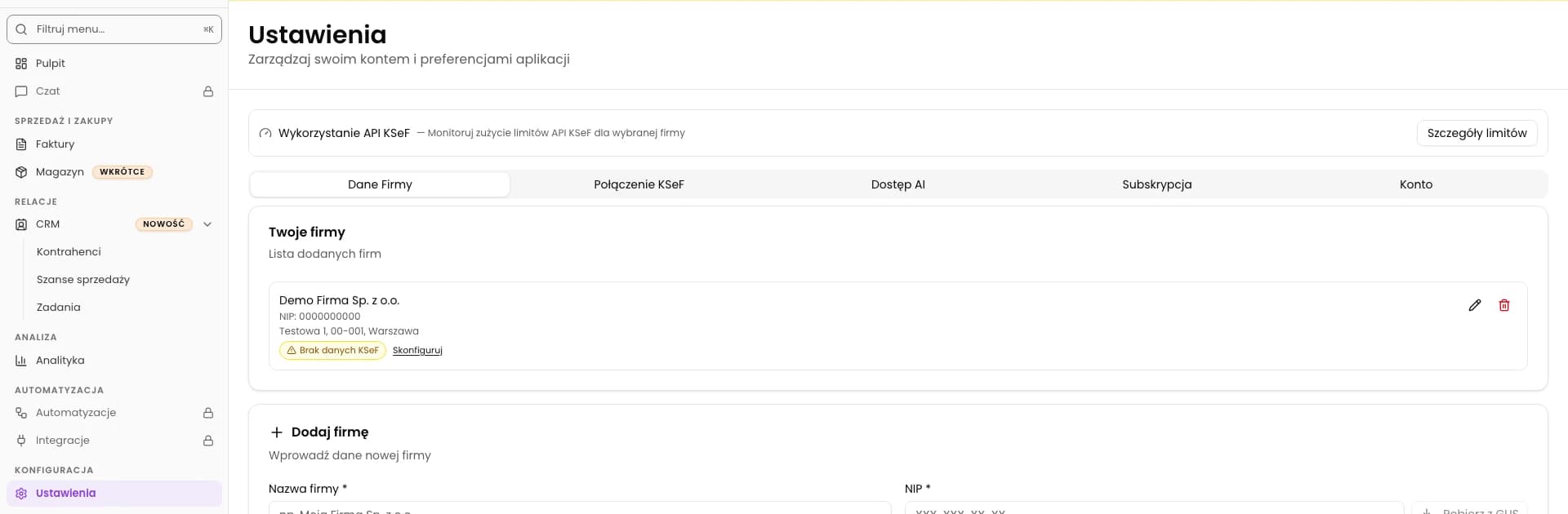
How to change company details in KSeFGPT?
Update the address, email and bank details of an existing company in Settings.
InstructionsSeptember 11, 2026
Practical knowledge on KSeF - from integration basics to AI-driven invoice automation. Written from real deployments, not theory.
Update the address, email and bank details of an existing company in Settings.
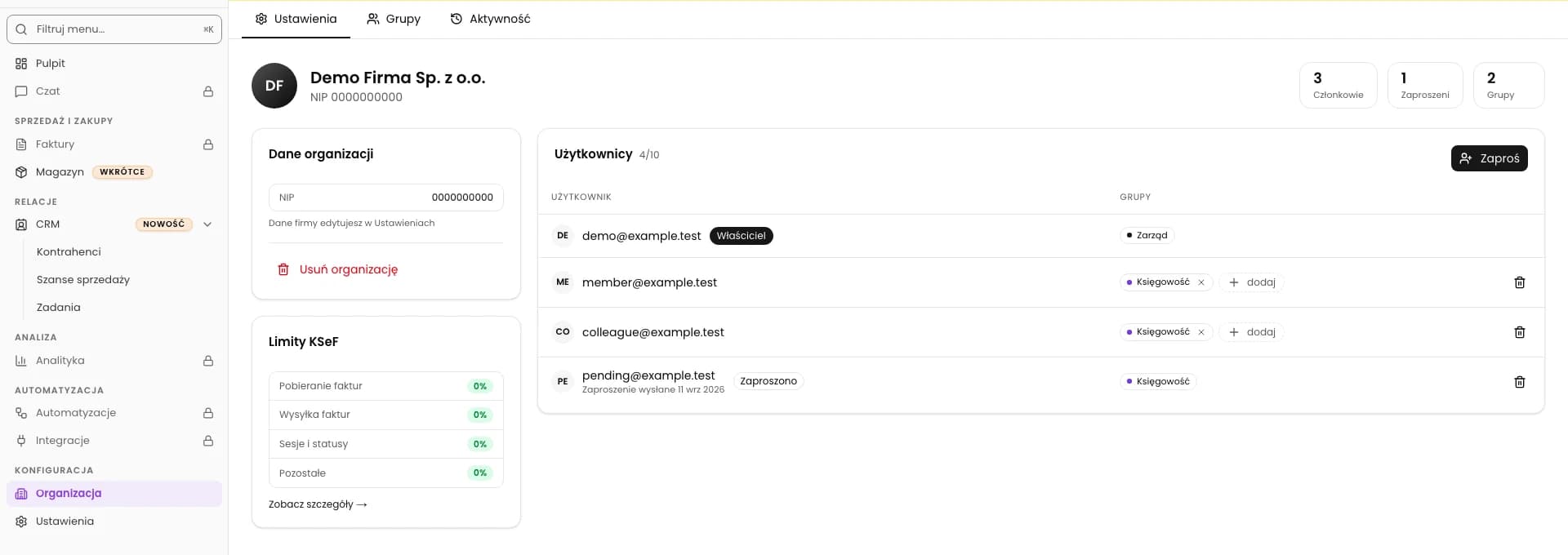
Check the company and email address, then remove a member or revoke a pending invitation.
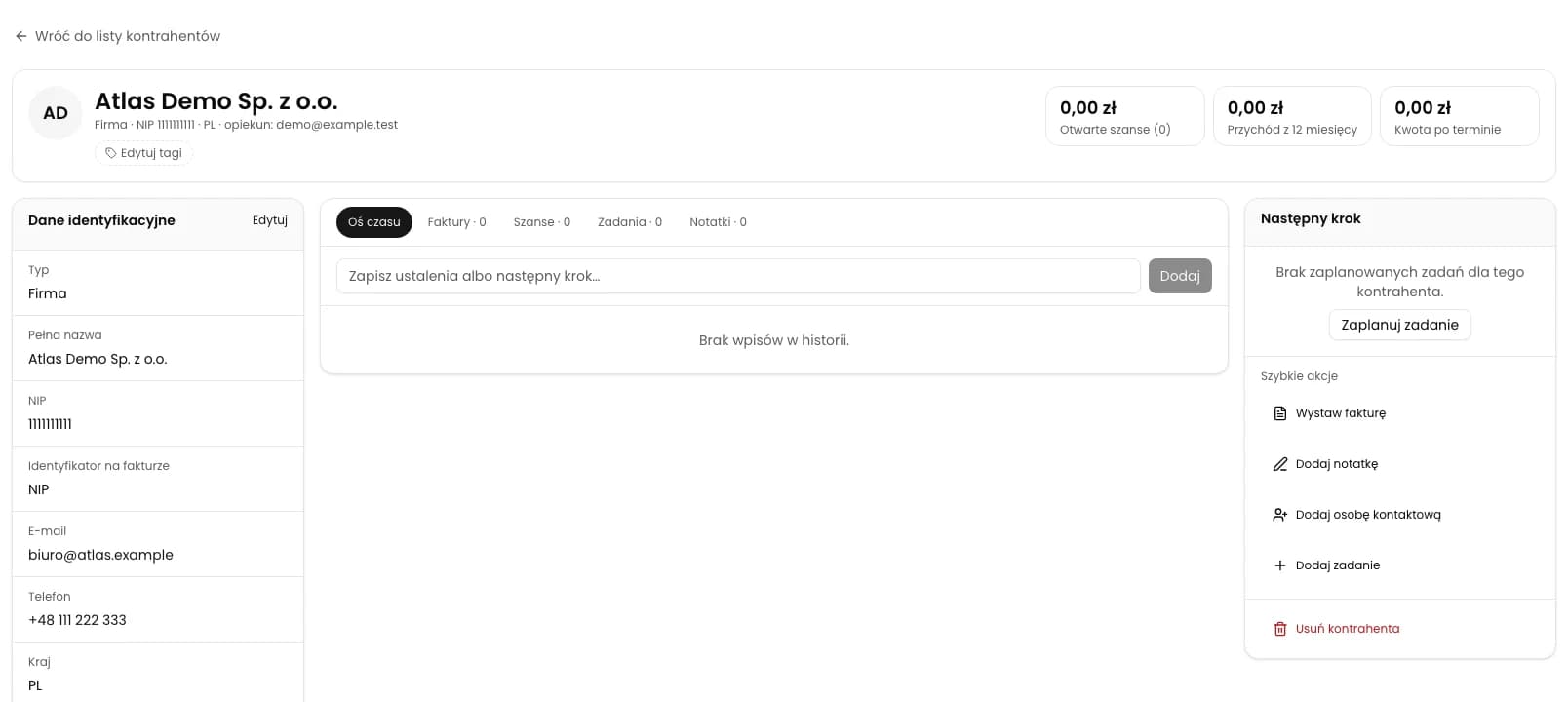
Open a counterparty record, transfer the buyer details to an invoice and complete the sale details. After submission, check acceptance and the KSeF number.
Choose a template and counterparty, then create an opportunity with a predefined task.
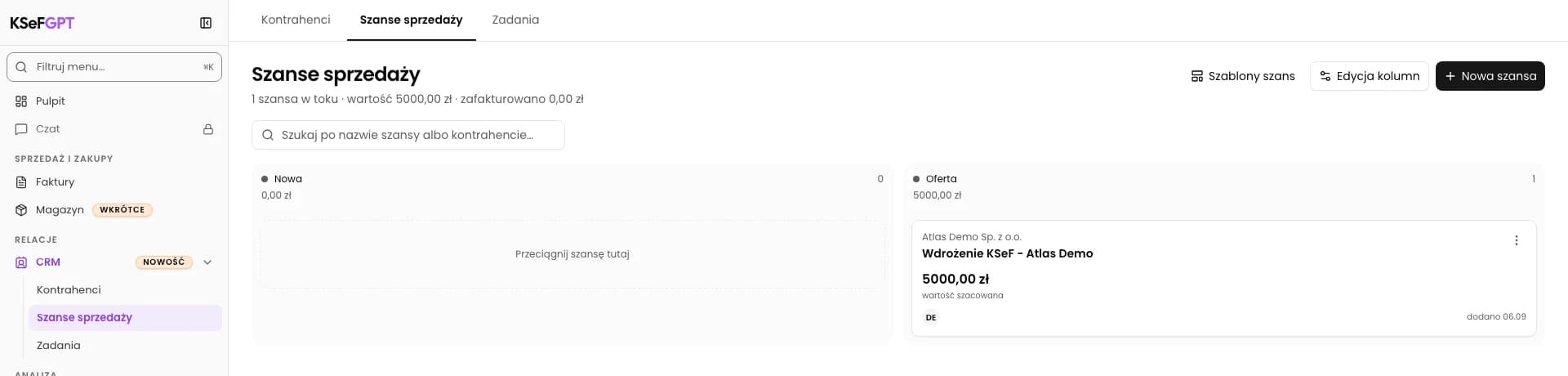
Choose a stage on the opportunity profile and check its board column.
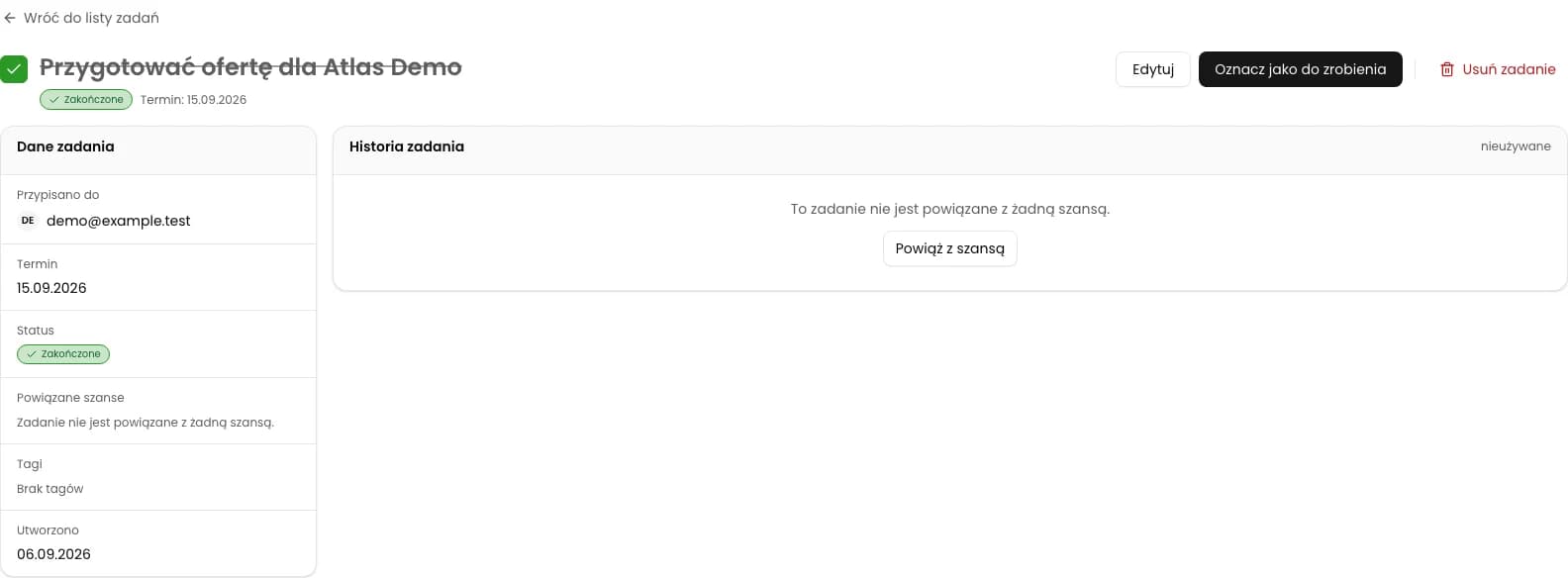
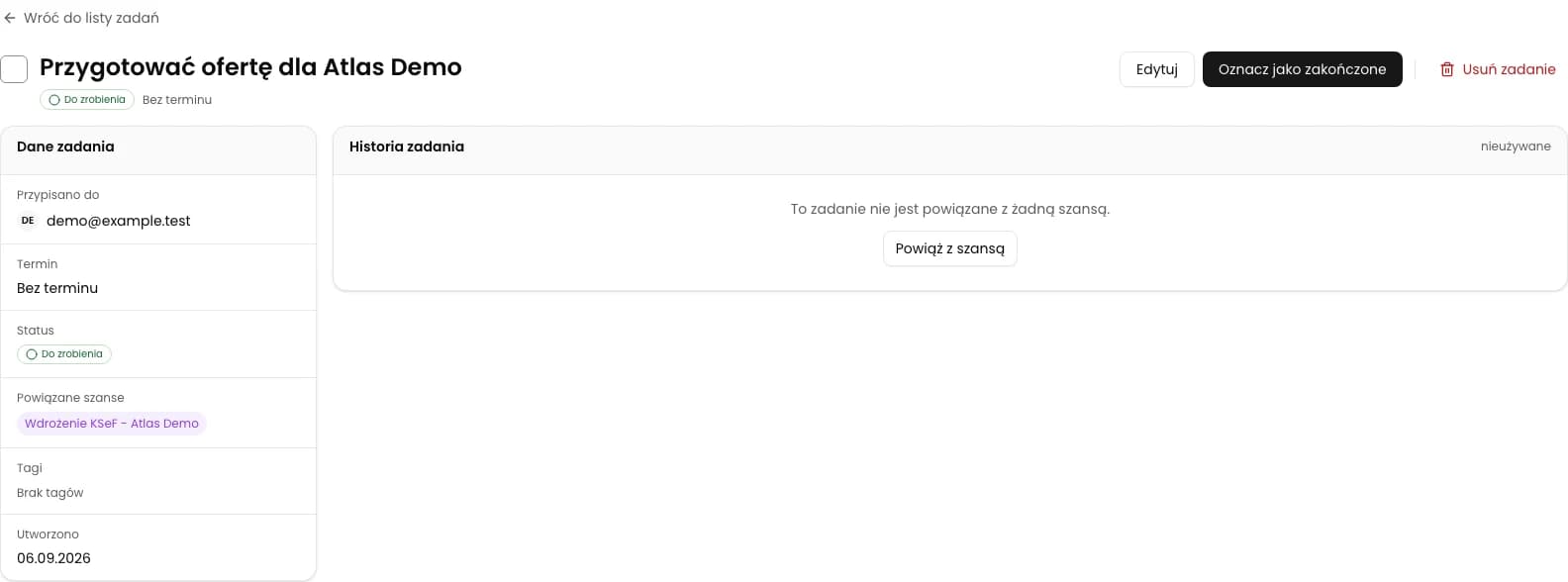
Mark an existing task as done and check its saved status.
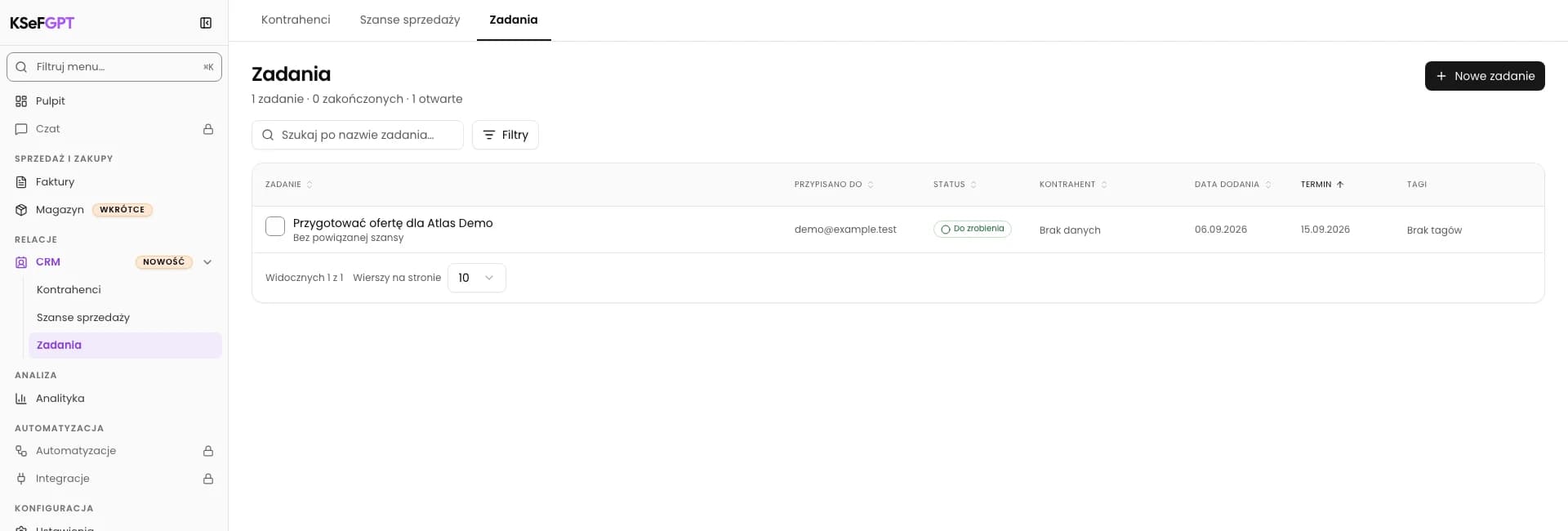
Plan a task, choose its due date and assignee.
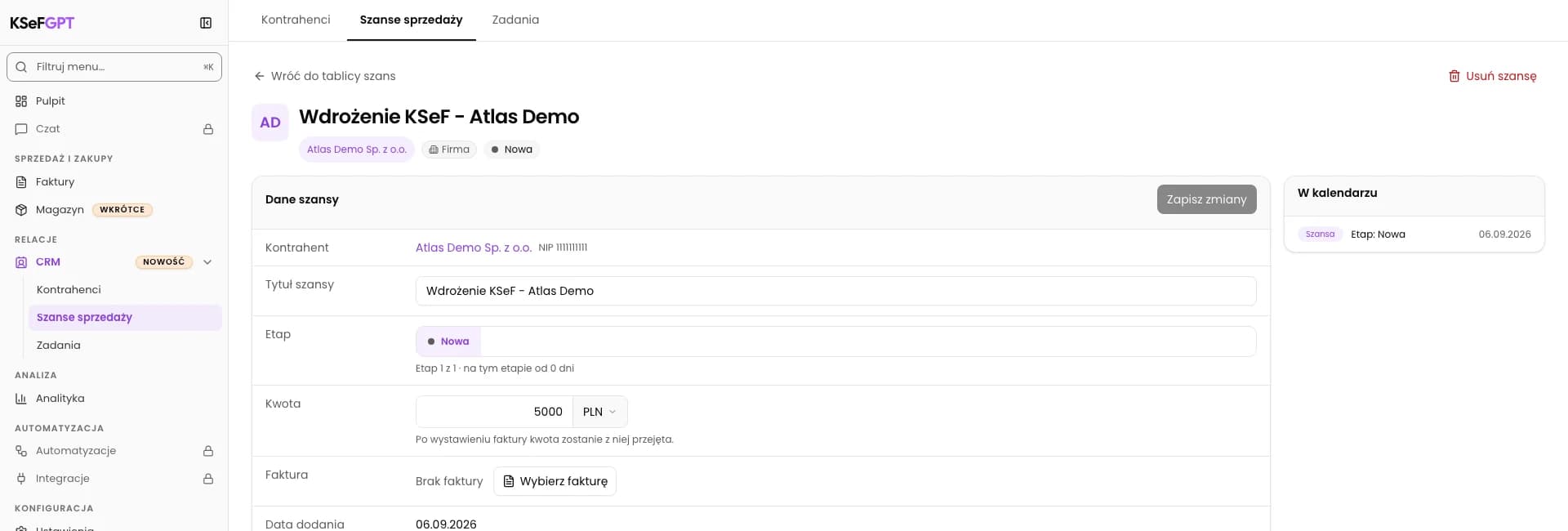
Link an opportunity to a counterparty and save its name, stage and value.
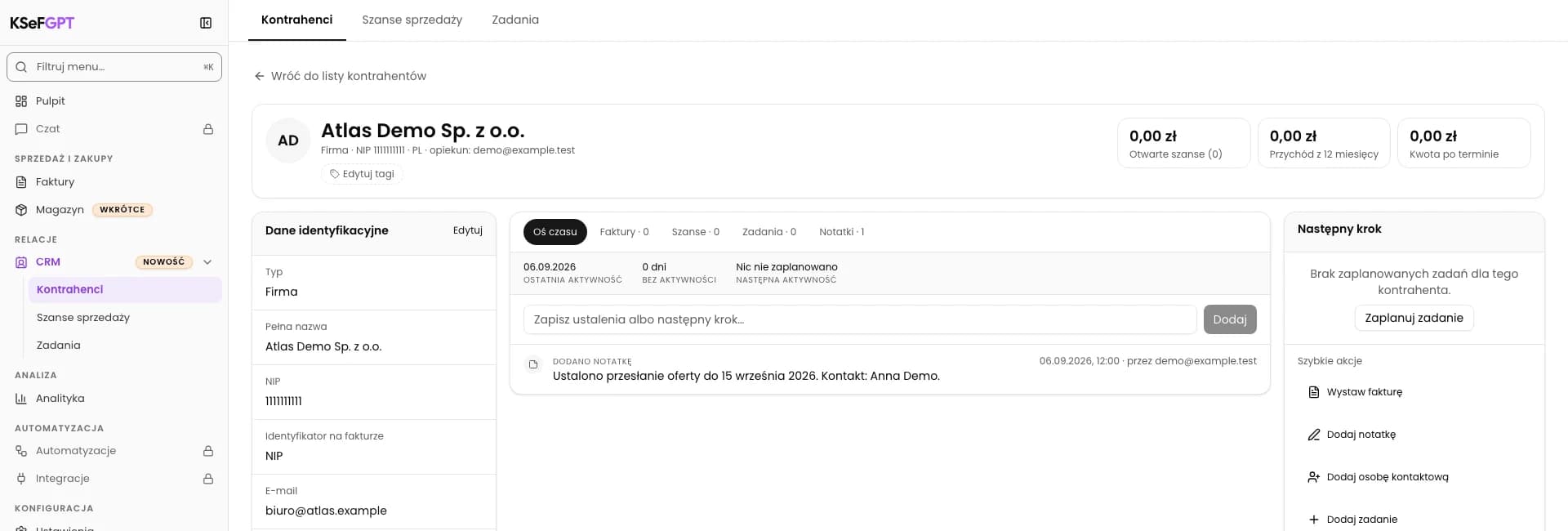
Save call arrangements in the selected company’s history.
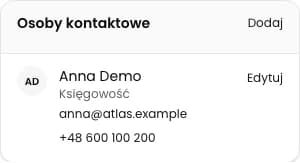
Save the name and contact details of a person at the counterparty.

Find out which document you receive after refuelling, when to look in KSeF and how to collect an invoice issued later against a receipt.

Find out when your fuel invoice goes to KSeF and when you need to keep the document received at the station.
Short answers about the KSeFGPT app and about the National e-Invoice System itself, with links to the full articles.
Leave us a message if you'd like to discuss a specific topic or receive a newsletter about KSeF automation.
Ask about a topicWe've prepared texts in languages: English, Polski, Deutsch, Українська. Your chosen language is saved in the blog tab.