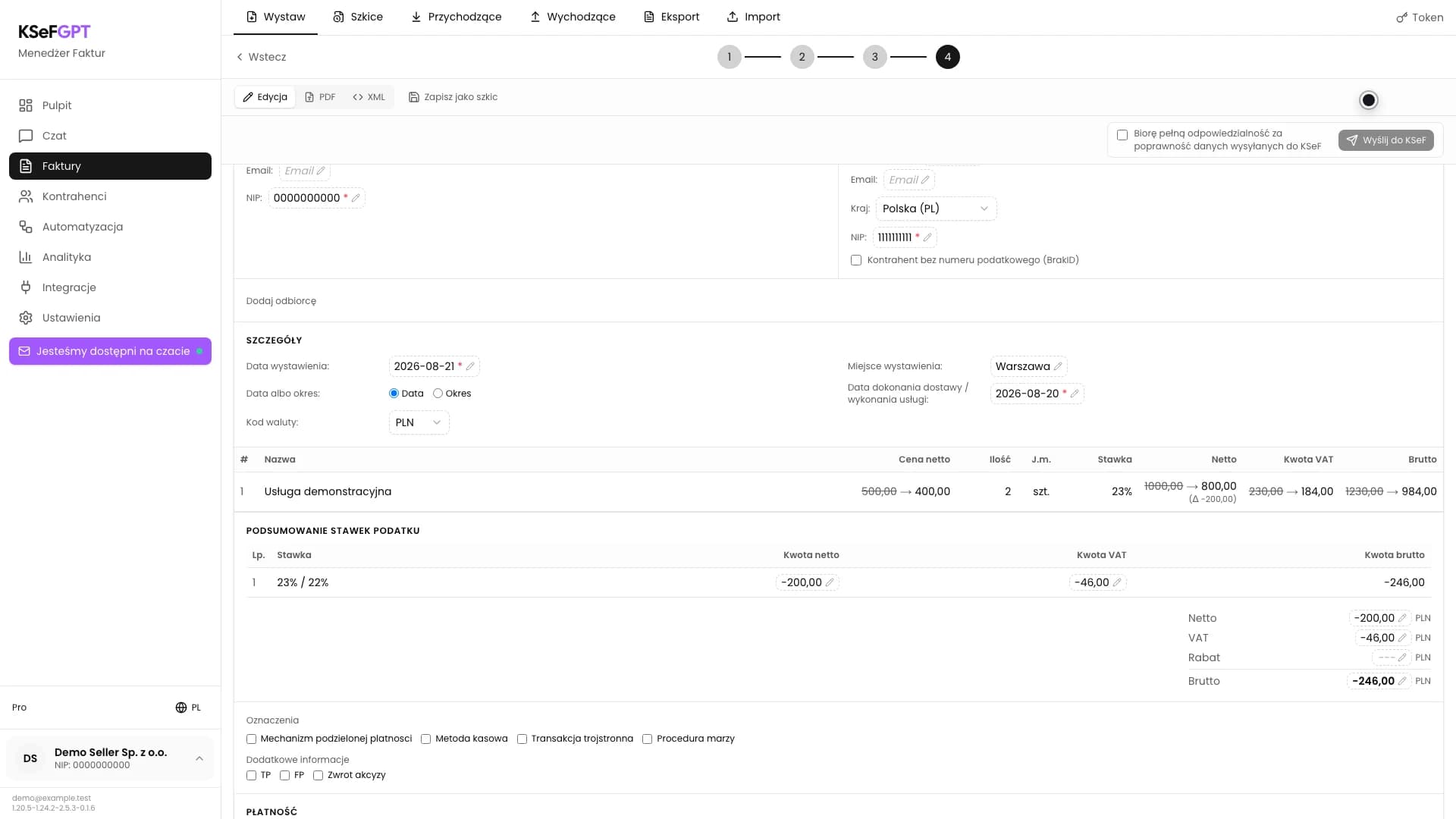
How to issue an invoice line-items correction in KSeFGPT
Select the source invoice, change the required line, enter the reason, review the values before and after the correction, then submit the new document to KSeF.
InstructionsAugust 21, 2026
Practical knowledge on KSeF - from integration basics to AI-driven invoice automation. Written from real deployments, not theory.
Select the source invoice, change the required line, enter the reason, review the values before and after the correction, then submit the new document to KSeF.
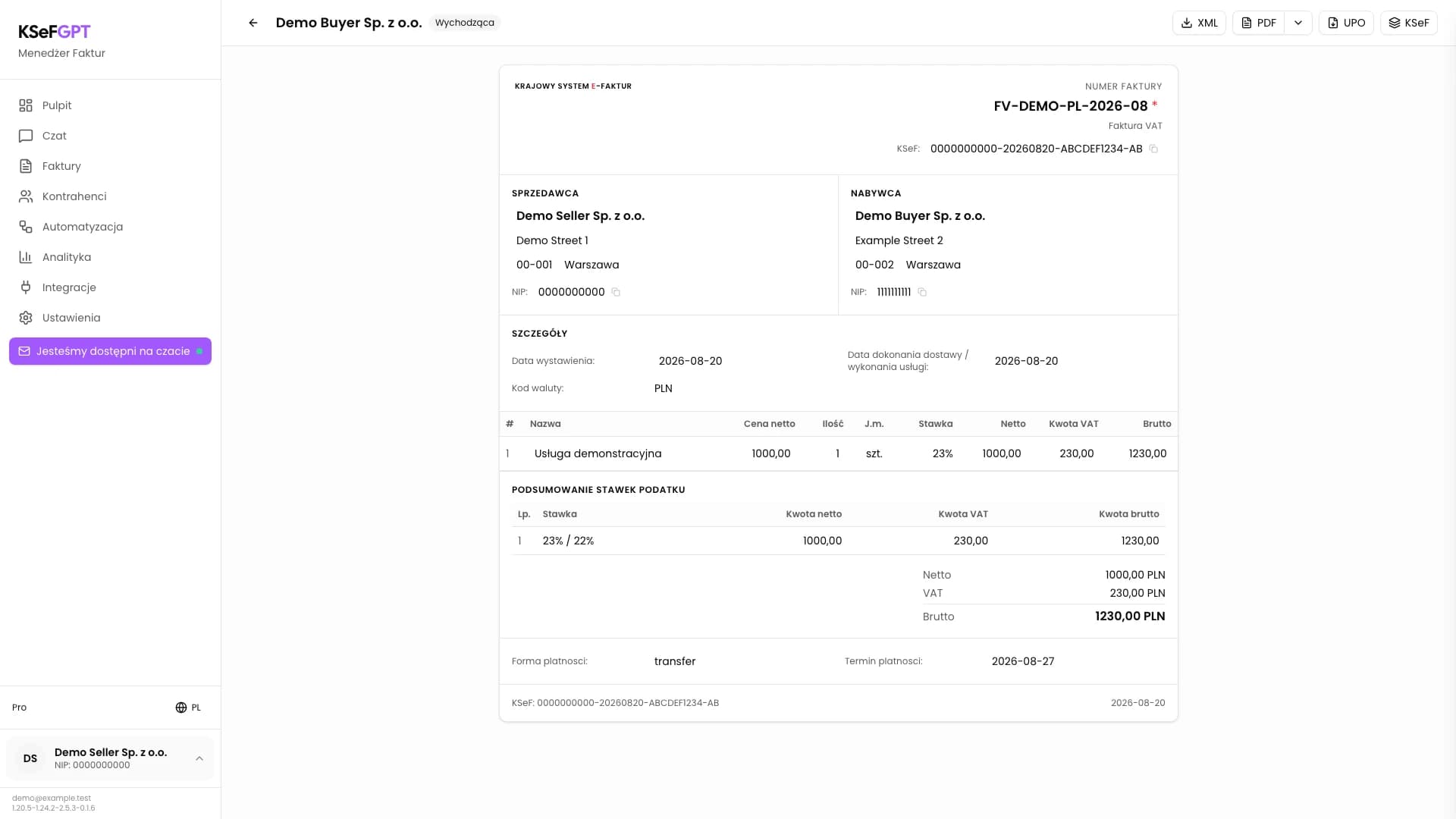
Open an accepted outgoing invoice and download its source XML, a PDF visualisation in the selected language and the official UPO. UPO is available for a document submitted from KSeFGPT.
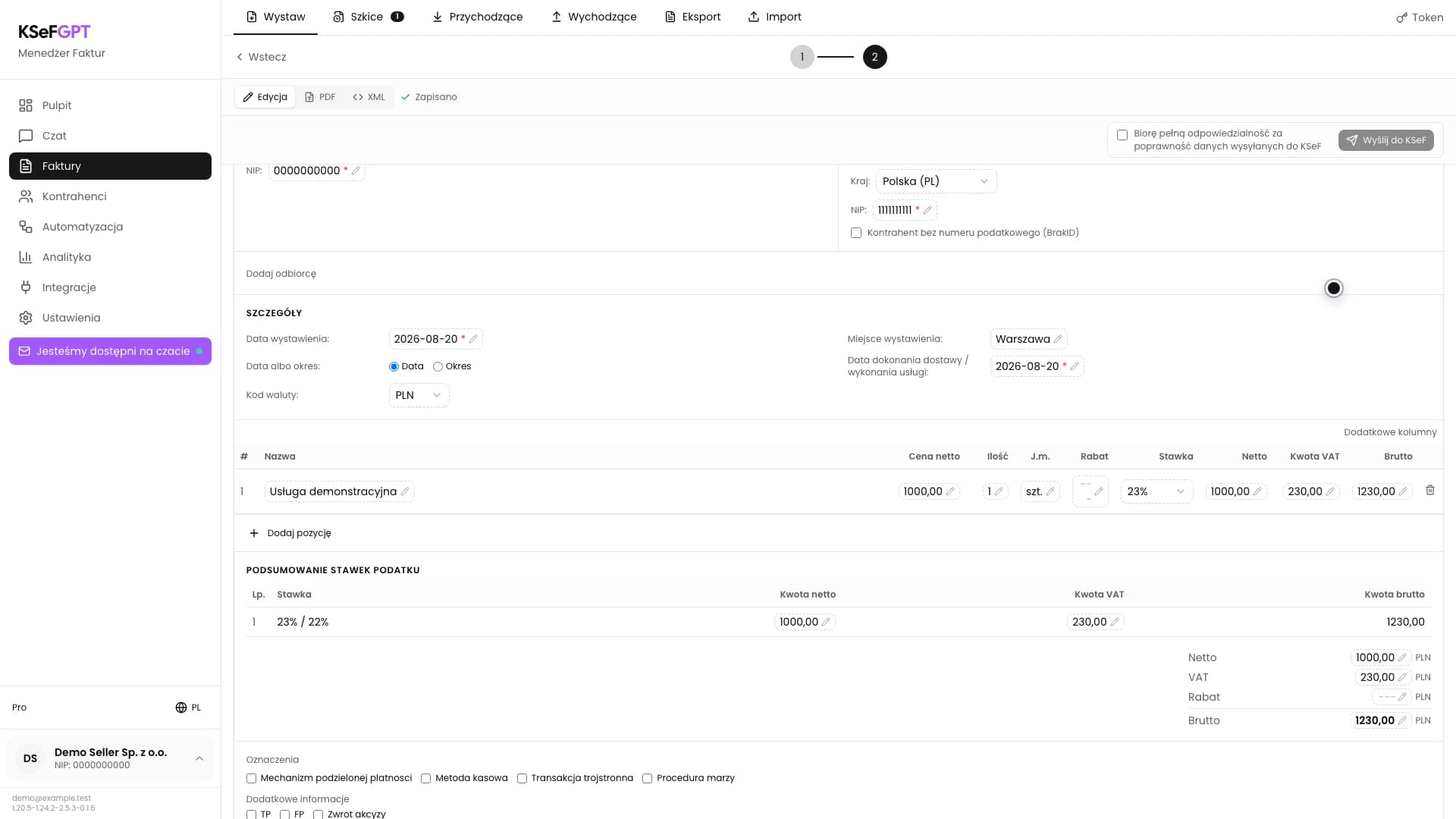
Complete a standard VAT invoice, check the parties, line items and amounts, then submit the document to KSeF. The company needs an active KSeF connection and permission to submit invoices.
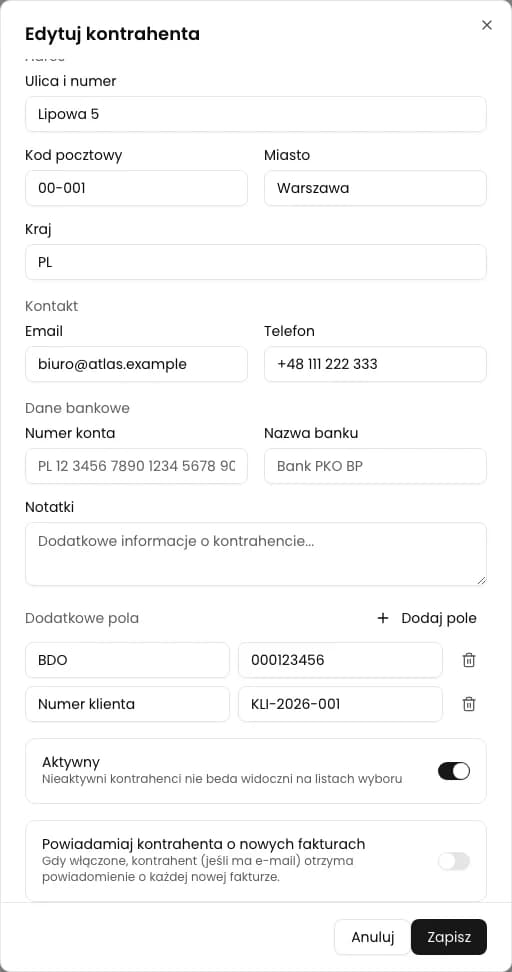
The new CRM form has no custom fields. Save BDO and a customer number in the older Contractors view, available through a direct address.
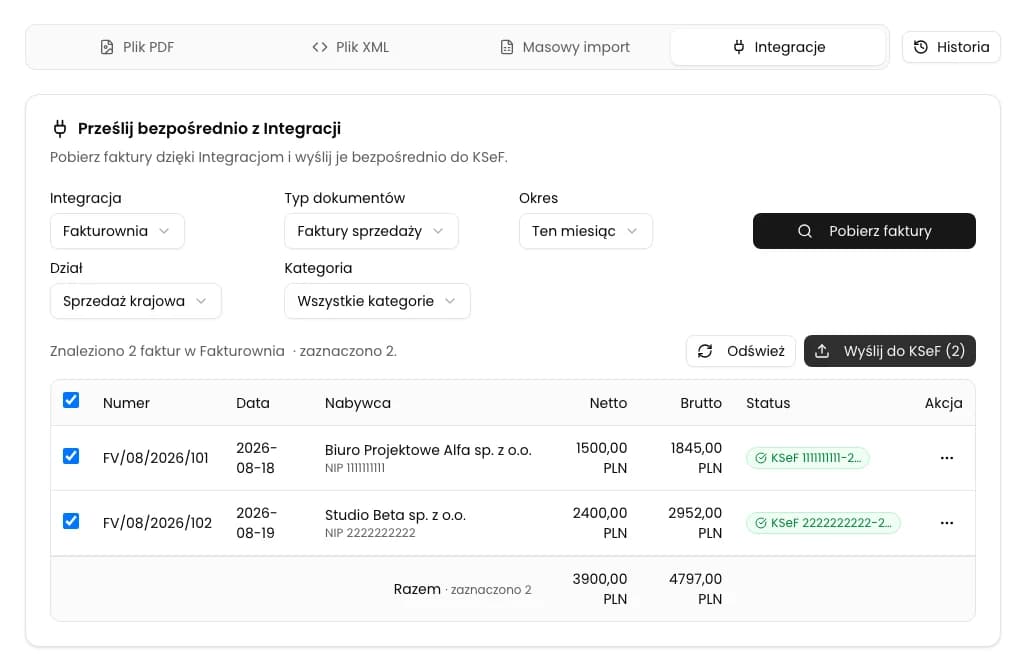
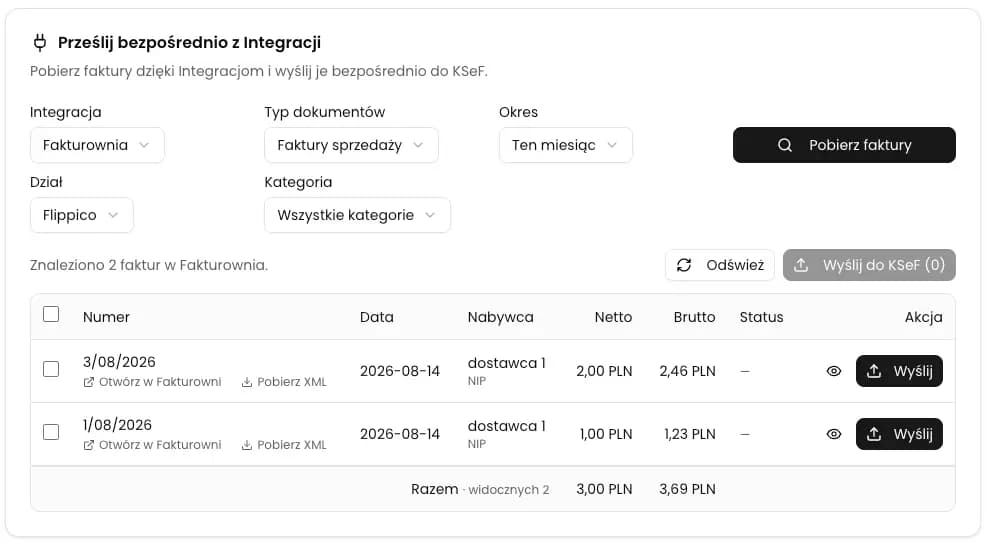
Fetch sales invoices through a saved integration, select the correct documents, and submit them to KSeF without downloading and manually uploading XML files.
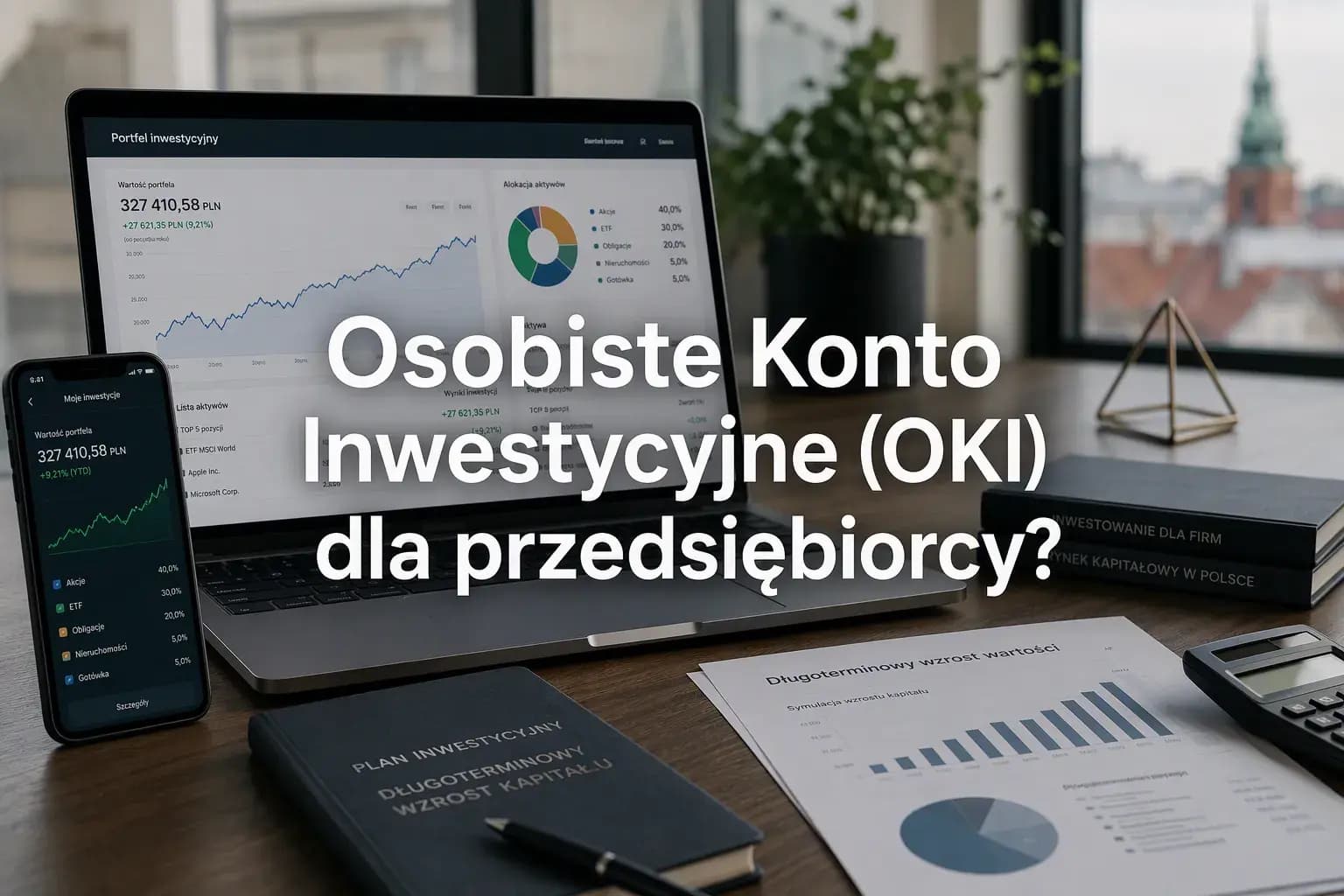
See who can open OKI, how its exemptions and asset-value tax work, and what the rules mean for a person running a business in Poland.
Connect a Fakturownia.pl account to the selected company in KSeFGPT, verify the access details, and save an active integration. You will need the account subdomain and a Fakturownia API token.
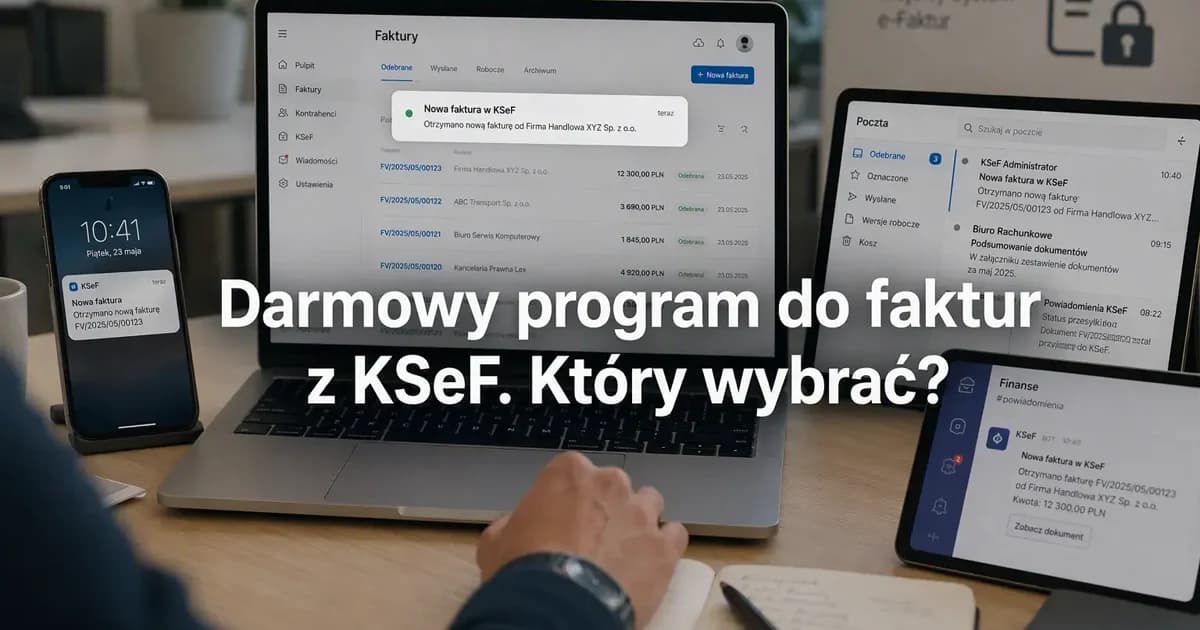
Compare submission limits, retrieval, alerts, AI, workflows and team access in KSeF invoicing options available for PLN 0.
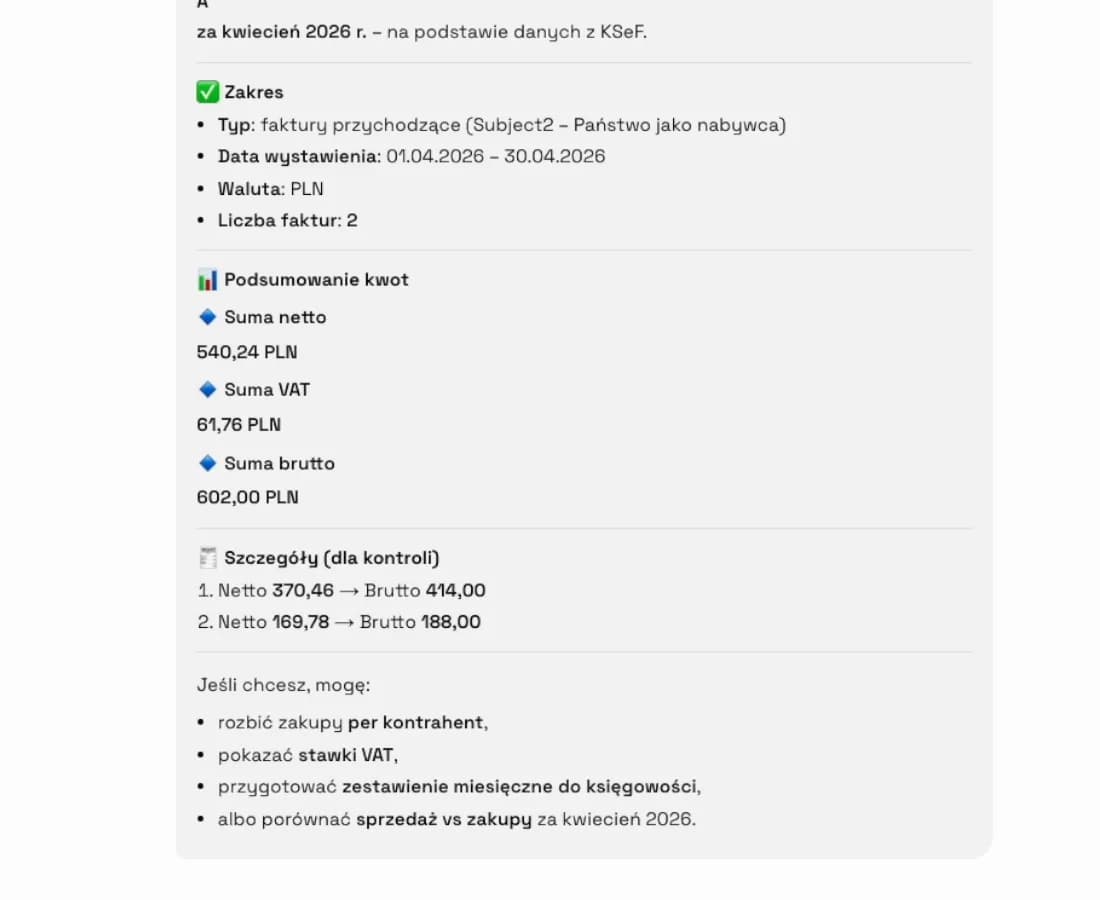
Create a conversation for a selected company, connect it to KSeF, and ask about a tax ruling, a correction, or your own invoices. You need a plan that includes Chat and a KSeF token or certificate.
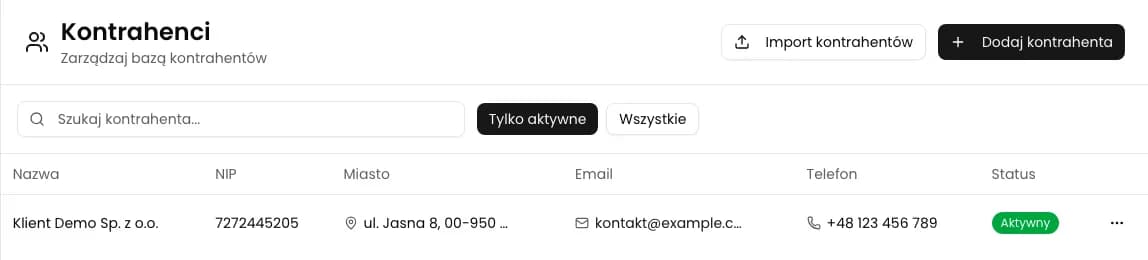
Open CRM > Counterparties, add a company and check its detail page. This guide follows the current CRM form.
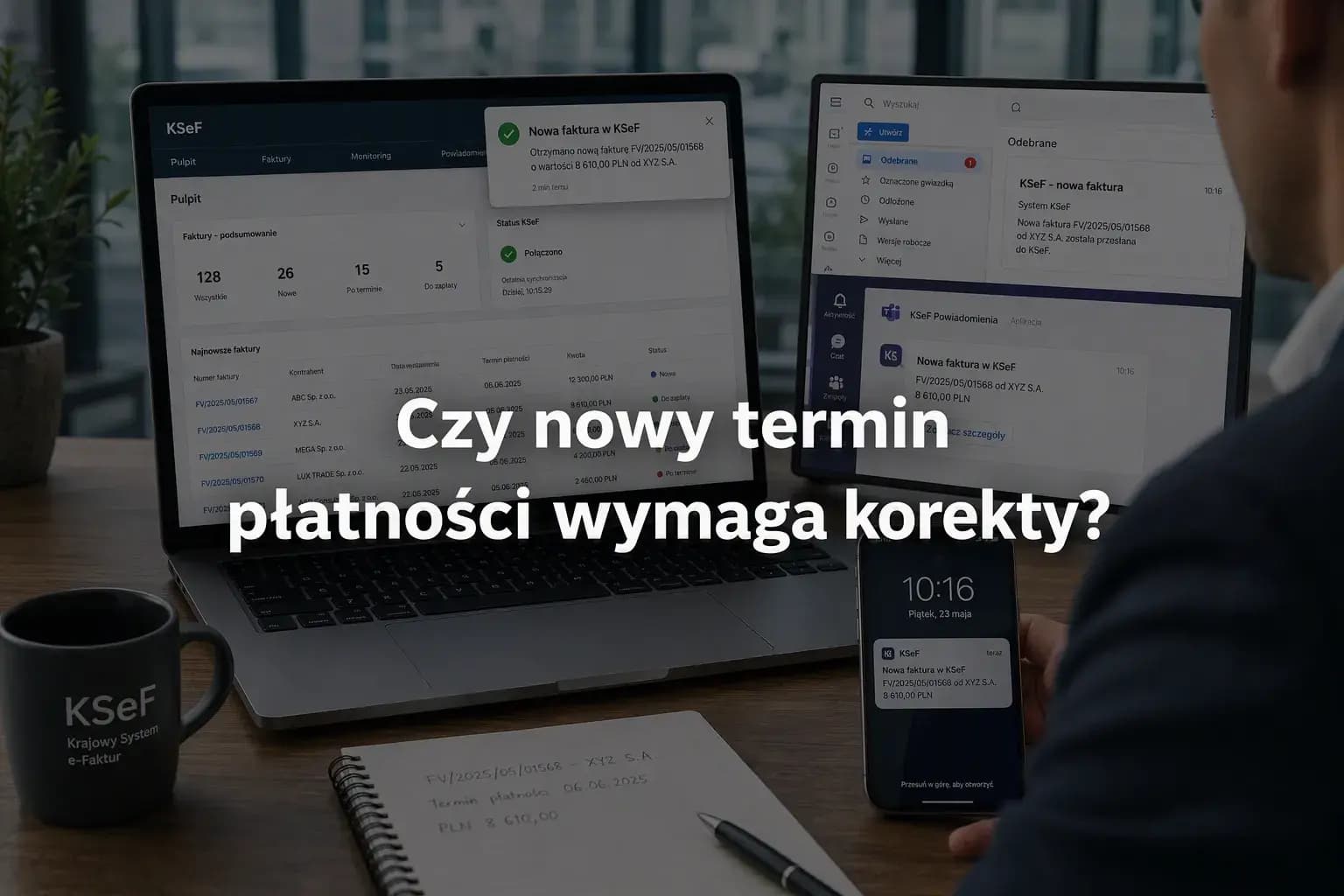
See when changing the payment date leads to a corrective invoice and why the tax interpretation of July 10, 2026 does not provide a completely unambiguous answer.
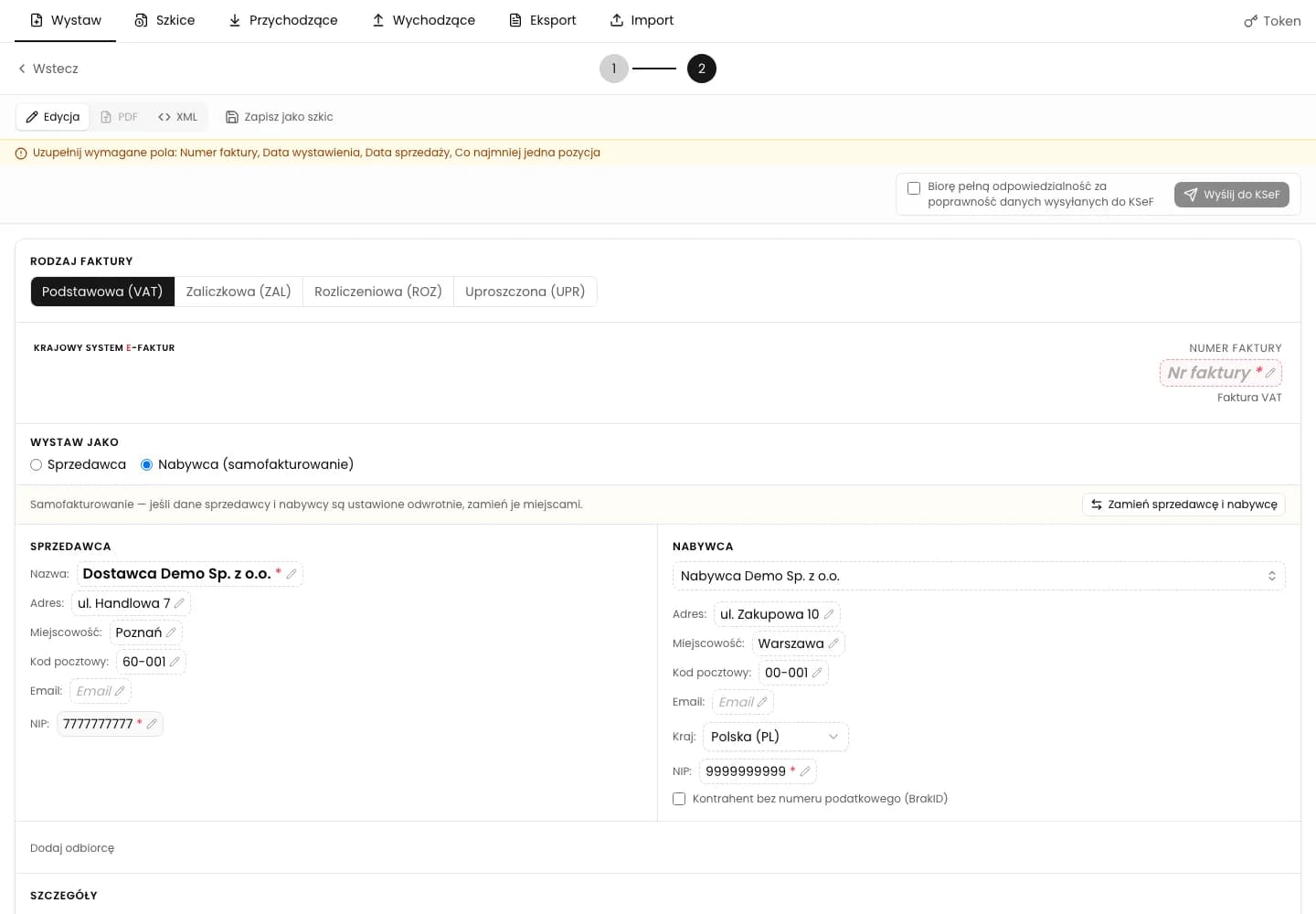
As the buyer, issue an invoice on the seller's behalf, mark it as self-billing and submit it to KSeF. Before you start, you need an agreement with the seller and the appropriate KSeF permissions.
Short answers about the KSeFGPT app and about the National e-Invoice System itself, with links to the full articles.
Leave us a message if you'd like to discuss a specific topic or receive a newsletter about KSeF automation.
Ask about a topicWe've prepared texts in languages: English, Polski, Deutsch, Українська. Your chosen language is saved in the blog tab.