
How to set AI permissions for KSeF data and operations
Select a company and decide which read and write tools AI can use. Start with Read only, then enable only the features required by your workflow.
InstructionsAugust 26, 2026
Practical knowledge on KSeF - from integration basics to AI-driven invoice automation. Written from real deployments, not theory.
Select a company and decide which read and write tools AI can use. Start with Read only, then enable only the features required by your workflow.

Select a company you own, create its organization, and add the first group with a limited set of permissions. You will finish by checking the team environment under Groups.
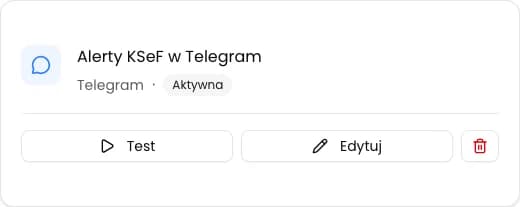
Enter the bot token and chat ID, send a test message and save the active connection for the selected company.
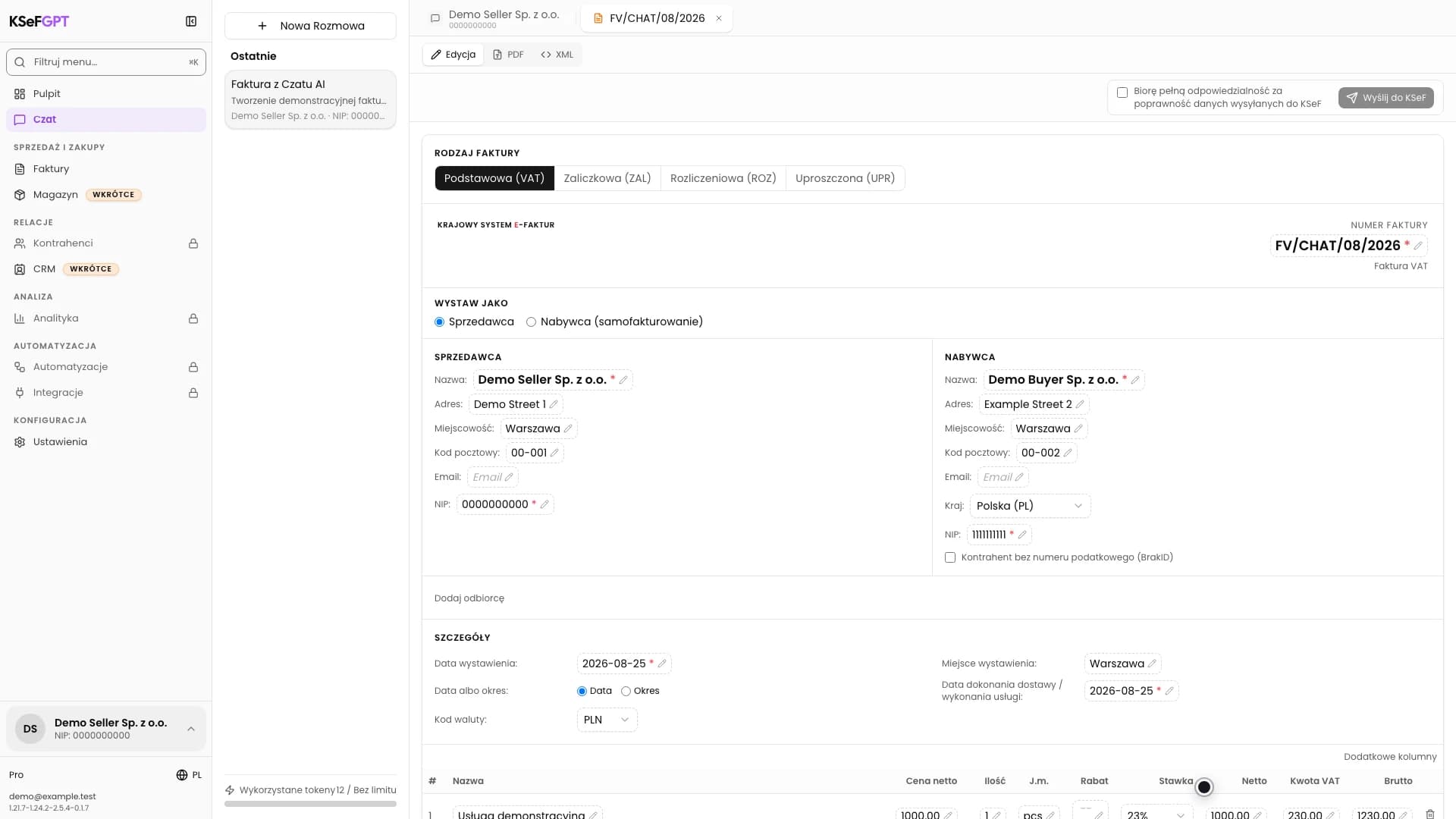
Describe an invoice in plain language, review and correct the editable document, then submit it to KSeF. You need an active company conversation and permission to submit invoices.
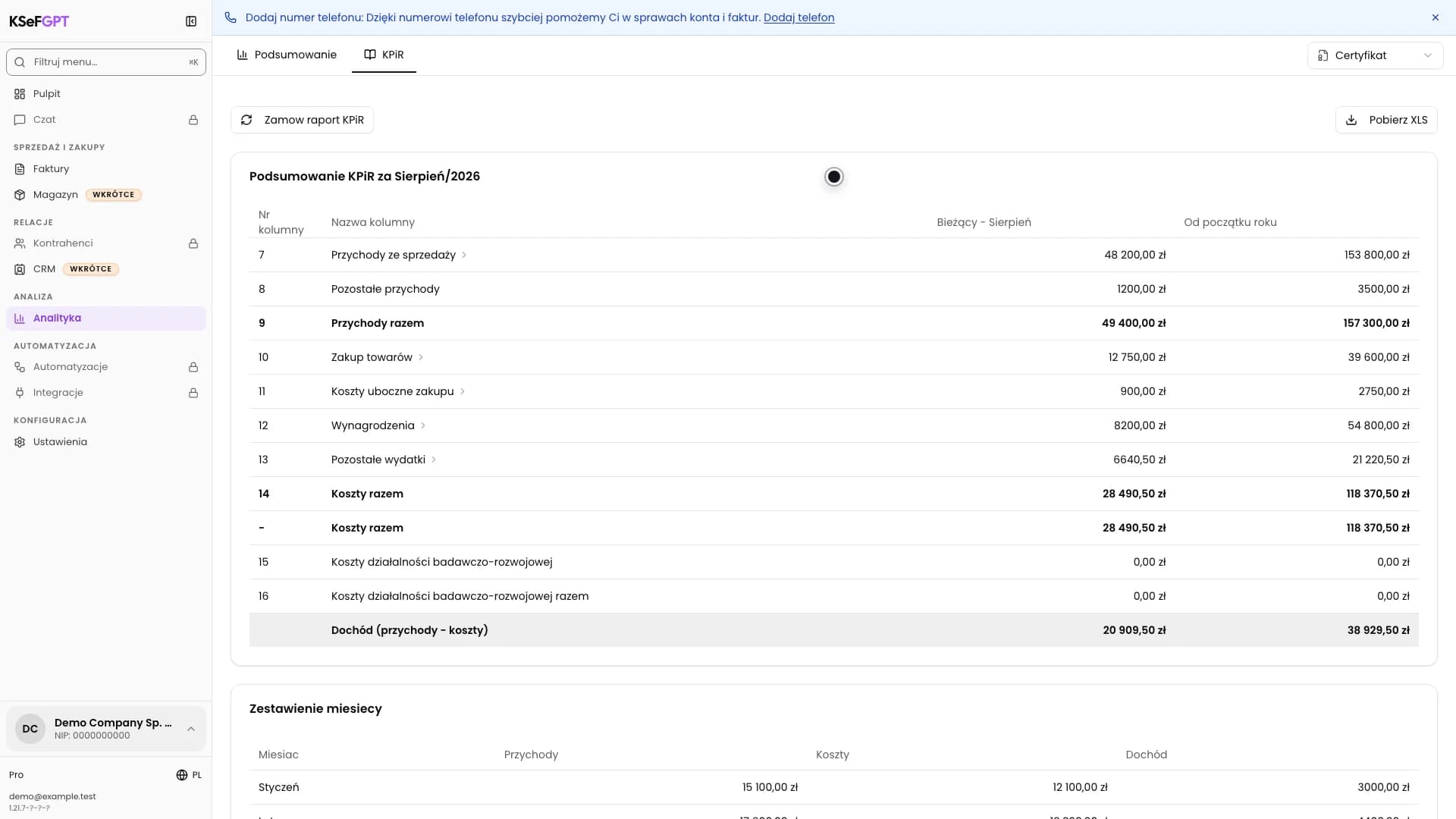
Order the current-month report, review document classifications, and download the finished XLSX file.
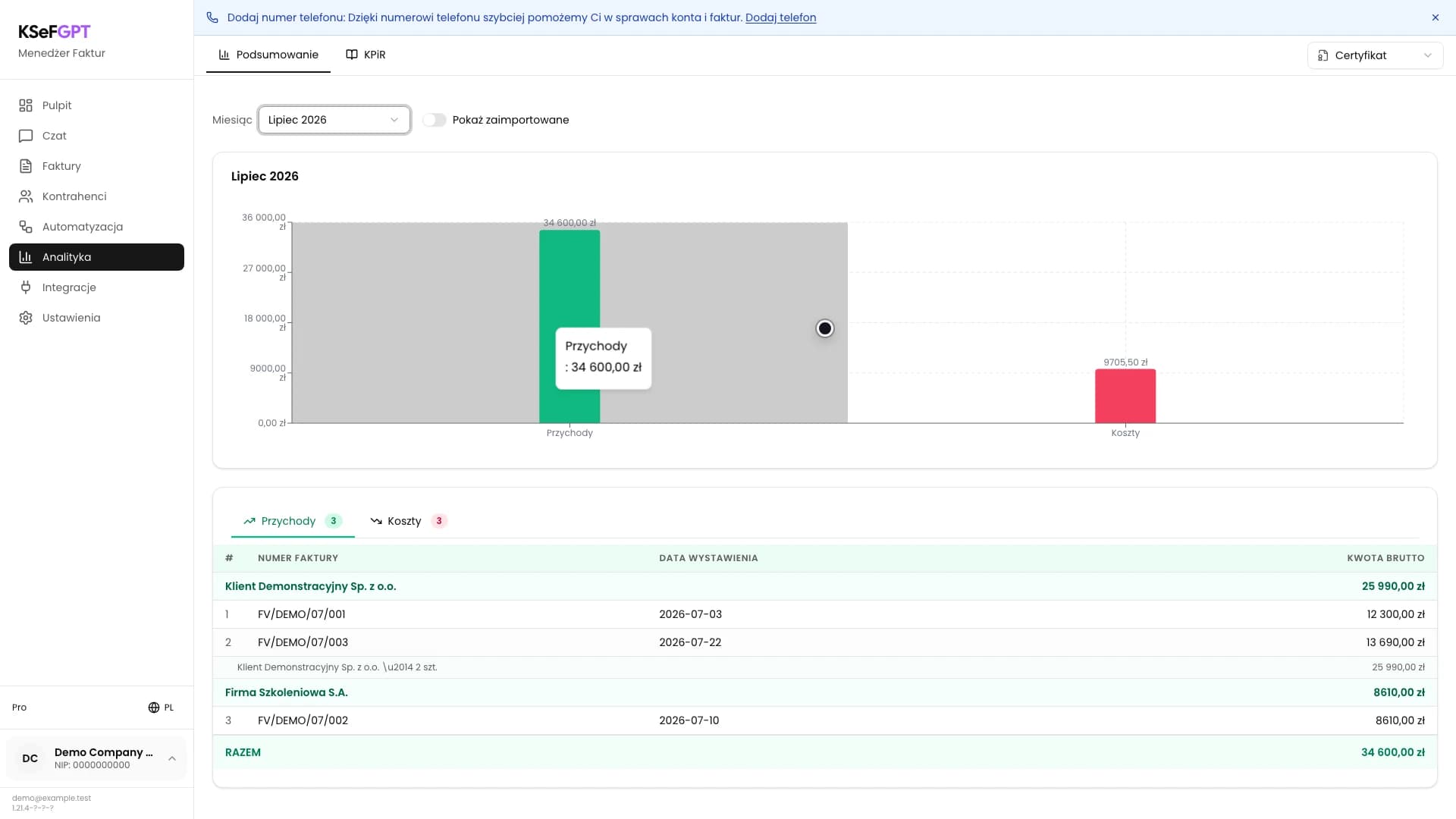
Select a company, authentication method and month, then compare gross totals and inspect the invoices behind the summary.
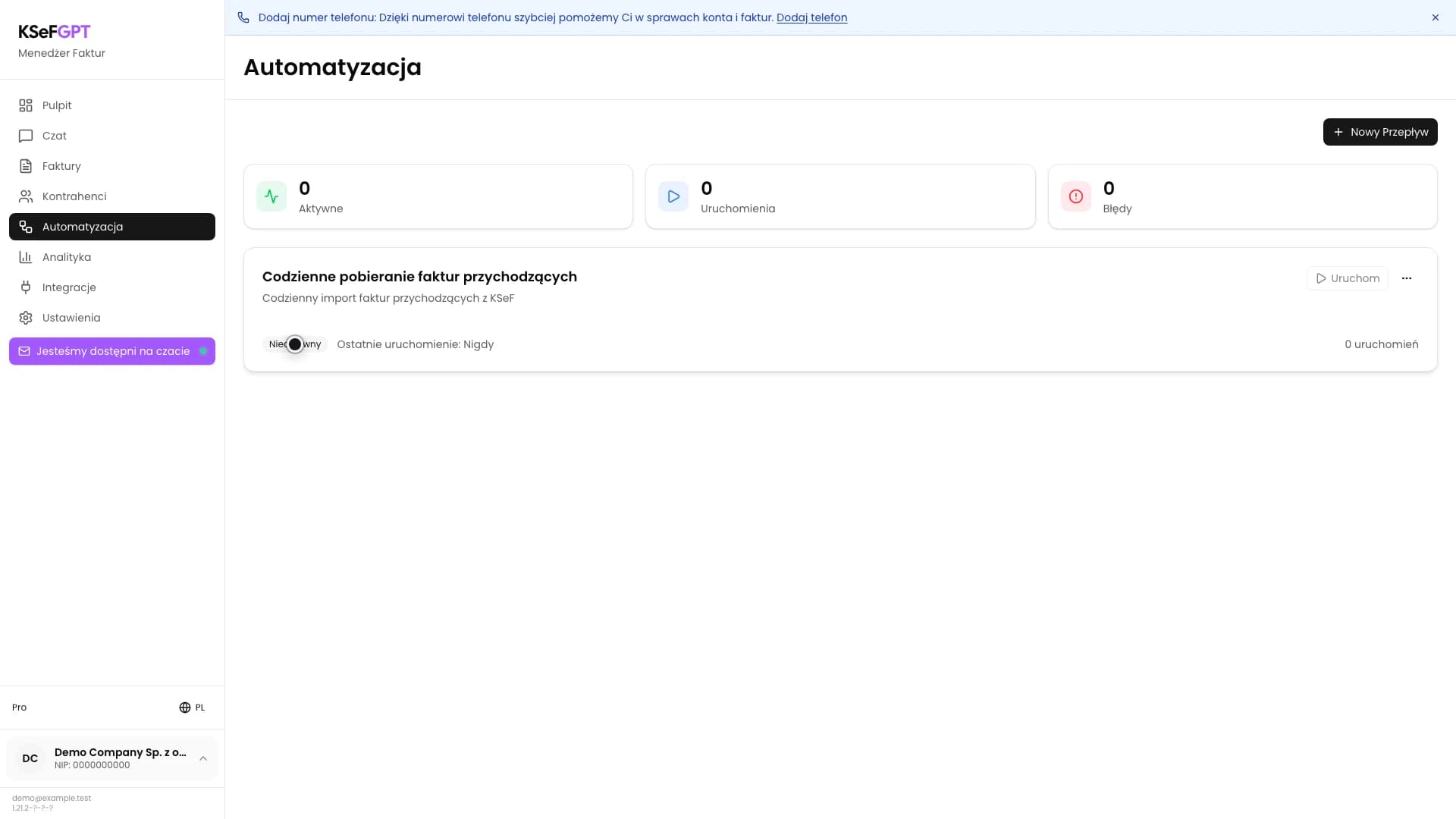
Choose the ready-made invoice fetch workflow, set its schedule and document scope, then save your first automation.
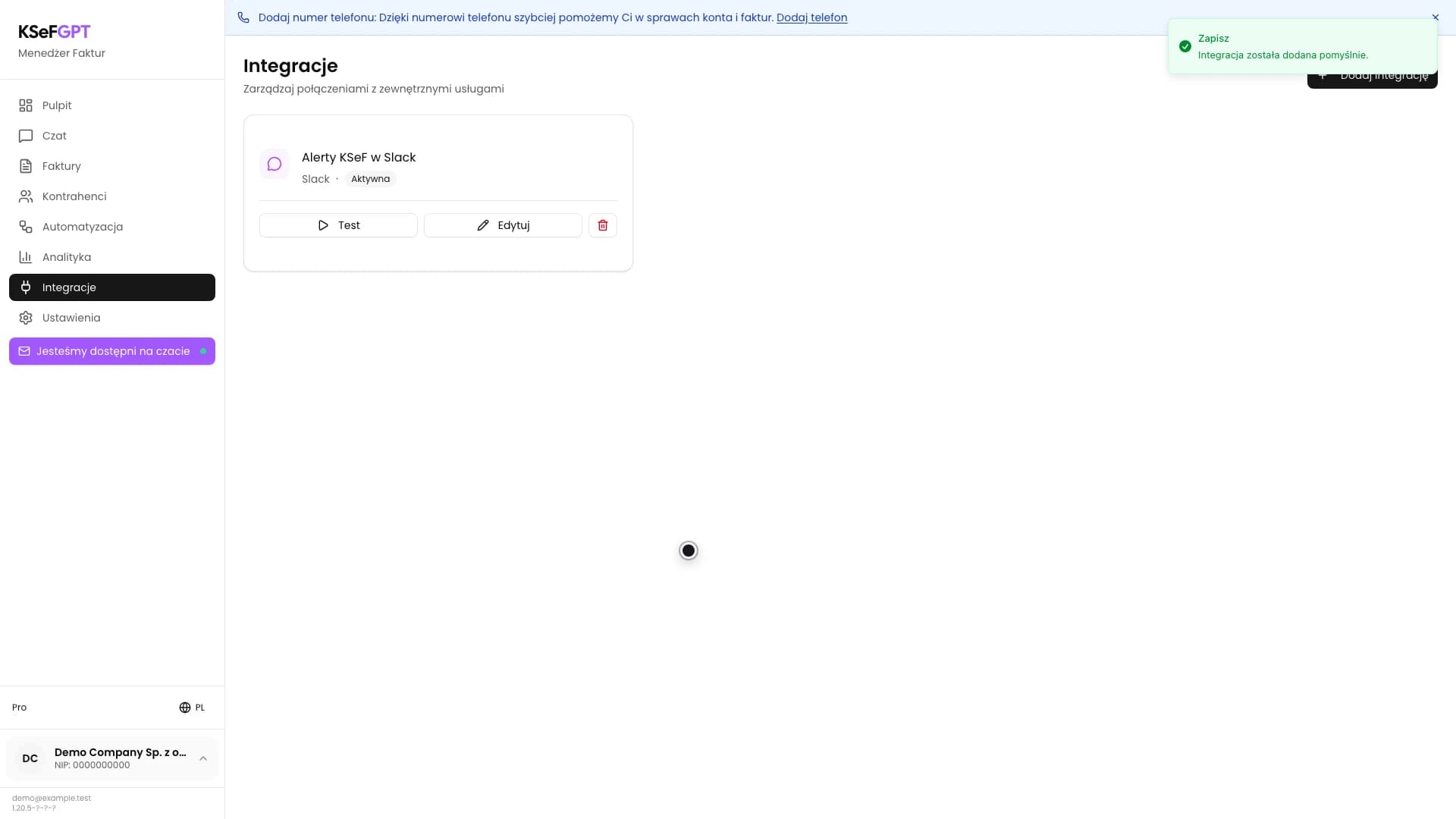
Enter an incoming webhook URL and an optional channel, send a test message and save the active connection for the selected company.
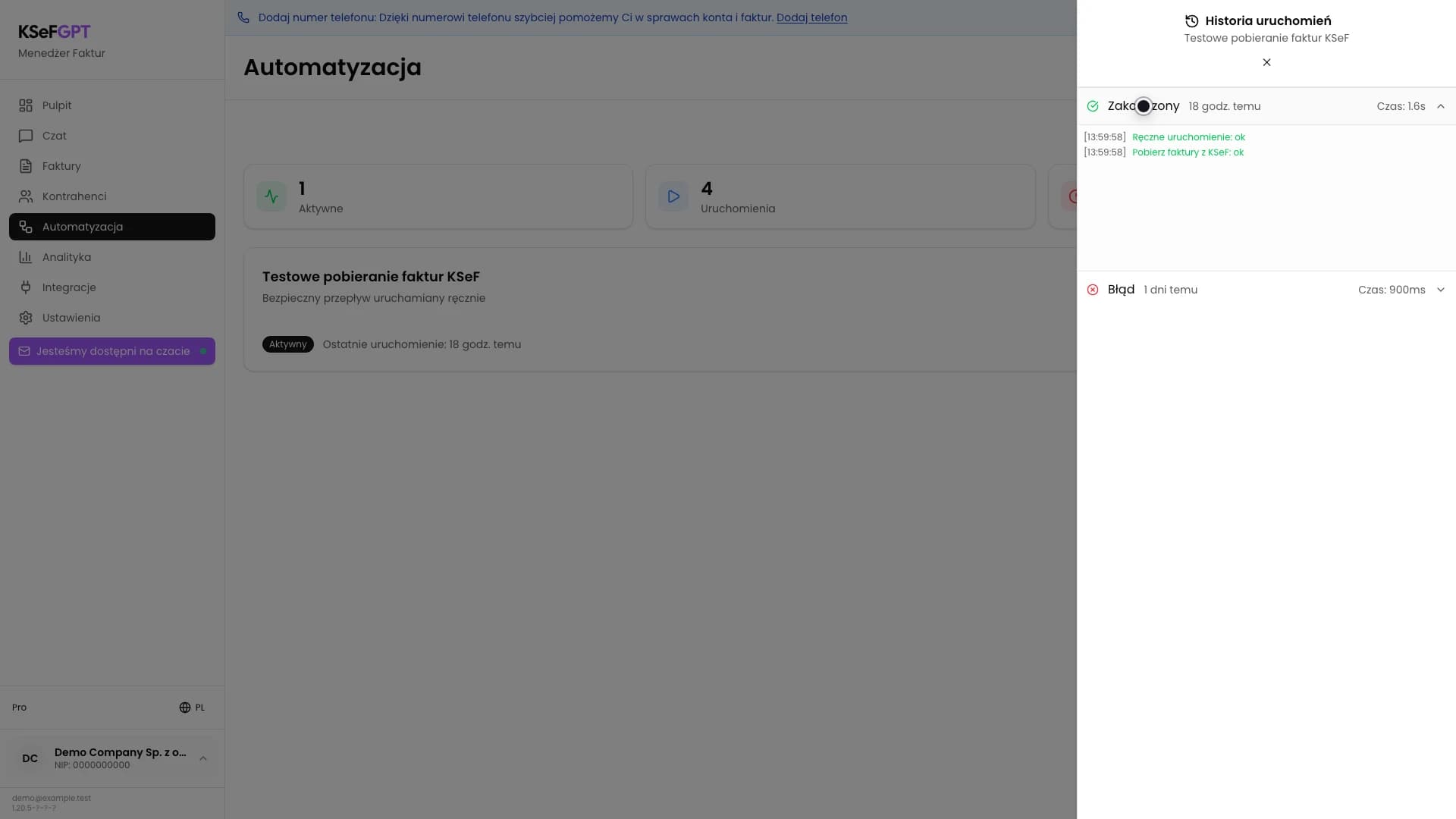
Activate a saved workflow, perform a safe manual run and inspect the status, duration and logs of every block.
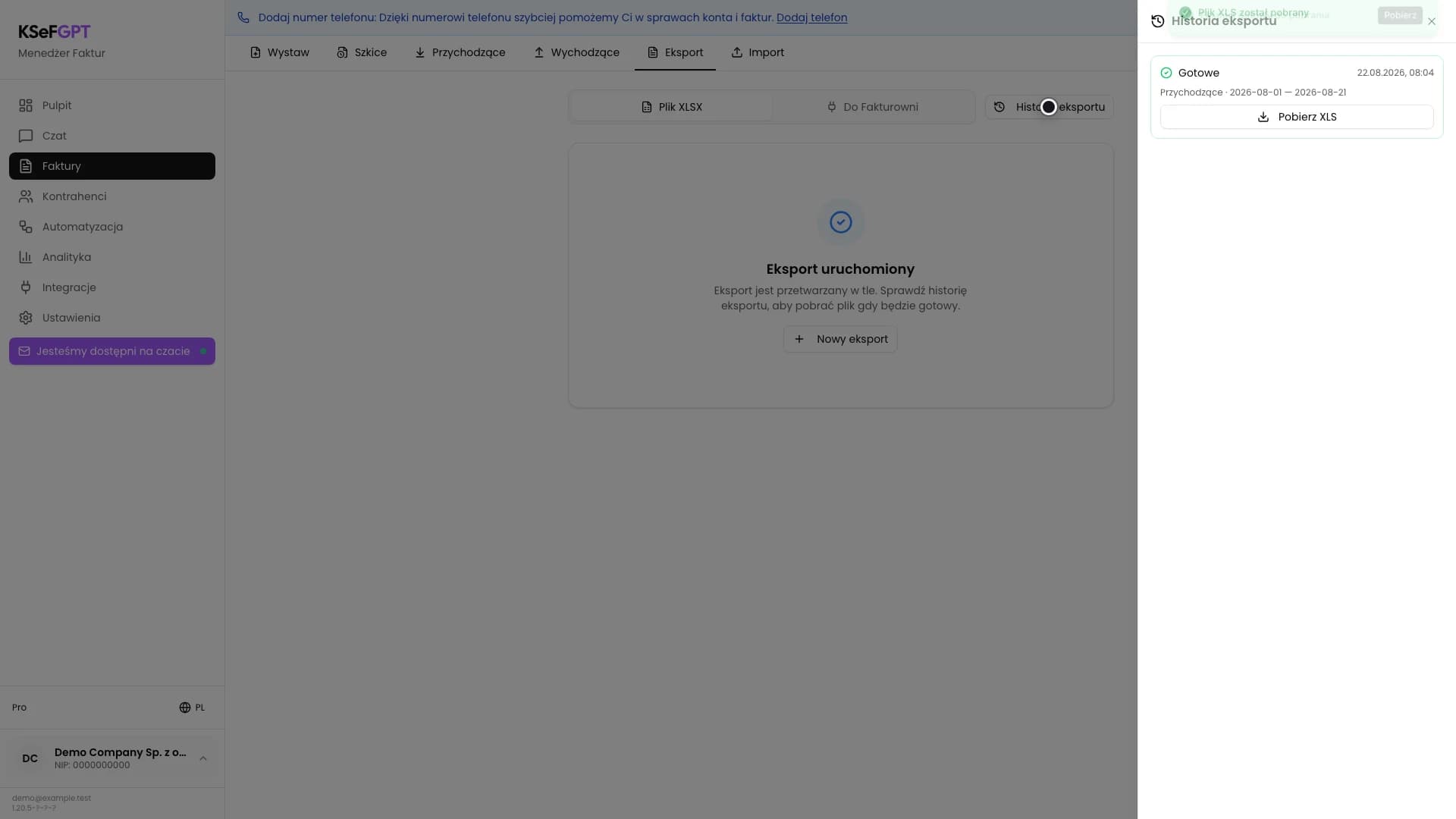
Choose the period and invoice direction, start a background job, check its status and download the finished spreadsheet.
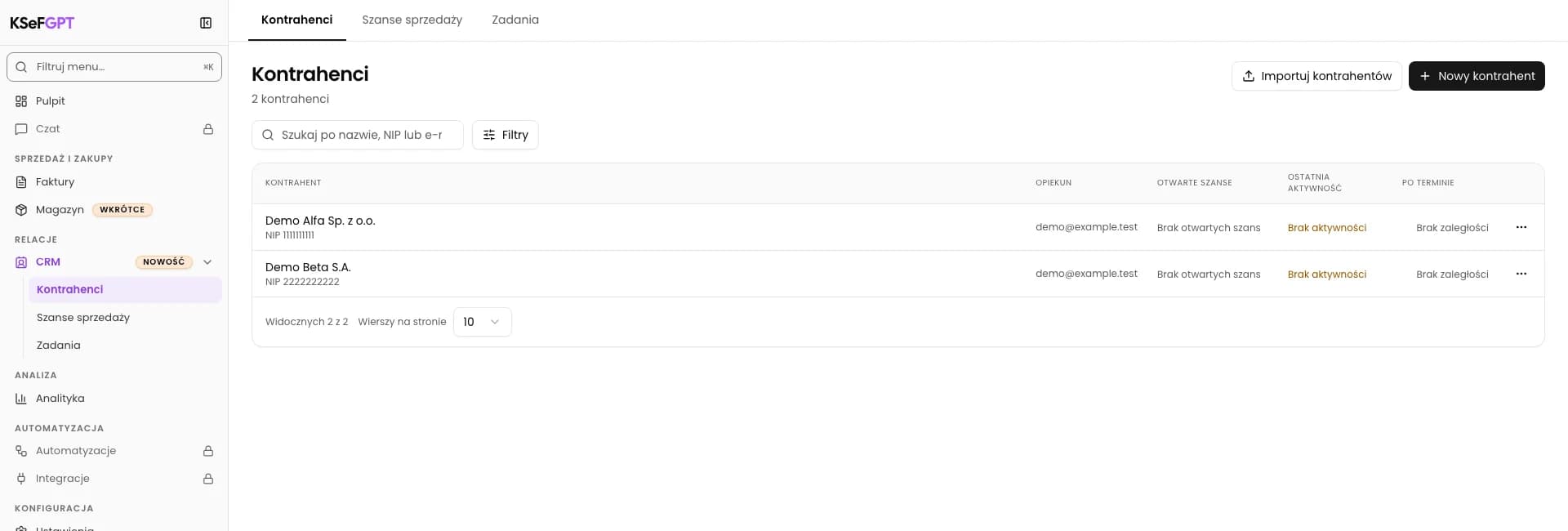
In CRM > Counterparties, upload CSV or Excel, review the preview and confirm the import. Then find the new records in the CRM list.
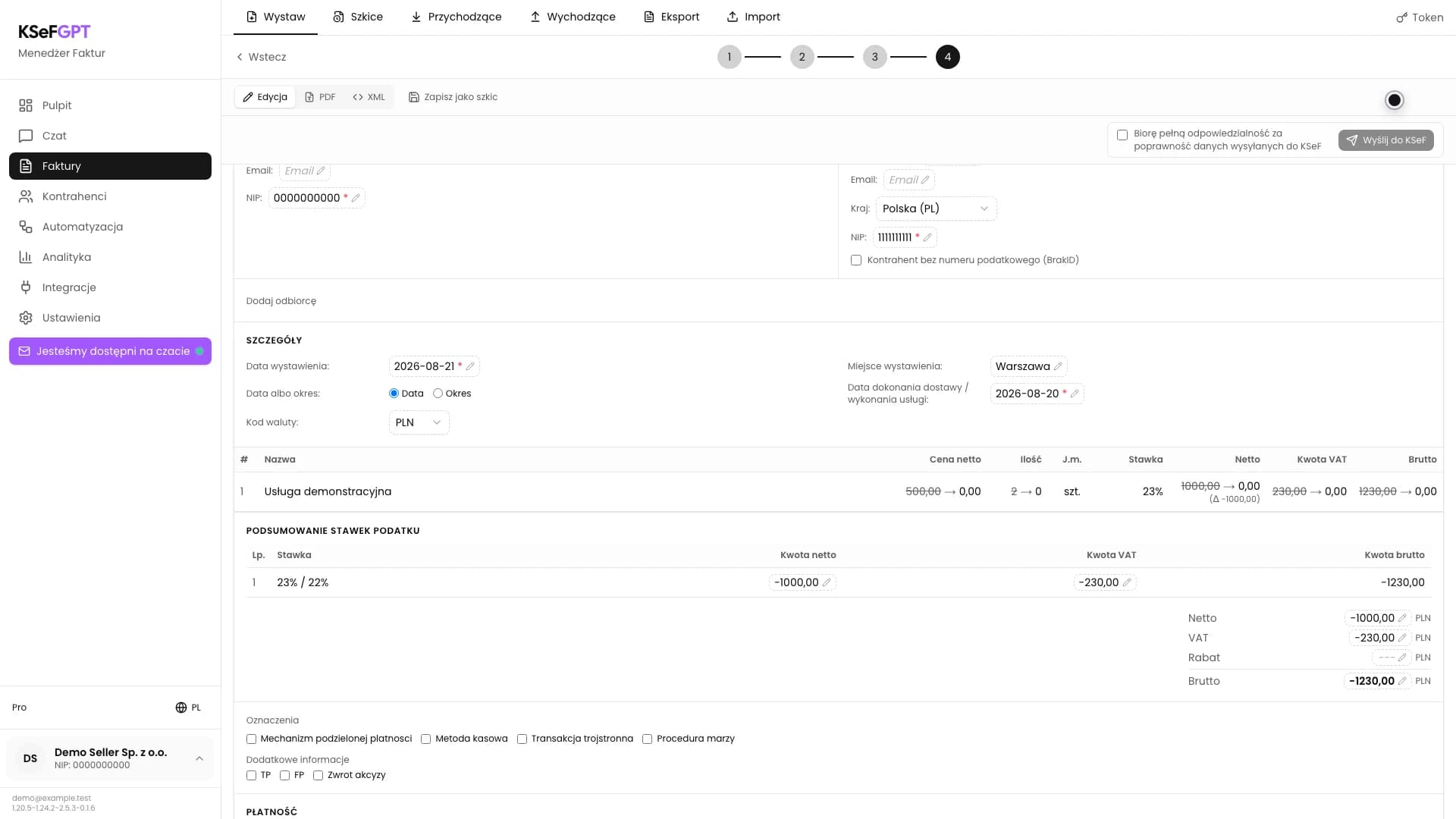
Select the source invoice, prepare a separate document that reduces all its values to zero, review the preview and submit the correction to KSeF.
Short answers about the KSeFGPT app and about the National e-Invoice System itself, with links to the full articles.
Leave us a message if you'd like to discuss a specific topic or receive a newsletter about KSeF automation.
Ask about a topicWe've prepared texts in languages: English, Polski, Deutsch, Українська. Your chosen language is saved in the blog tab.